Sell the addition, build it clean, draw as you go.
Sunrooms are a high-ticket, design-led sale. Revcore helps you present the build, lock the specs, and collect across milestones so the project pays as it progresses.
14-day free trial, no credit card required.
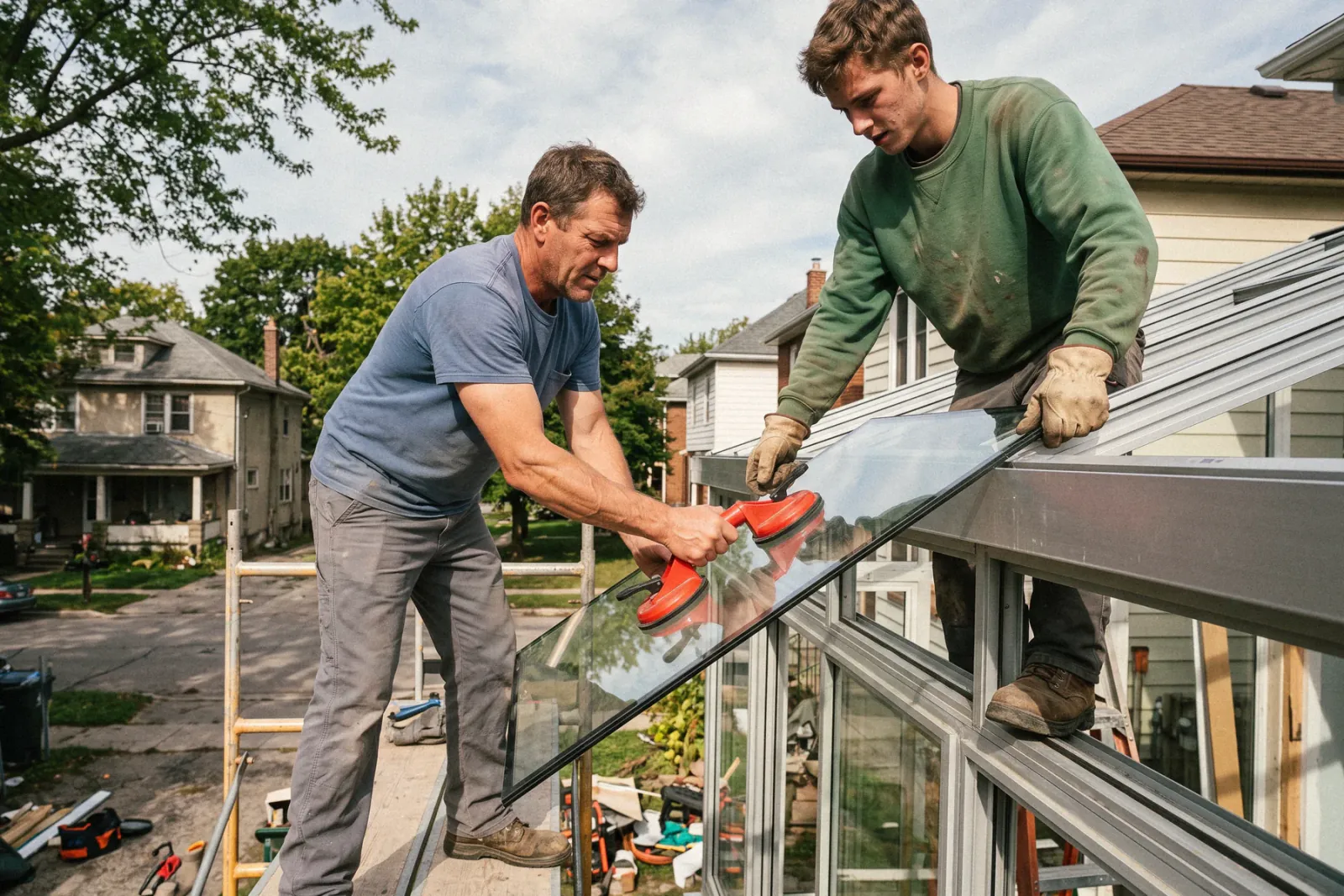
What sunrooms contractors need from software
Sunroom builders need software that supports a long, design-led sale, holds frame and glass specs, coordinates foundation, framing, and finish crews, and bills in draws across a build that runs for weeks. Revcore Pro gives you a tiered proposal presented in the home, a signature and deposit at the table, spec tracking on the job, and milestone billing through the final payment.
Where sunrooms jobs get stuck.
The same few things cost sunrooms crews time and money on every job. This is what Revcore takes off your plate.
- 01
Design quotes that take too long
Build a tiered proposal with photos that earn the yes.
- 02
Specs and glass options to track
Keep frame, glass, and finish choices on the job for clean orders.
- 03
Long builds, slow cash flow
Bill deposit, frame, and final so cash keeps moving.
How a sunrooms job runs in Revcore.
From the first call to the final payment, every step happens on the same job record, so nobody retypes anything and nothing waits on the office.



Sunrooms job, example
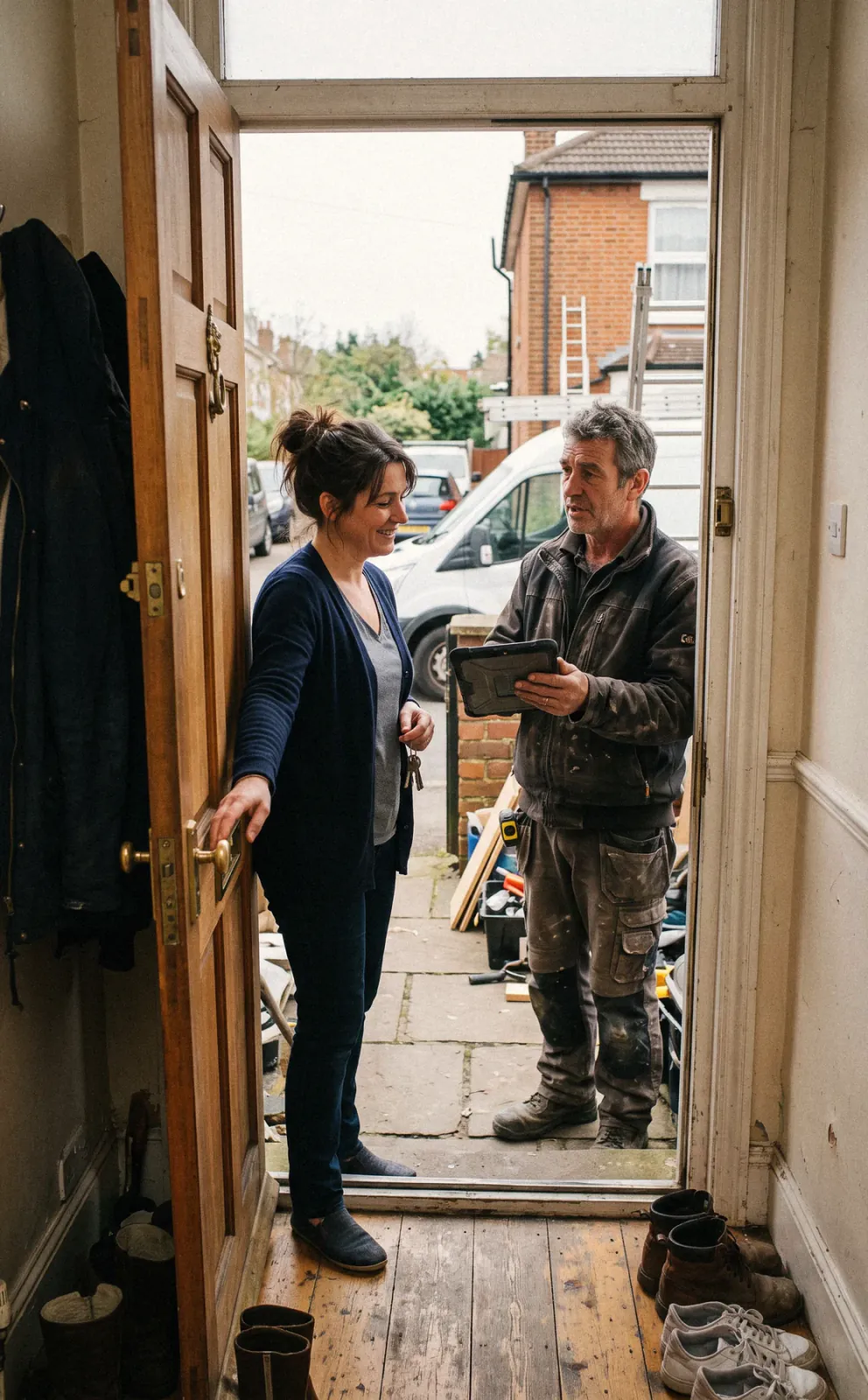
Set the in-home design appointment
1/7



Leads from home shows and web forms land on the pipeline with their source. Run a qualification survey first so the rep knows the project size, the backyard access, and whether both homeowners will be at the table.
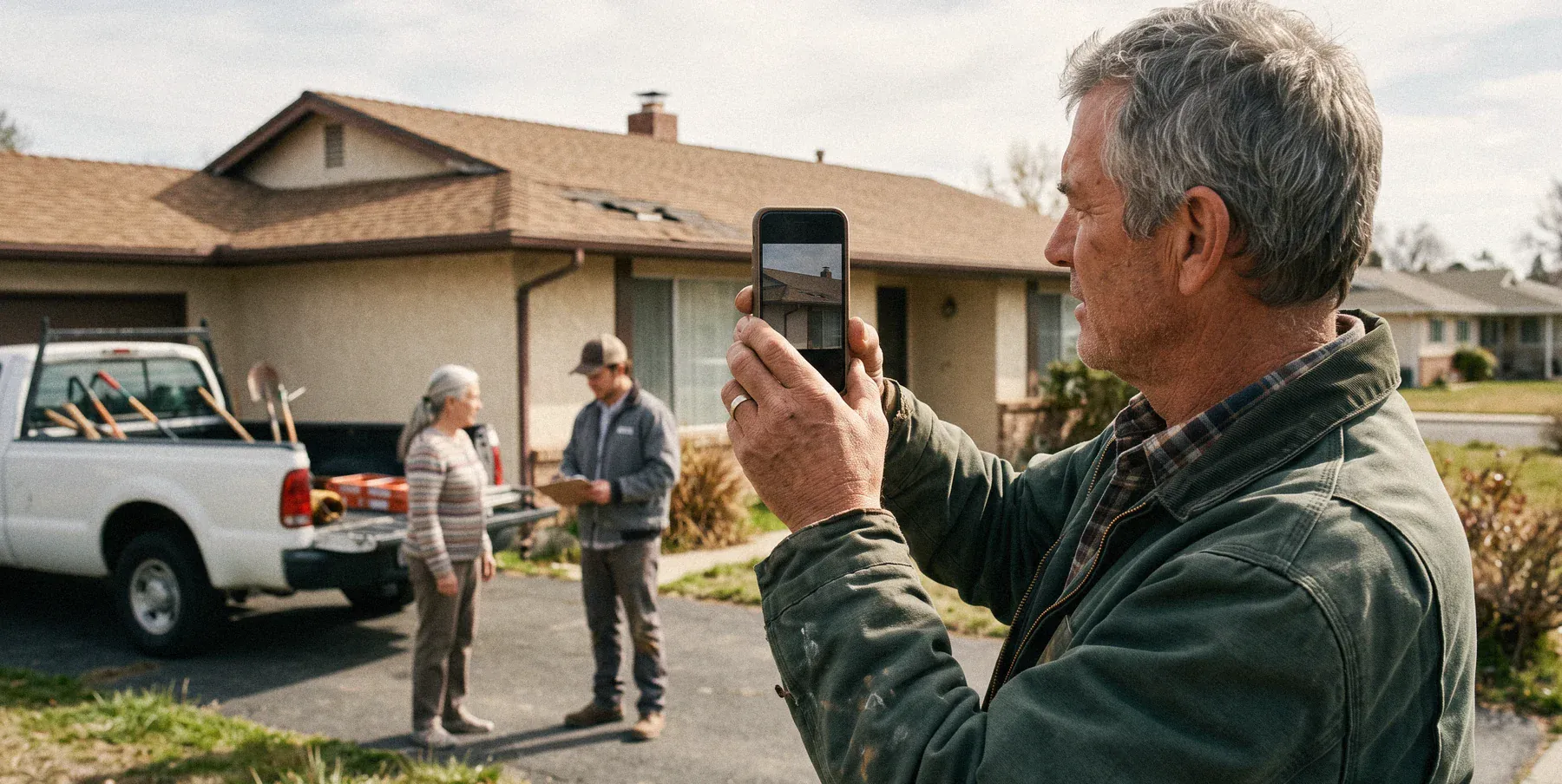
CRM and pipelineTake photos of the back of the house, the existing patio or deck, and the roofline tie-in. Enter your measurements and notes on the job, and flag grade or drainage issues the foundation crew needs to see.
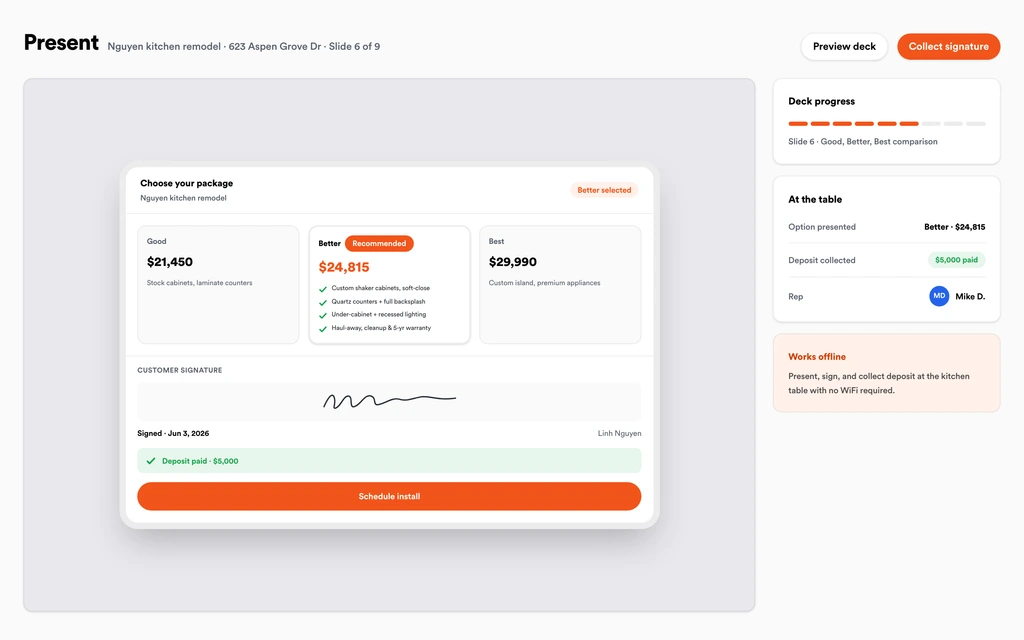
Job tracking and photosBuild Good, Better, Best from your template, like a screen room, a three-season room, and an insulated four-season room, with a margin check on every tier. Show monthly payment math in the presentation and take the signature and deposit at the table.
Sales presentationsFrame color, glass package, roof panels, and door placement are stored on the job as custom fields. The office orders from the approved spec, and the homeowner sees the same choices in their portal, so nobody argues about bronze versus white later.
Custom fieldsPut the footing or slab, framing, glass install, and electrical on the crew board as separate visits. Store the permit and inspection notes on the job, and let the homeowner know by text when a phase moves.
SchedulingWhen the homeowner asks for a ceiling fan box or an extra window, price it and send it through the portal. The approved change order rolls onto the invoice so the add is billed with the next draw.
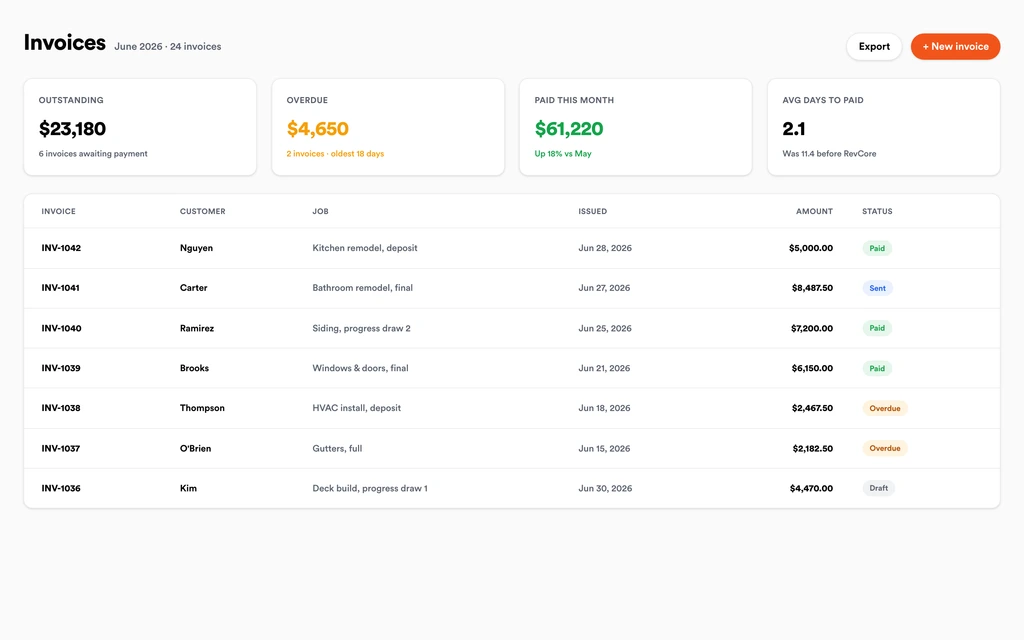
Homeowner portalInvoice the deposit, the foundation or frame milestone, and the final from the job, with change orders already on it. Homeowners pay by card or ACH from a text link, and payouts land in 1 to 2 business days, or instantly for eligible accounts.
InvoicingSet up for the way sunrooms jobs run.
Visual proposals
Three-season and four-season options clients approve from their phone.
Spec tracking
Frame, glass, and finish locked on the job so orders are right.
Scheduling
Coordinate slab, frame, and finish so the build stays on track.
Milestone billing
Deposit, framing, and final draws with fast payouts.
What to look for in sunrooms software.
Take this list to any demo or trial, ours included. If a tool cannot show you each of these on a real job, keep looking.
A presentation made for the kitchen table
Sunrooms are sold in the home over a long appointment. Look for a built-in presentation that runs on your device and closes with a signature and deposit.
Tiered options with margin checks
Screen room, three-season, and four-season options carry very different costs. Each tier should show its margin before the rep presents it.
Spec tracking for frame and glass
A wrong glass package or frame color is a costly reorder. Specs should be stored on the job and match what the homeowner approved.
Multi-phase scheduling
Foundation, framing, glass, and electrical often involve different crews. The schedule should handle each phase as its own visit on one job.
Milestone and draw billing
A build that runs for weeks should not wait until the end to get paid. Look for deposit, milestone, and progress billing tied to the job.
Change orders the homeowner approves
Additions come up mid build. The homeowner should approve them from their phone, and the price should land on the next invoice automatically.
Lead source tracking for home shows
Sunroom companies spend heavily on shows and events. Attribution should show which shows and campaigns became signed rooms, not just leads.
The whole platform comes standard.
Quoting is the start. Every sunrooms account runs the full job, from the first lead to the final payment, in one login.
- CRM and pipelineEvery lead and job on one board
- Estimates and proposalsGood, Better, Best, signed on the spot
- Scheduling and dispatchCrews on one shared calendar
- CommunicationsTexts, calls, and email in one thread
- Invoicing and paymentsDeposits and finals, paid online
- Service agreementsRecurring work, tracked
- AutomationsFollow-ups that send themselves
- ReportingRevenue and close rate at a glance
Comparing sunrooms software?
Honest side-by-sides with the tools sunrooms crews weigh most. Every plan is one flat price with crew seats included. See pricing.
- Revcore vs LeapIn-home sales tool. Revcore adds scheduling, the job file, and milestone billing in one login.
- Revcore vs IngagePresentation software for in-home sales. Revcore carries the sale into the build and payments.
- Revcore vs Improveit 360Remodeler CRM built for in-home sales. Revcore adds dispatch, a homeowner portal, and payouts.
- Revcore vs Salesforce Field ServiceFlexible CRM needing custom setup. Revcore ships with contractor workflows ready to use.
- All comparisons →
“One system from the first call to the final payment. We retired four separate subscriptions the month we switched.”

Composite operator based on early-access usage. Outcomes are illustrative; individual results vary.






Sunrooms questions, answered.
Still deciding if Revcore fits your crew? Talk to our team.
What is the best software for sunroom companies?
Sunroom companies usually weigh an in-home sales tool like Leap or Ingage, a remodeler CRM like improveit360, or a general CRM like Salesforce. Revcore Pro fits builders who want the presentation, tiered proposal, deposit, crew scheduling, and milestone billing in one login, so the sale and the build share the same job file instead of being passed between systems.
Can I present three-season and four-season options side by side?
Yes. Build Good, Better, Best tiers from your template, with each option priced from your saved line items and a margin check on each. The homeowner sees the options in the in-home presentation and can sign and pay the deposit on the tier they choose.
Can Revcore help sell high-ticket sunrooms with monthly payments?
You can show monthly payment math inside the presentation so the homeowner sees the room as a monthly number. Built-in homeowner financing is on the roadmap, so for now keep using your current lender for the application.
How do I bill a sunroom project in draws?
Set up milestones on the job, such as deposit at signing, foundation or framing complete, and final at walkthrough. You can also bill by percentage complete. Each invoice carries any approved change orders, and homeowners pay by card or ACH from a text link.
Where do I store frame, glass, and roof panel choices?
On the job, as custom fields and attached spec sheets. The approved options stay with the contract, the office orders from them, and the homeowner can see the same specs in the portal. Revcore does not place orders with manufacturers, so ordering stays with your supplier.
Can I track permits and inspections for a sunroom addition?
Yes. Store the permit, inspection results, and engineering documents on the job file. Revcore does not file permits for you, but the paperwork and inspection dates stay in one place alongside the crew schedule and photos, so the footing inspection never surprises the framing crew.
How do I know which home shows produce signed jobs?
Tag each lead with its source, such as a specific home show, event, or campaign. Lead source attribution follows the lead through signing, so you can see which shows produced signed sunrooms and which ones only filled the pipeline. That makes next year's show budget an easier call.
Does it work on my phone in the field?
Yes. Revcore runs on the web, iOS, and Android, so sunrooms crews can open the job, add photos, take a signature, and collect payment from the site.
How fast can we switch over?
Most crews are live within a week. Paid plans include hands-on onboarding: we import your customers and pricing, set up your proposal templates, and add your team, then check in until it sticks.
What does Revcore Pro cost for sunrooms?
Plans start at $249/mo billed monthly ($207/mo on annual billing, 2 months free) with crew seats included, plus CRM, estimating, scheduling, and invoicing. Every plan includes a 14-day free trial with no credit card required.







