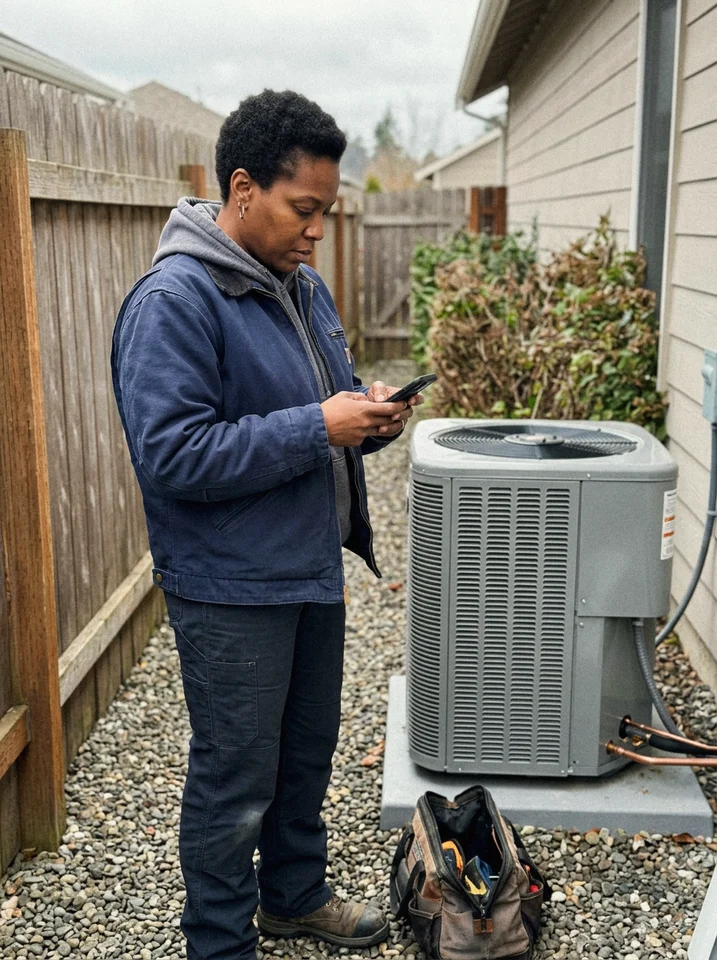
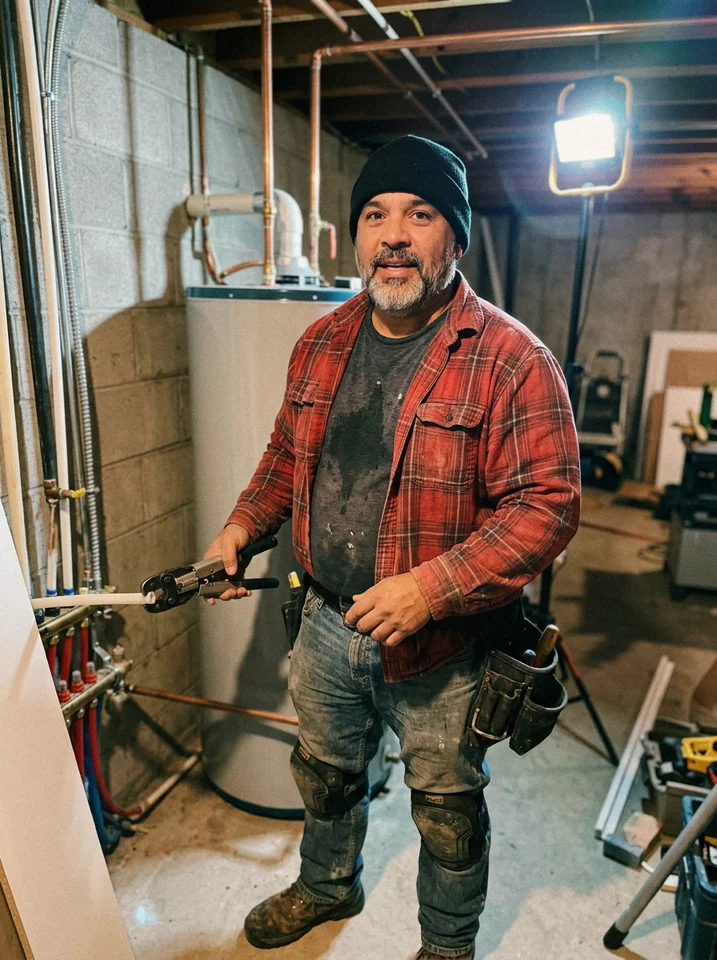
Get the invoice out before you leave the driveway.
Bill from the job, send it to the customer's phone, and see what is paid and what is still out. Reminders follow up on the late ones, so collecting stops being a second job.
14-day free trial, no credit card required.

From sent to paid, without a phone call.
The invoice goes out by text and email, you see when it is opened, a reminder waits in case it is needed, and the homeowner pays from the same page.
INV-2318 · Castellano · Roof replacement
Balance due
$9,834.00
- ✓
Invoice sent
Oct 7, 4:12 PM · by text and email
- 2
Homeowner viewed
Oct 7, 6:40 PM
- 3
Reminder ready
Sends only if unpaid
- 4
Payment settled
Oct 9, 8:05 AM · ACH
Due Oct 14
BILL TO
Renee Castellano
PAYMENTS RECEIVED

Payment received. Thank you, your invoice is paid.

How invoicing works in Revcore
Bill from the job, not from the weekend pile.
Labor, materials, and change orders carry onto the invoice
Try it free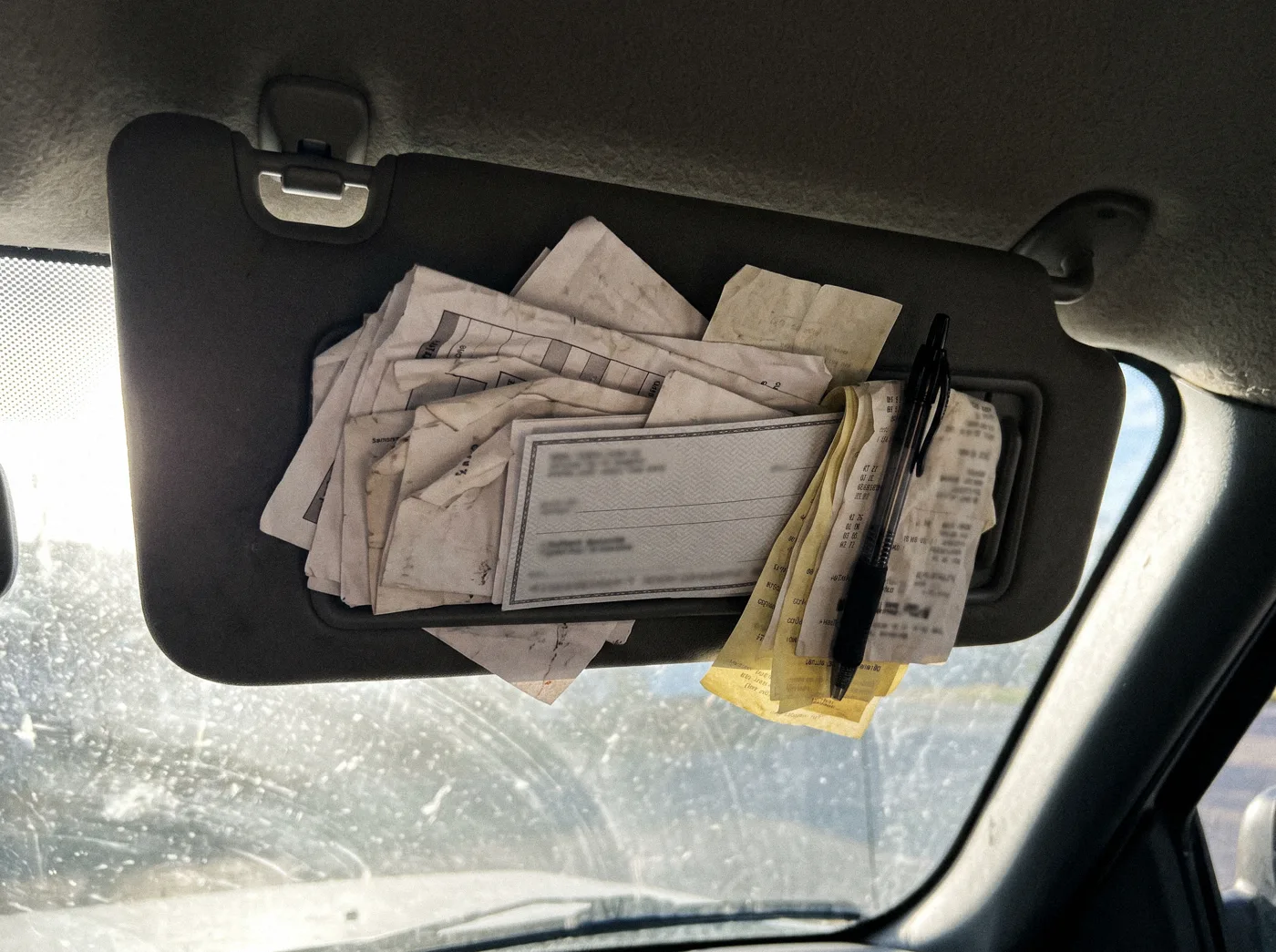
No more invoices in the sun visor.
Reminders stop the moment it is paid
Try it freeBill the extra work, every time.
Approved change orders carry onto the bill automatically
Try it freeEverything you need to get paid.
- Field invoicing
- Text-to-pay
- Card payments
- ACH payments
- Fast payouts
- Deposits
- Progress billing
- Auto reminders
- Aging reports
- Full data export
- Material line items
- Change-order billing
Works with the rest of Revcore
Payments
Take card or ACH on the job and keep your full price.
Estimates
Win the job with tiered options, then bill it in a tap.
Job tracking
The job record every invoice is built from.
Reporting
AR aging and cash flow from live invoice data.
Automations
Reminders that stop the moment a balance clears.
Service agreements
Recurring billing without recurring invoices to send.
Compare invoicing tools
What is invoicing software for contractors?
Invoicing software lets a contractor bill a customer for finished work, send the bill electronically, collect payment, and track what is still owed. Revcore turns a completed job into an invoice with the labor, materials, and approved change orders already on it, sends it to the customer's phone by text or email, and lets them pay by card or ACH on the spot, with payouts in 1 to 2 business days, or instant for eligible accounts.
Since the invoice is built from the job, nobody retypes the estimate into a billing tool on Sunday night. Deposits already collected are credited, reminders follow up on late balances on a schedule you set, and the aging view shows who owes what and how late.
For larger remodels and installs, you can bill in stages: a deposit at signing, draws at milestones, and the balance at completion. Each payment is recorded against the same job, so the homeowner and the office always see the same remaining balance.
Which plan includes it
Invoicing is included on every plan, with unlimited invoices.
Starter includes unlimited estimates and invoices, deposit collection, card and ACH payments, automated payment reminders, and full data export. Pro adds change orders, job costing and margins, and the automation builder. Scale adds custom reports, multi-step follow-up sequences, and QuickBooks Online import.
Compare plans on the pricing pageInvoicing questions, answered.
Still deciding if Revcore fits your crew? Talk to our team.
Can I invoice from the jobsite?
Yes. Turn a completed job into an invoice in a tap, with labor, materials, and change orders already included, and send it to the customer's phone before you leave the driveway. The customer can pay from the link while you are still packing up, which is the easiest balance you will ever collect.
How fast do payments hit my bank?
With Revcore Payments, standard payouts land in 1 to 2 business days, and eligible accounts can request an instant payout for a 1% fee. The payouts view shows what has landed, what is still clearing, and when the rest will arrive, so you can plan payroll and material orders around real cash.
Does Revcore chase late payments for me?
It does. Automatic reminders follow up on overdue balances on a schedule you control and stop once the invoice is paid, so collecting stops being a second job.
Can I take deposits and bill in stages?
Yes. Collect deposits up front and bill by milestone or percentage complete, which suits larger remodels and installs. Deposits already collected are credited on the final invoice.
How do I bill for a change order?
Log the change on the job, price it from your catalog, and send it for the homeowner's e-signature. Once approved, it carries onto the invoice automatically. Change orders are on Pro and Scale.
Can customers pay by ACH instead of card?
Yes. Every invoice can be paid by card or bank transfer. ACH is 0.8% (capped at $5) plus a 0.75% platform fee, which makes it the better option for large balances. Card is standard 2.9% + 30¢ card processing plus the 0.75% platform fee, 3.65% + 30¢ in total.
Does it work with QuickBooks?
On the Scale plan, Revcore connects to QuickBooks Online and imports your customers and the last 12 months of invoices, so you start with your history. It does not send invoices or payments back to QuickBooks yet. Every plan can download a full export of its data for your bookkeeper.
Is there a limit on invoices?
No. Every plan includes unlimited estimates and invoices, along with unlimited jobs, customers, and storage. Your price is set by the plan and the number of seats, not by how much you bill.