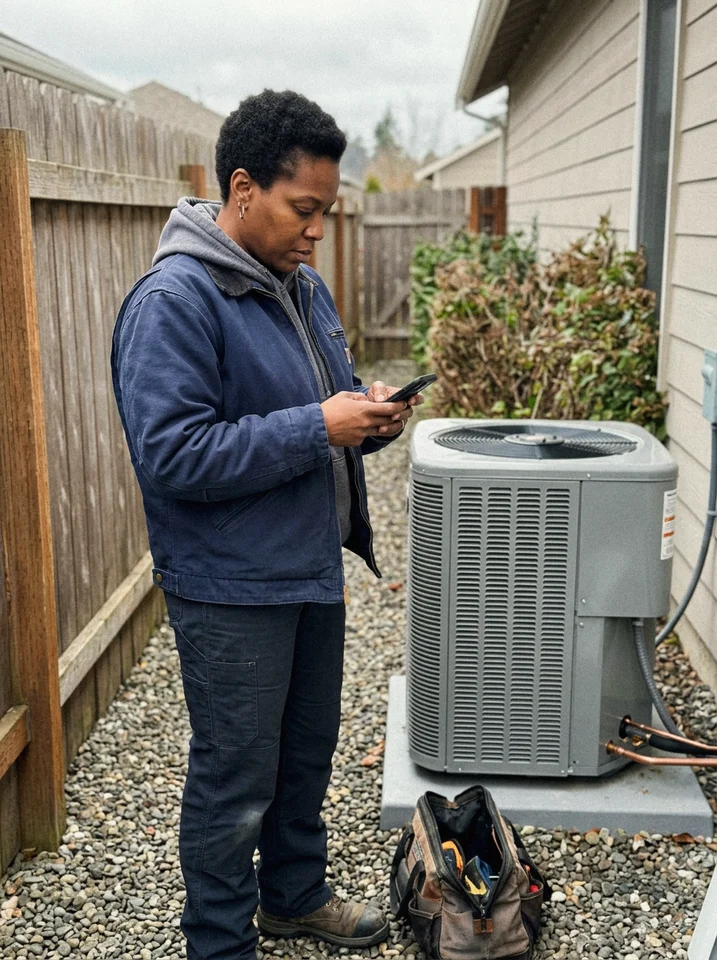
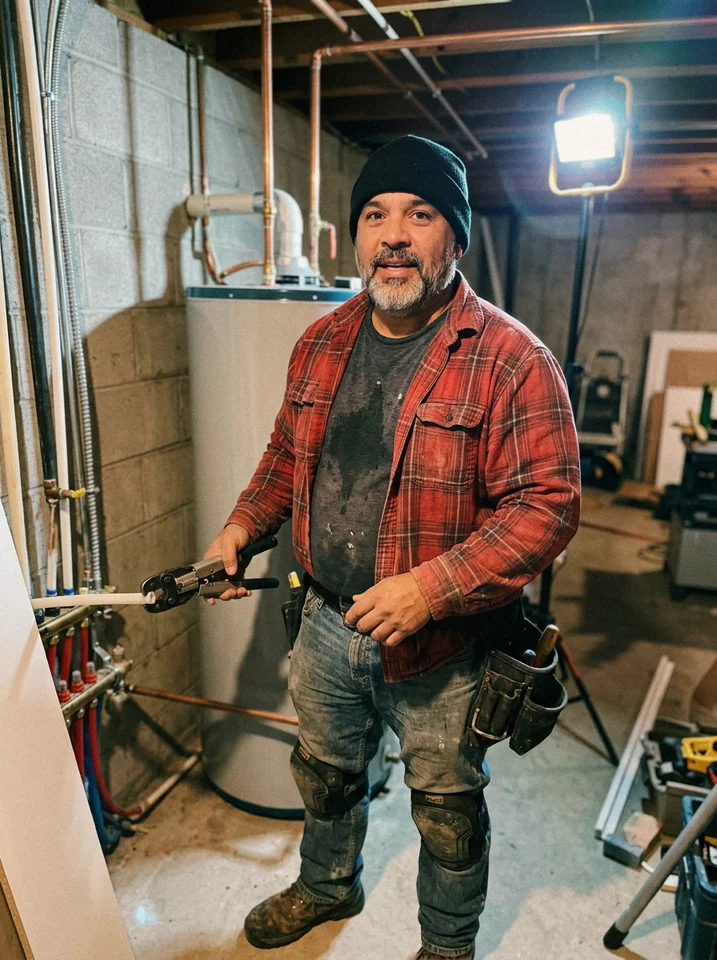
Know who's on which job, before the day starts.
Lay out the week by crew and territory, and keep the office and the field on the same plan. Move a job and everyone sees the change.
14-day free trial, no credit card required.

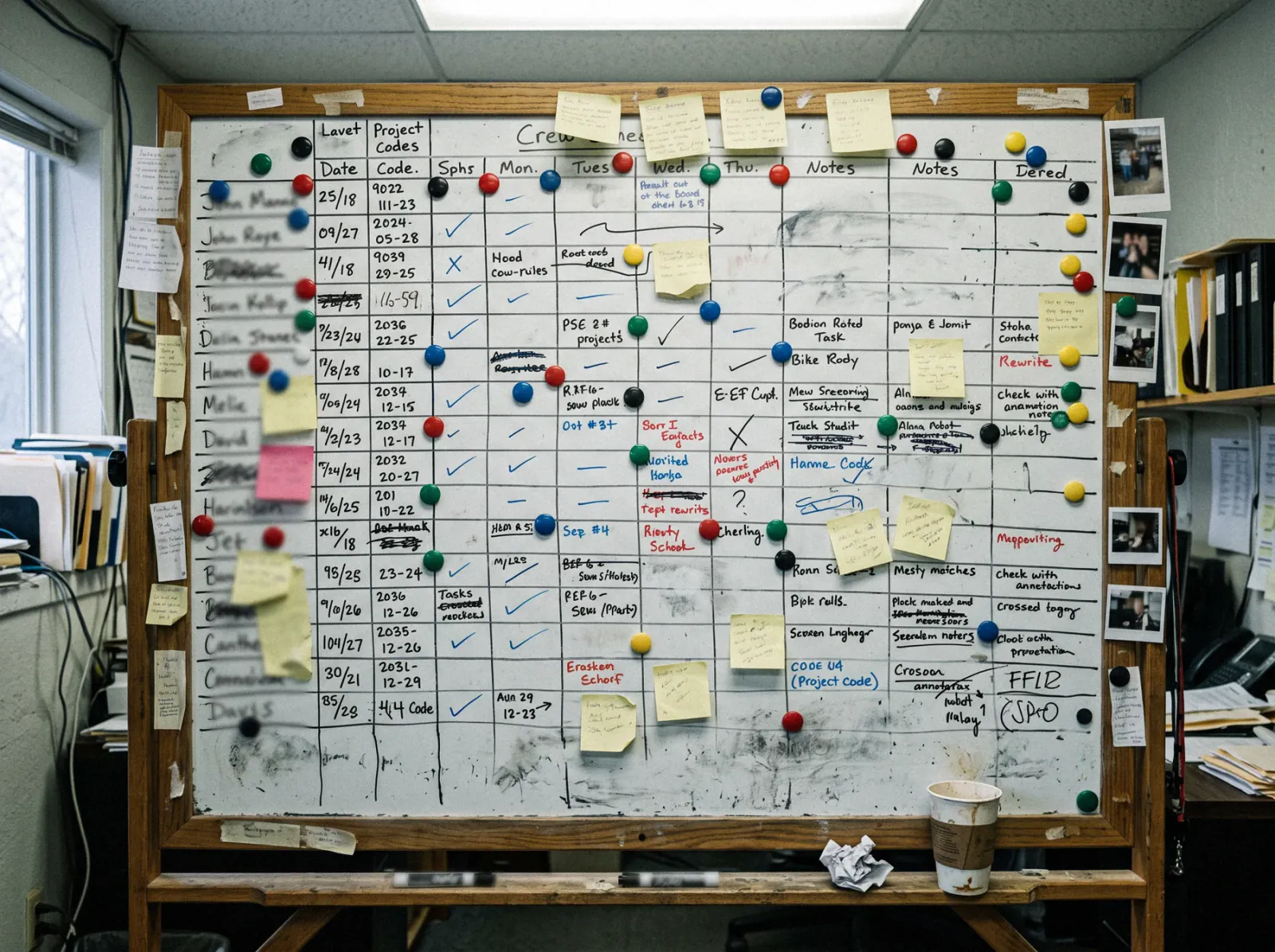
Retire the whiteboard.
Most crew schedules still live on a board in the office, out of date by 8 AM and invisible from the truck.
How scheduling works in Revcore
Estimate appointments on the rep's real hours.
The rep is alerted the moment an appointment is set
Try it freeGPS clock-in that confirms who is on site.
Hours tied to the job, ready for payroll
Try it freeGive everyone the right access.
Each role sees what it needs
Try it freeEverything you need to run the week.
- Day, week, month, and list views
- Crew board
- Drag and drop
- Territory assignment
- Sales calendars
- GPS clock-in
- Timesheets
- Payroll export
- Seats and roles
- Crew schedule view
- Conflict detection
Works with the rest of Revcore
Field and dispatch
Run the day from the crew board and see every job site on a map.
Job tracking
The job file the schedule feeds, with photos, crew, and materials.
Forms and embeds
Web forms that drop new leads straight onto the pipeline.
Homeowner portal
The dates you set, visible to the homeowner.
Automations
Reminders and alerts that run off appointments.
CRM
Every lead, job, and dollar on one screen.
Compare scheduling tools
Scheduling by trade
- HVAC scheduling softwareService calls and installs on one board.
- Plumbing scheduling softwareSame-day calls and bigger jobs.
- Electrical scheduling softwareCrews by skill and territory.
- Roofing scheduling softwareEstimates and install crews.
- Landscaping scheduling softwareRecurring visits and one-off jobs.
What is scheduling software for contractors?
Scheduling software for contractors lays out who is working where and when, so estimate appointments and jobs land on the right person's day without double booking. Revcore's scheduling puts sales appointments and crew work on one calendar inside the CRM, with a drag-and-drop crew board, day, week, and month views, and sales calendars that respect each rep's working hours.
Because the schedule is attached to the job, a signed estimate is ready to schedule without retyping, the homeowner portal shows the dates you set, and a change on the board is what everyone sees on their phone. Reminders and confirmations go out on their own.
On Pro and Scale, crews clock in from the field with GPS, so hours are tied to the job they worked.
Which plan includes it
Scheduling is included on every plan. Pro adds GPS clock-in.
Starter includes full crew scheduling and the calendar. Pro adds GPS clock-in and timesheets and the job map. Scale adds custom roles and permissions, so the office, sales, and the field each see exactly what they need.
Compare plans on the pricing pageScheduling questions.
Still deciding if Revcore fits your crew? Talk to our team.
Can homeowners book an appointment themselves?
Not today. Homeowners send a request through your web form or survey, and your team sets the appointment on the Revcore calendar. Confirmations and reminders go out on their own, and the rep is alerted the moment it is set.
Can I schedule by crew and territory?
Yes. Lay out the week on a crew board, drag jobs onto the right team, and balance the load by territory so an available crew in the area takes the work.
Does it prevent double booking?
Sales calendars only offer times inside a rep's working hours, and conflicts on the crew board show up before the day starts, so two jobs do not land on the same crew at the same time without you seeing it.
Does it sync with Google Calendar?
Google Calendar and Outlook sync are being certified and are not generally available yet. Today the Revcore calendar is the schedule of record, and crews see their day in Revcore on their phones. Ask us about timing if your team depends on Google Calendar.
How does GPS clock-in work?
Crews clock in from the field with location consent, which confirms they are on site and ties their hours to the job. You can export those hours to payroll without rebuilding a spreadsheet. GPS clock-in is on Pro and Scale.
Do homeowners get appointment reminders?
Yes. Confirmations and reminders go out by text and email automatically. Two-way texting is included on every plan, so replies come back into the same thread.
Can I control what each team member sees?
Standard roles (owner, manager, rep, and tech) are on every plan, so the office sees billing and the field sees jobs. Scale adds custom roles and permissions when you need finer control. On every plan, seats are included: 3 on Starter, 7 on Pro, and 15 on Scale.
Which plan includes scheduling?
Every plan. Starter includes full crew scheduling and the calendar. Pro adds GPS clock-in, timesheets, and the job map, and Scale adds custom roles and permissions.