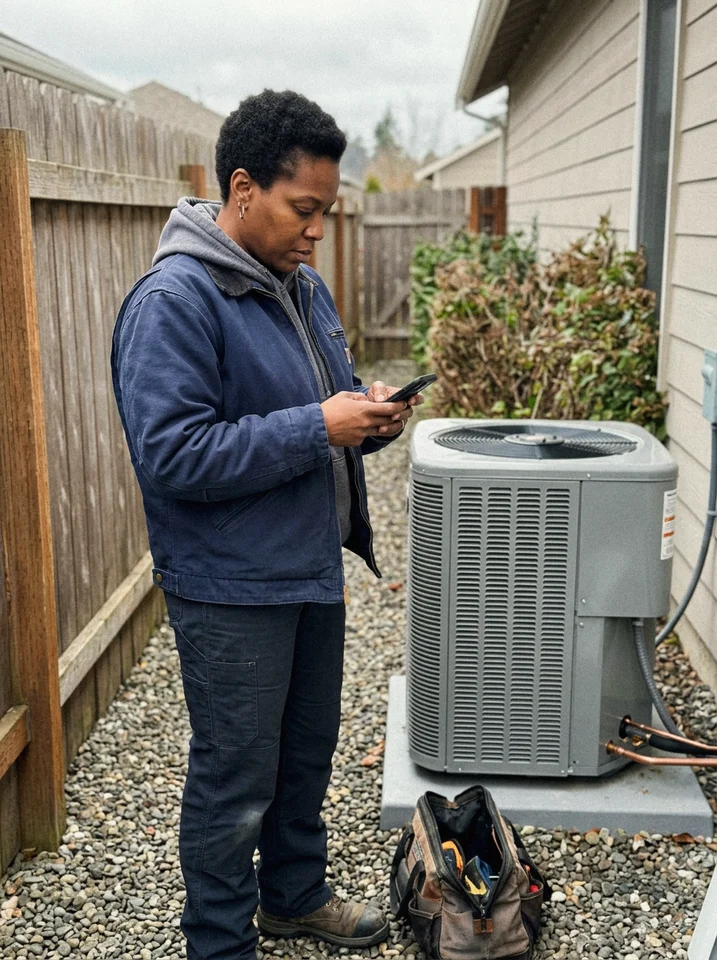
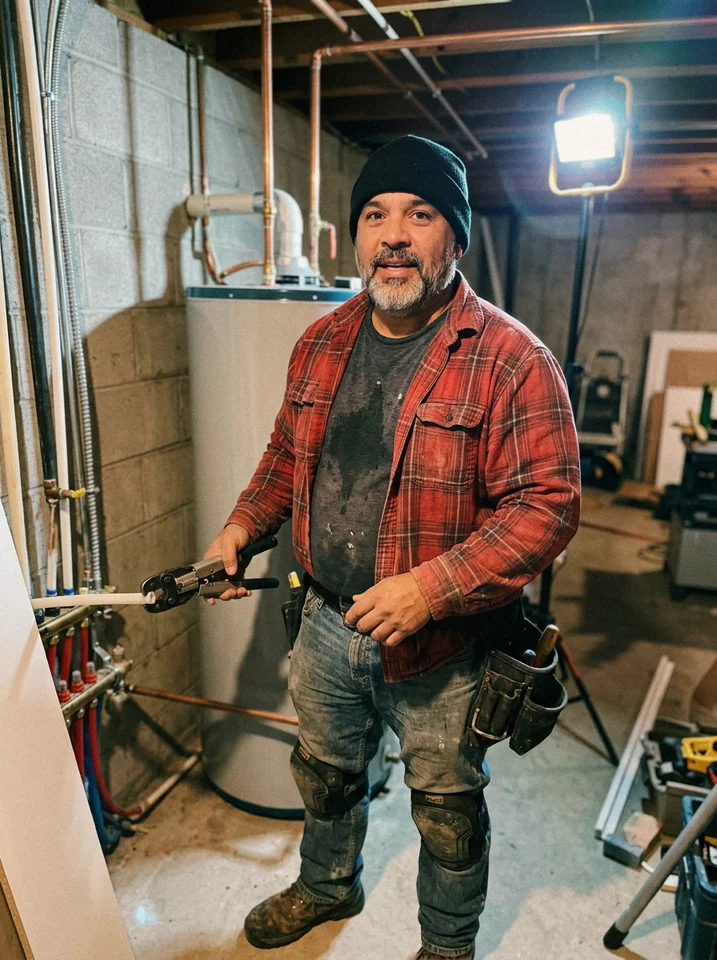
Track every job from start to finish.
Photos, markup, notes, crew, materials, inspections, and documents live on the job itself, and the homeowner can follow along. It replaces CompanyCam without adding another login.
14-day free trial, no credit card required.

One photo, everywhere it needs to be.
The crew marks up a photo on the roof, it lands on the job in the right phase, and the homeowner sees the update without anyone sending it.
The crew marks it on site
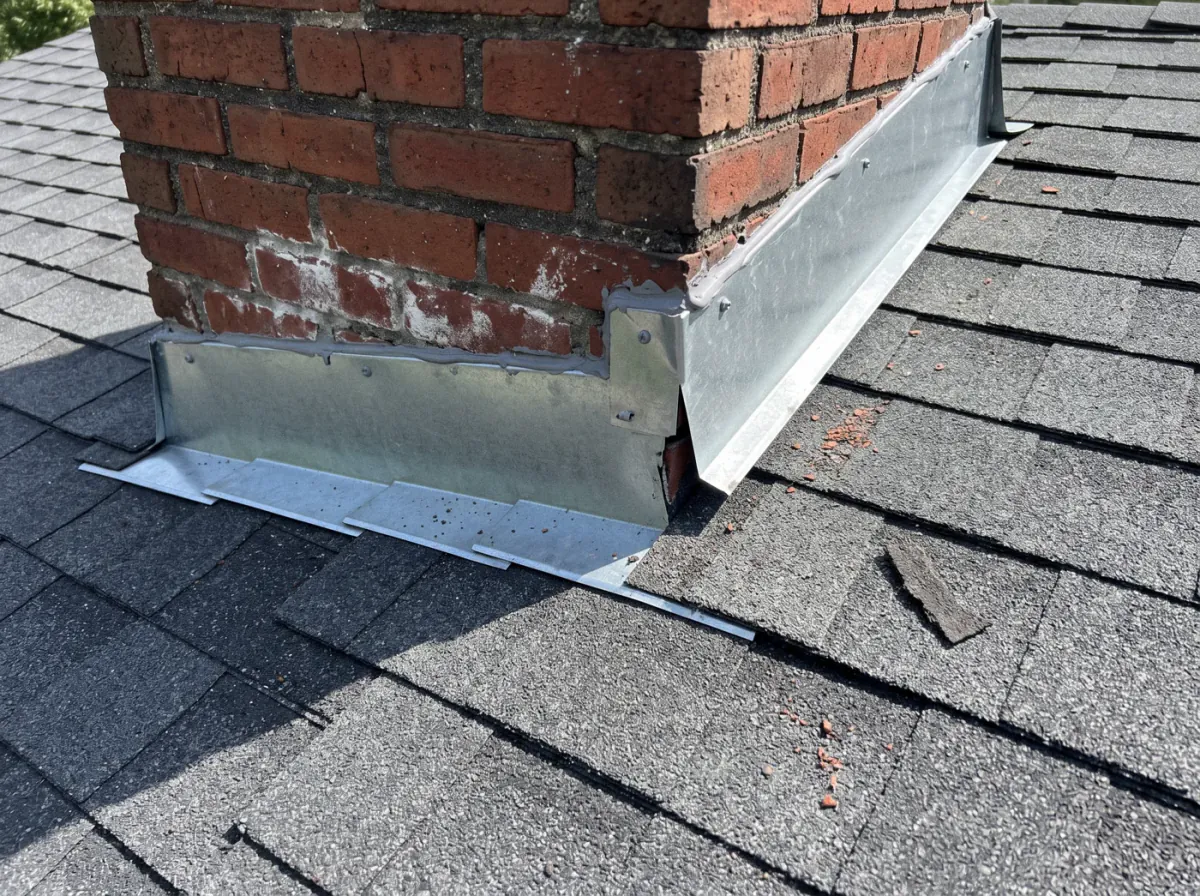
Lifted counter flashing, resealed

It lands on the job, in order
The homeowner sees it too
How job tracking works in Revcore
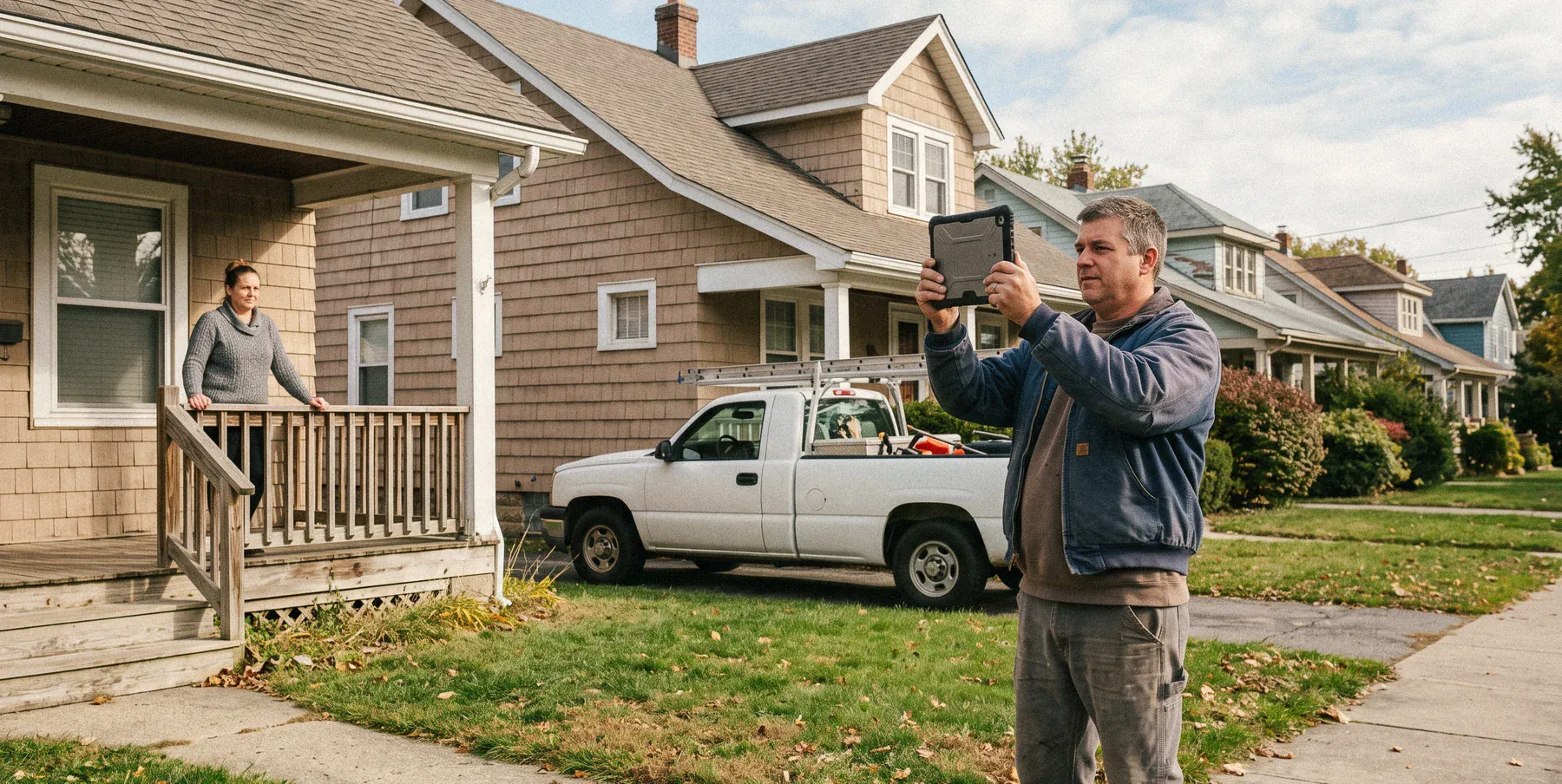
The people doing the work keep the job current.
Office and field looking at the same job
Try it freeFinish the job, send the bill.
Materials and change orders carry onto the bill
Try it freeEverything you need to run the job.
- Photo documentation
- Photo markup
- Job notes
- Job status
- Crew roles
- Homeowner portal
- Material tracking
- Inspections
- File storage
- GPS clock-in
- Crew scheduling
- Field invoicing
Works with the rest of Revcore
Homeowner portal
The homeowner's view of the job, photos, and payments.
Invoicing
Bill from the finished job with materials already on it.
Payments
Collect card or ACH on site and keep your full price.
Scheduling
Put the job on the crew board and the calendar.
Field and dispatch
Run the day from the crew board and see job sites on a map.
Estimates
The signed estimate that creates the job.
Compare job tracking tools
- Revcore vs CompanyCamPhotos inside the full job file vs a photo app on its own.
- Revcore vs JobberJob tracking plus the selling tools, side by side.
- Revcore vs BuildertrendSales-led residential jobs vs construction project management.
- Best field service management softwareOur guide to running jobs and crews.
What is job tracking software for contractors?
Job tracking software gives every job one record that the office, the crew, and the homeowner can follow from the signed contract to the final invoice. In Revcore, that record holds the job's photos, markup, notes, status, crew, materials, inspections, and documents, and it is the same record the estimate created and the invoice will bill from.
Most crews spread this across a photo app, a group text, and a folder on someone's laptop. When it all sits on the job instead, nobody has to ask the office where things stand, and the photos from March are still there when a warranty question comes up two years later.
Because the job is connected to the homeowner portal, progress photos and status updates your crew adds can be seen by the homeowner without a second upload.
Which plan includes it
Job tracking and field photos are included on every plan.
Starter includes the job pipeline, field photos and job updates, the homeowner portal, and invoicing. Pro adds change orders and change requests, GPS clock-in and timesheets, and the job map. Scale adds custom roles and permissions for controlling who sees what, plus a white-label homeowner portal.
Compare plans on the pricing pageJob tracking questions.
Still deciding if Revcore fits your crew? Talk to our team.
Is this a replacement for CompanyCam?
Yes. Revcore gives you photo documentation with markup, crew notes, and a homeowner portal, all built into the job, so you can drop a separate photo app and keep everything in one system. The photos sit next to the estimate, the schedule, and the invoice for that same job.
Can I draw on and annotate photos?
Yes. Mark up photos from your phone to circle damage, call out scope, or leave instructions, then add notes the whole crew can see.
Can I find a job's photos months later?
Yes. Photos are filed to the job they were taken on, in order, so pulling up the before and after photos for a warranty call or an insurance question is a search, not a scroll through someone's camera roll.
Can I invite my crew with different permissions?
You can invite field managers, production managers, and foremen to work on jobs on any plan. Standard roles (owner, manager, rep, and tech) are on every plan, and custom roles and permissions, which control exactly what each person can see and change, are included on Scale.
Can homeowners see the job?
Yes. The homeowner gets a private portal link to follow progress, view photos, and see status updates, which cuts down on check-in calls. The portal is included on every plan.
Does it track materials and inspections?
Yes. Track materials on the job, log inspections, and store permits, contracts, and specs on the job file so nothing stalls the crew.
Can I invoice straight from the job?
Yes. A finished job becomes an invoice in a tap, with labor, materials, and approved change orders carried over. The homeowner can pay by card or ACH right away.
Which plan includes job tracking?
Every plan includes the job pipeline, field photos, job updates, and the homeowner portal. Change orders and GPS clock-in are on Pro and Scale, and custom roles and permissions are on Scale.