Win the repaint with a quote they trust.
Exterior repaints come down to prep, product, and a clear scope. Revcore helps you spell out the work, show the color plan, and collect deposits so the job starts on time.
14-day free trial, no credit card required.

What exterior painting contractors need from software
Exterior painting contractors need software that spells out prep, product, and coats in the proposal, handles multi-day jobs that move with the weather, and collects a deposit so paint gets bought without floating the cost. Revcore Pro builds the scope from saved line items, offers tiered repaint options, schedules crews on a board you can rearrange in a drag, and bills the deposit and final with fast payouts (1 to 2 business days, or instant for eligible accounts). It does not calculate paint quantities from photos, so estimators enter their own measurements.
Where exterior painting jobs get stuck.
The same few things cost exterior painting crews time and money on every job. This is what Revcore takes off your plate.
- 01
Scopes that leave prep unclear
Spell out wash, scrape, prime, and coats so the price makes sense to the homeowner.
- 02
Weather-driven reschedules
Move jobs on the calendar and notify homeowners automatically when dates shift.
- 03
Deposits that trickle in
Collect a deposit on approval so materials get ordered without floating the cost.
How a exterior painting job runs in Revcore.
From the first call to the final payment, every step happens on the same job record, so nobody retypes anything and nothing waits on the office.



Exterior Painting job, example
Turn the inquiry into an estimate visit
1/7




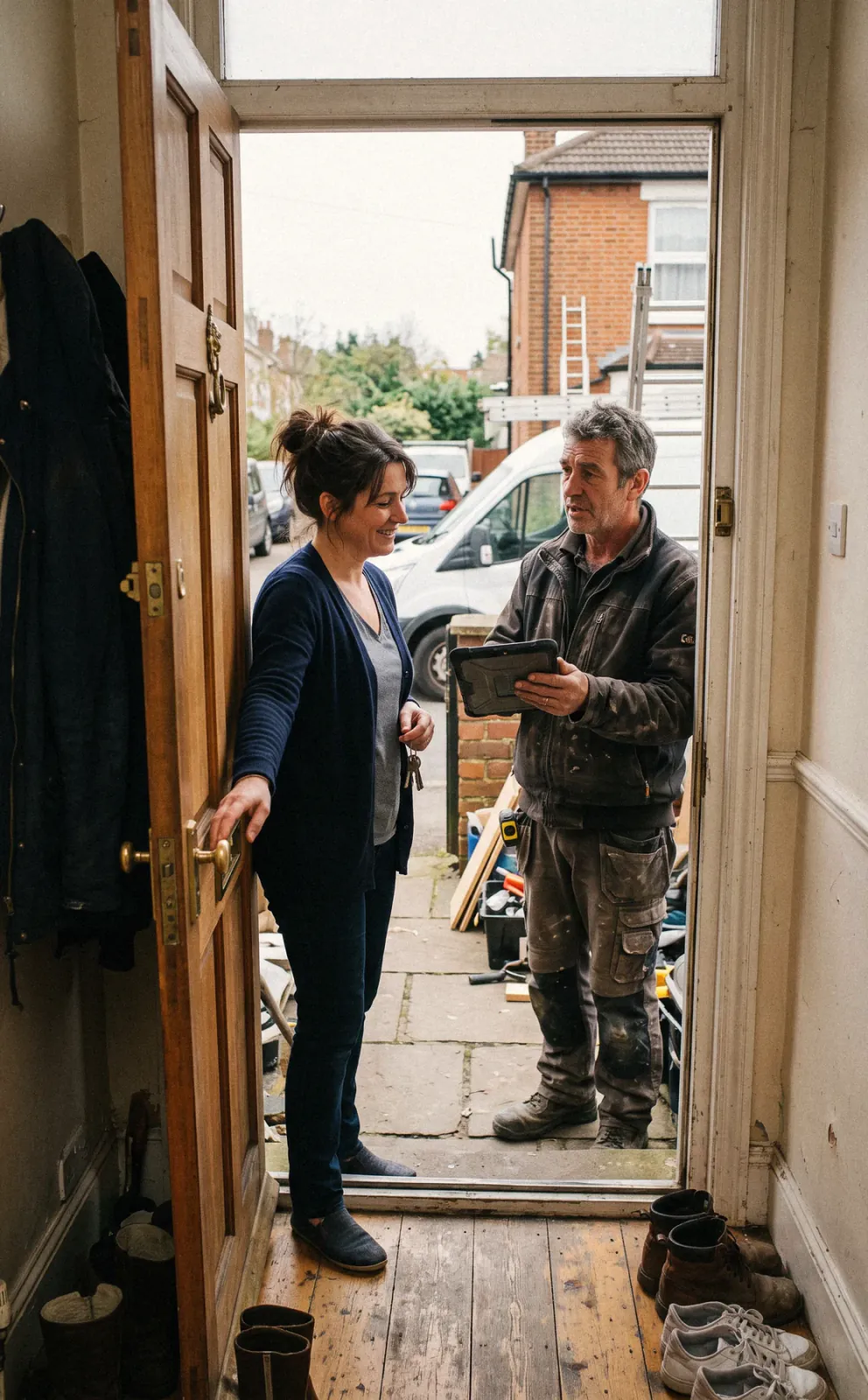
Web forms and survey requests land on the pipeline, and two-way texting lets you reply fast. The office books the estimate on the calendar in the same text thread, so spring demand fills the schedule without a round of phone tag.
CRM and pipelinePhotograph peeling fascia, failed caulk, chalking siding, and rotted trim, and mark up the photos so the homeowner sees the problem areas. Enter your wall area, trim footage, and counts for doors, shutters, and windows.
Job tracking and photosList power wash, scrape, spot prime, caulk, and coats as their own lines from saved assemblies. Good, Better, Best can separate one coat of a mid grade product from two coats of a premium line, each with its margin shown.
EstimatesThe homeowner approves the tier, signs, and pays the deposit in one step from their phone. Record the body, trim, and accent colors with product and sheen on the job so the crew buys and sprays the right thing.
EstimatesPut the multi-day job on the crew board, then drag it when the forecast turns. Automations text the homeowner the new start date, and painters clock in from the site with GPS so hours tie to the job.
SchedulingWhen the homeowner asks for the detached garage or the deck rails, or prep turns up rotted trim, price it and send it through the homeowner portal. Approved change orders roll onto the final invoice.
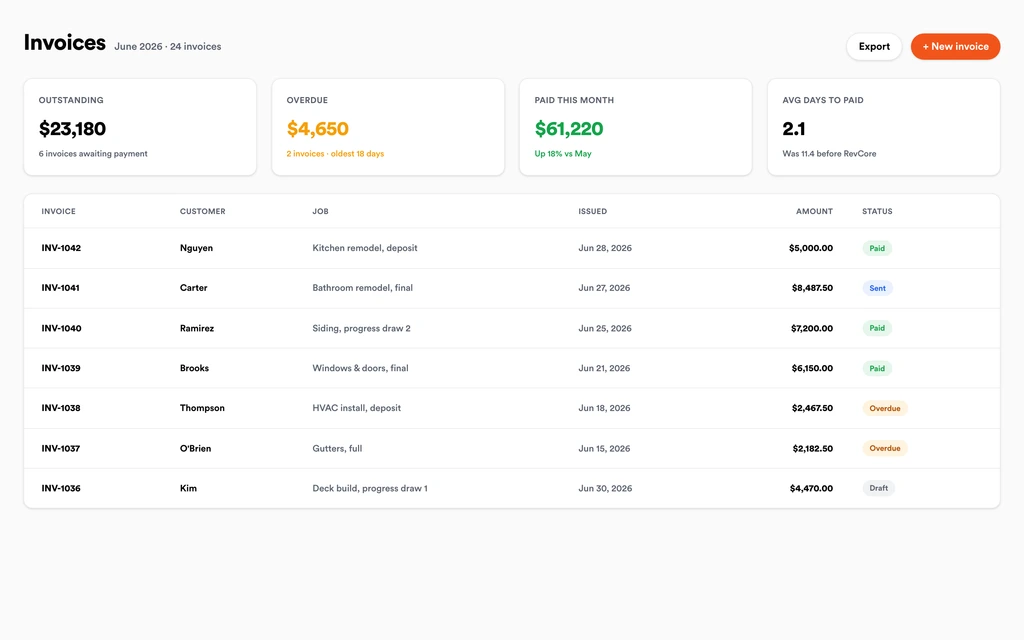
Homeowner portalWalk the house with the homeowner, shoot the finished elevations, and invoice the balance with the change orders on it. Collect with a text-to-pay link or the card on file, and ask for a review automatically once it is paid.
InvoicingSet up for the way exterior painting jobs run.
Detailed scope proposals
Line-item prep and coats so clients see exactly what they are paying for.
Photo job reports
Document surfaces before and after to protect against callbacks.
Crew scheduling
Plan multi-day exteriors and keep everyone on the same plan.
Deposit and final billing
Collect up front and on completion with fast payouts (1 to 2 business days, or instant for eligible accounts).
What to look for in exterior painting software.
Take this list to any demo or trial, ours included. If a tool cannot show you each of these on a real job, keep looking.
Line item prep in the proposal
Homeowners compare painting bids on price unless the scope explains the difference. Your proposal should show wash, scrape, prime, caulk, and coats as clear lines.
Tiered repaint options
Offering a standard and a premium system lets the homeowner choose durability. Look for Good, Better, Best with a margin check so the cheaper tier still works.
Color and product selections on the job
Body, trim, and accent colors with product and sheen need to live on the job file, so the crew never repaints a door because of a text thread.
Weather friendly rescheduling
Exterior jobs move with rain and temperature. Moving a job should take a drag on the crew board, with the homeowner notified by text automatically.
Crew hours tied to the job
Labor is most of an exterior repaint. GPS clock-in that ties hours to each job shows whether the estimate held up.
Deposits that fund materials
Paint and sundries for a full exterior add up. Collect a deposit at signing so product gets bought without floating the cost.
Photos that prevent callbacks
Before photos of failing surfaces and after photos of the finished work settle warranty questions about peeling and coverage later.
The whole platform comes standard.
Quoting is the start. Every exterior painting account runs the full job, from the first lead to the final payment, in one login.
- CRM and pipelineEvery lead and job on one board
- Estimates and proposalsGood, Better, Best, signed on the spot
- Scheduling and dispatchCrews on one shared calendar
- CommunicationsTexts, calls, and email in one thread
- Invoicing and paymentsDeposits and finals, paid online
- Service agreementsRecurring work, tracked
- AutomationsFollow-ups that send themselves
- ReportingRevenue and close rate at a glance
Exterior Painting software, by category
Looking for one piece? Each page shows how that part works for exterior painting crews.
Comparing exterior painting software?
Honest side-by-sides with the tools exterior painting crews weigh most. Every plan is one flat price with crew seats included. See pricing.
- Revcore vs JobberWidely used field service app for painters. Revcore adds tiered scopes and change orders.
- Revcore vs Housecall ProService business app for small crews. Revcore adds progress photos in a homeowner portal.
- Revcore vs CompanyCamPhoto documentation app. Revcore keeps before and after photos on the job and invoice.
- Revcore vs SquarePayments and simple invoicing. Revcore ties payment to the scope, crew, and job.
- All comparisons →
“We quote right on the property and the homeowner has real options before we pack up. Deposits clear before we leave the driveway.”

Composite operator based on early-access usage. Outcomes are illustrative; individual results vary.




Exterior Painting questions, answered.
Still deciding if Revcore fits your crew? Talk to our team.
What is the best software for exterior painting contractors?
Painters need a scope that explains the price, a deposit at signing, color selections on the job, and scheduling that bends with the weather. Revcore Pro covers that from lead to final payment in one login with seats included. Jobber and Housecall Pro are common general field service choices, and PaintScout is used by painters who want a dedicated painting estimator.
How do I estimate an exterior paint job in Revcore?
Enter the wall area, trim footage, and counts for doors, windows, and shutters you measured on site, then pull saved assemblies for wash, prep, prime, caulk, and coats. Rates are adjustable, and each tier shows its margin before you send the estimate to the homeowner's phone.
Can Revcore calculate paint quantities from photos?
No. Revcore does not measure houses or do automatic takeoffs. Your estimator measures on site and enters the quantities, and saved line items handle the pricing so every estimate is built the same way. Material and labor rates are mapped to your zip code and adjustable, and each tier shows its margin before you send it.
How do I handle rain delays on a multi-day exterior?
Drag the job to new days on the crew board, and an automation can text the homeowner the updated start date. The whole crew sees the change on their phones, and the office does not have to make a round of calls.
Where do I record the color and sheen for each surface?
Add the body, trim, door, and accent colors with product line and sheen to the job file, using custom fields if you want them structured. The crew sees the same record on their phones, and it stays on the customer for the next repaint.
Can I track how many hours each exterior job took?
Yes. Painters clock in from the site with GPS, with location consent, and the hours tie to the job. Reporting shows performance by crew, so you can compare the labor you estimated with what the job actually used. That comparison is how you tighten production rates for the next bid on a similar house.
How do I get paid when a painting job is done?
Invoice the balance from the job with any change orders already added, then charge the card on file at the walkthrough or send a text-to-pay link. Card and ACH are accepted, and payouts land in 1 to 2 business days, or instantly for eligible accounts. Margin Protection can fold the card fee into the estimate, and payment reminders follow up automatically if the homeowner wants to pay later.
Does it work on my phone in the field?
Yes. Revcore runs on the web, iOS, and Android, so exterior painting crews can open the job, add photos, take a signature, and collect payment from the site.
How fast can we switch over?
Most crews are live within a week. Paid plans include hands-on onboarding: we import your customers and pricing, set up your proposal templates, and add your team, then check in until it sticks.
What does Revcore Pro cost for exterior painting?
Plans start at $249/mo billed monthly ($207/mo on annual billing, 2 months free) with crew seats included, plus CRM, estimating, scheduling, and invoicing. Every plan includes a 14-day free trial with no credit card required.







