Tile to tile, on schedule and on budget.
Bath remodels pack a lot of trades into a small room. Revcore keeps your scope, selections, and schedule tight so the job finishes clean and the client refers the next one.
14-day free trial, no credit card required.
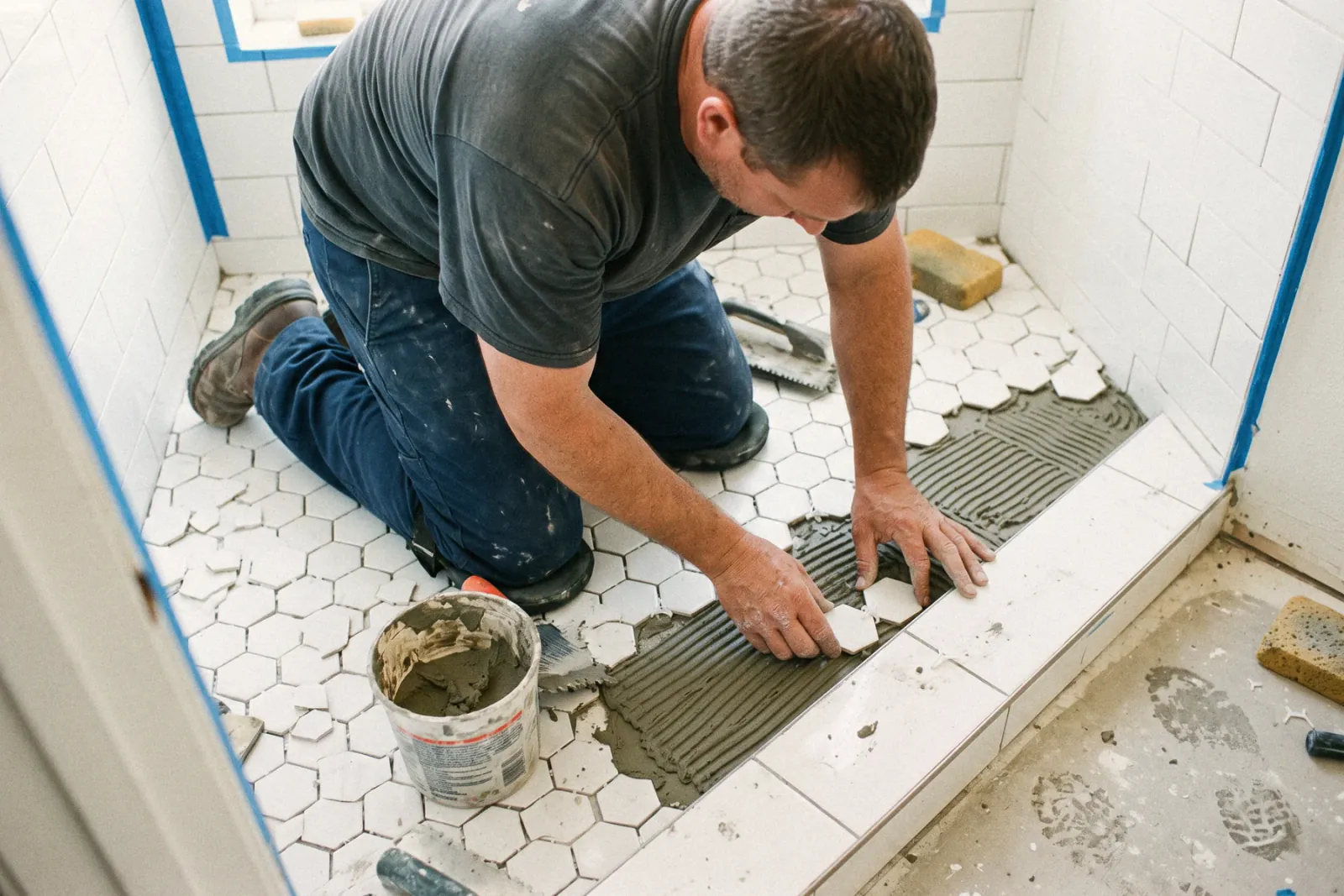
What bathroom remodeling contractors need from software
Bathroom remodelers need tight scopes, fixture and tile selections logged before anything is ordered, careful sequencing of plumbing, waterproofing, and tile in a small room, and deposit through final billing. Revcore Pro covers that with a remodeling estimate template, tiered options from refresh to full gut, selections in custom fields, change orders through a homeowner portal, and milestone billing with fast payouts (1 to 2 business days, or instant for eligible accounts).
Where bathroom remodeling jobs get stuck.
The same few things cost bathroom remodeling crews time and money on every job. This is what Revcore takes off your plate.
- 01
Tight scopes that creep
Lock the scope and price changes on site before extra work begins.
- 02
Fixture and tile selections everywhere
Track every selection and allowance on the job so the order is right.
- 03
Subs stacking on a small job
Sequence plumbing, tile, and finish so crews are not tripping over each other.
How a bathroom remodeling job runs in Revcore.
From the first call to the final payment, every step happens on the same job record, so nobody retypes anything and nothing waits on the office.


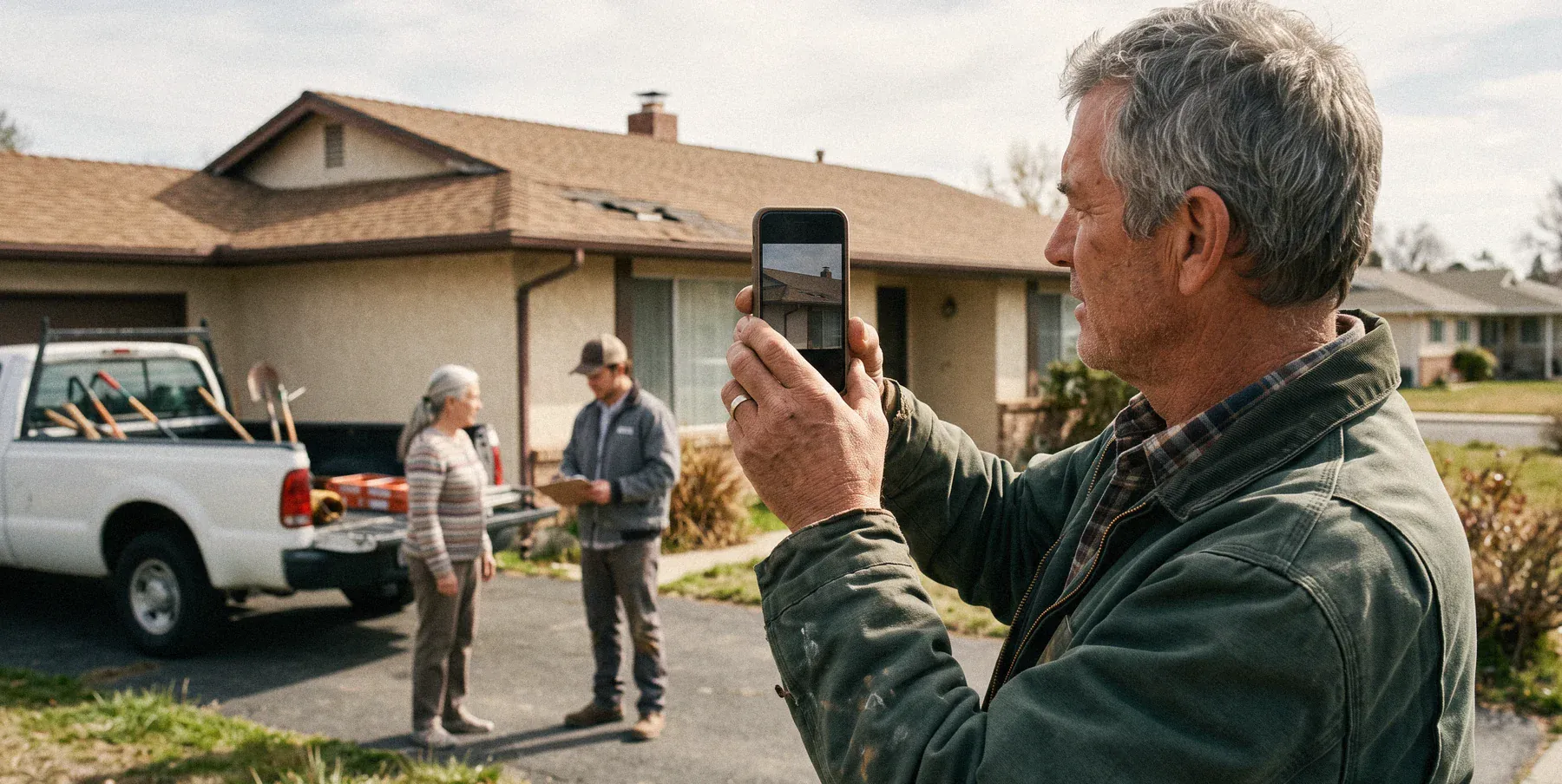


Bathroom Remodeling job, example
Qualify the bath before the visit
1/7





A short survey on the web form asks which bathroom, what is driving the project, and whether they want a tub to shower conversion. The lead lands on the pipeline and two-way texting lets you reply before they call the next remodeler.
SurveysShoot the existing tub, vanity, and floor, check the subfloor, and log your measurements on the job. Note the valve location, the drain, and any signs of water damage so the estimate prices what is really behind the tile.
Job tracking and photosBuild three tiers from your remodeling template, from a vanity and fixture refresh to a full gut with a curbless shower and new waterproofing. Each tier gets a margin check, and tile and fixtures sit as allowances.
EstimatesRecord the tile, grout color, niche size, valve and trim, vanity, and glass in custom fields on the job. The homeowner approves selections through the portal, so the order matches what they picked and nobody reorders tile.
Custom fieldsSchedule demo, rough plumbing, inspection, waterproofing, tile, and glass measure in order on the crew board. When the flood test or inspection slips, drag the tile days and an automatic text lets the homeowner know.
SchedulingWhen demo opens up a rotted subfloor or a bad drain, photograph it, price the repair, and send it through the homeowner portal. They sign from their phone and the change order lands on the invoice.
Homeowner portalInvoice the mid-project draw and the final from the job with change orders included. Charge the card on file at the walkthrough or send a text-to-pay link, and payouts land in 1 to 2 business days, or instantly for eligible accounts.
PaymentsSet up for the way bathroom remodeling jobs run.
Tiered proposals
Refresh, mid, and full-gut options clients compare and approve at home.
Selection tracking
Fixtures, tile, and vanities logged on the job file for clean ordering.
Scheduling
Sequence trades day by day so the small room stays on track.
Milestone billing
Deposit, mid-project, and final draws collected without the chase.
What to look for in bathroom remodeling software.
Take this list to any demo or trial, ours included. If a tool cannot show you each of these on a real job, keep looking.
Tiered scopes from refresh to full gut
Homeowners compare a quick refresh against a full remodel. Side by side tiers with a margin check keep you from underpricing the cheap option.
Selections tied to the job
Tile, grout, valve trim, vanity, and glass need to live on the job file so the order and the install match what the homeowner approved.
Change orders for hidden damage
Rot under the tub is common. Pricing it on site and getting a signature before you keep going protects both the margin and the relationship.
Tight trade sequencing
Plumbing, inspection, waterproofing, and tile have to happen in order in a small room. The schedule should be easy to shift and share.
Photo records of waterproofing
Photos of the membrane and flood test on the job file protect you if a leak shows up years later and a warranty question comes in.
Deposit, mid, and final billing
Bath jobs usually bill in stages. Look for milestone billing and automatic reminders rather than chasing the final by phone.
Review requests after the reveal
A finished bathroom is when homeowners are most likely to refer you. An automated review request after the final payment keeps that from depending on memory.
The whole platform comes standard.
Quoting is the start. Every bathroom remodeling account runs the full job, from the first lead to the final payment, in one login.
- CRM and pipelineEvery lead and job on one board
- Estimates and proposalsGood, Better, Best, signed on the spot
- Scheduling and dispatchCrews on one shared calendar
- CommunicationsTexts, calls, and email in one thread
- Invoicing and paymentsDeposits and finals, paid online
- Service agreementsRecurring work, tracked
- AutomationsFollow-ups that send themselves
- ReportingRevenue and close rate at a glance
Bathroom Remodeling software, by category
Looking for one piece? Each page shows how that part works for bathroom remodeling crews.
Comparing bathroom remodeling software?
Honest side-by-sides with the tools bathroom remodeling crews weigh most. Every plan is one flat price with crew seats included. See pricing.
- Revcore vs Improveit 360Remodeling CRM for in-home sales teams. Revcore adds production, portal, and payments in one login.
- Revcore vs LeapIn-home proposals and sales. Revcore carries the signed bath through production and billing.
- Revcore vs BuildertrendConstruction management with job costing. Revcore is lighter and centered on selling and billing.
- Revcore vs CompanyCamPhoto app for jobsite documentation. Revcore keeps photos with the estimate, portal, and invoice.
- All comparisons →
“Tiered proposals changed how we sell remodels. Most homeowners pick the middle option on their own, and our average job climbed.”

Composite operator based on early-access usage. Outcomes are illustrative; individual results vary.






Bathroom Remodeling questions, answered.
Still deciding if Revcore fits your crew? Talk to our team.
What is the best software for bathroom remodeling companies?
It depends on how you sell and how many baths you run at once. In-home sellers need tiered scopes, selections, change orders, scheduling, and stage billing together, and Revcore Pro covers that in one login. improveit360 is a common CRM for larger bath sales teams, and Buildertrend is used by design-build firms that want job costing.
How do I price hidden damage found during demo?
Photograph the damage on the job, price the repair from your saved line items, and send the change order through the homeowner portal. The homeowner signs from their phone before you continue, and the approved change order rolls onto the next invoice automatically.
Can I track tile and fixture selections?
Yes. Add custom fields to the job for tile, grout, niche, valve and trim, vanity, mirror, and glass. The homeowner reviews and approves them in the portal, and the installer sees the same selections from the field. Changes after approval come back as priced change orders.
Does Revcore work for tub to shower conversions?
Yes. Build a conversion package from saved assemblies, present it with the in-home presentation, and take the signature and deposit at the table. Shorter conversion jobs schedule on the crew board like any other job and bill on completion. Review requests can go out automatically once the job is paid.
How do I schedule plumbers and tile setters on the same bathroom?
Put each phase on the crew board in order: demo, rough plumbing, inspection, waterproofing, tile, and glass. Drag a phase when an inspection moves, and automated texts keep the homeowner informed. Crews clock in with GPS so you see who was on site.
Can I document waterproofing for warranty purposes?
Yes. Shoot the membrane, seams, and flood test on the job with markup and notes, and store the warranty document on the same file. If a question comes up later, the photos and the paperwork are on the job instead of someone's phone.
Can homeowners pay for a bathroom remodel over time?
You can show monthly payment math inside the in-home presentation. Built-in homeowner financing is on the roadmap, so keep using your current lender today. Deposits and stage payments can be made by card or ACH from a text link.
Does it work on my phone in the field?
Yes. Revcore runs on the web, iOS, and Android, so bathroom remodeling crews can open the job, add photos, take a signature, and collect payment from the site.
How fast can we switch over?
Most crews are live within a week. Paid plans include hands-on onboarding: we import your customers and pricing, set up your proposal templates, and add your team, then check in until it sticks.
What does Revcore Pro cost for bathroom remodeling?
Plans start at $249/mo billed monthly ($207/mo on annual billing, 2 months free) with crew seats included, plus CRM, estimating, scheduling, and invoicing. Every plan includes a 14-day free trial with no credit card required.







