Turn the basement into your best margin job.
Finished basements touch framing, electrical, and finishes all at once. Revcore keeps the multi-trade scope, draws, and client updates organized so the whole project flows.
14-day free trial, no credit card required.
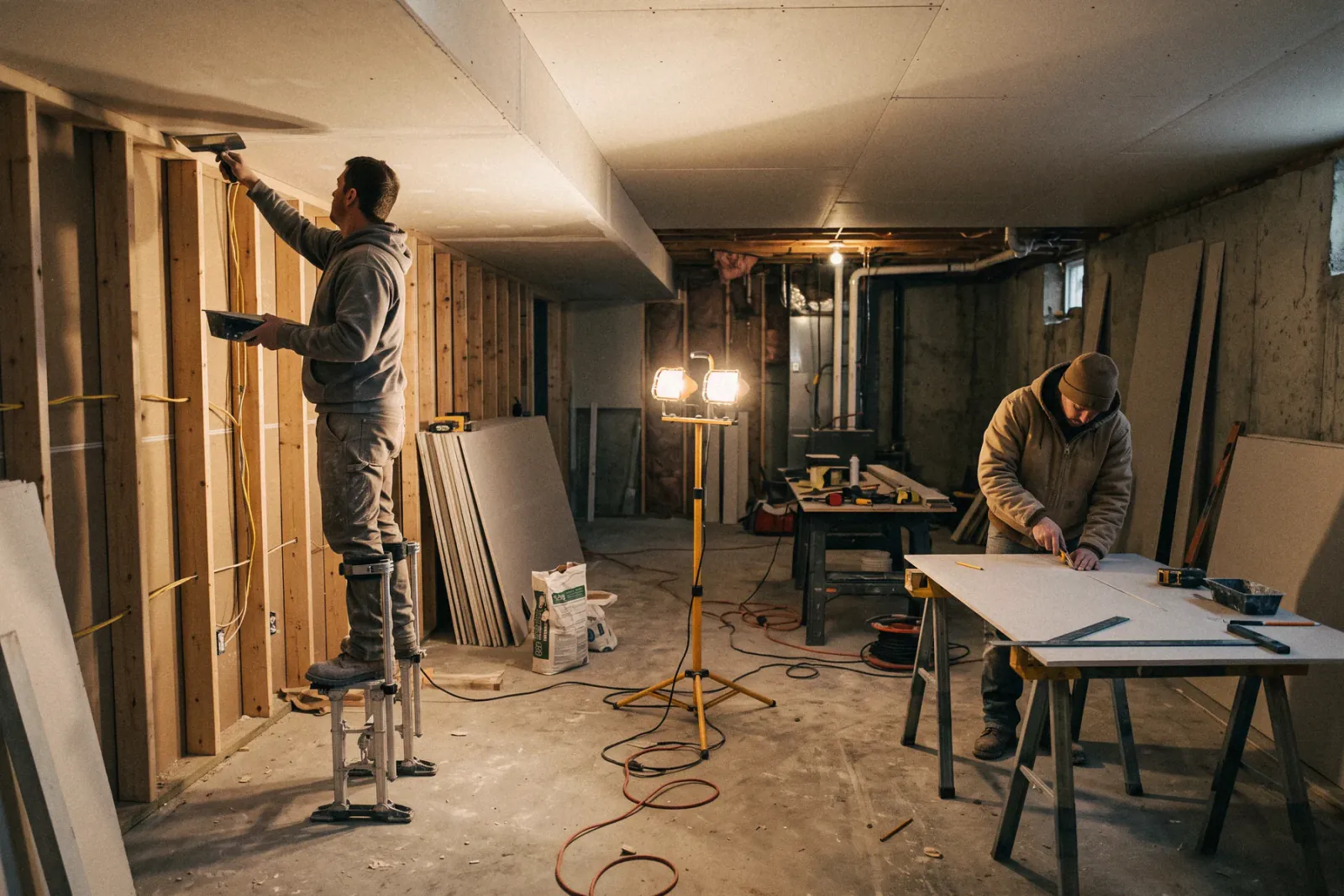
What basement finishing contractors need from software
Basement finishers need to price a multi-trade scope, from moisture checks and framing to electrical, drywall, egress, and flooring, then track permits and inspections and bill draws over a build that runs weeks. Revcore Pro puts the itemized estimate, permits, inspection photos, crew schedule, homeowner portal, and progress billing on one job file. Crews enter their own measurements, since Revcore does not do takeoffs from plans.
Where basement finishing jobs get stuck.
The same few things cost basement finishing crews time and money on every job. This is what Revcore takes off your plate.
- 01
Big scopes that are hard to price
Build a clear, itemized proposal that covers framing through final finishes.
- 02
Permits and inspections to juggle
Keep permits and inspection photos on the job for fast sign-off.
- 03
Long jobs, slow cash flow
Bill by milestone so cash keeps moving through a multi-week build.
How a basement finishing job runs in Revcore.
From the first call to the final payment, every step happens on the same job record, so nobody retypes anything and nothing waits on the office.



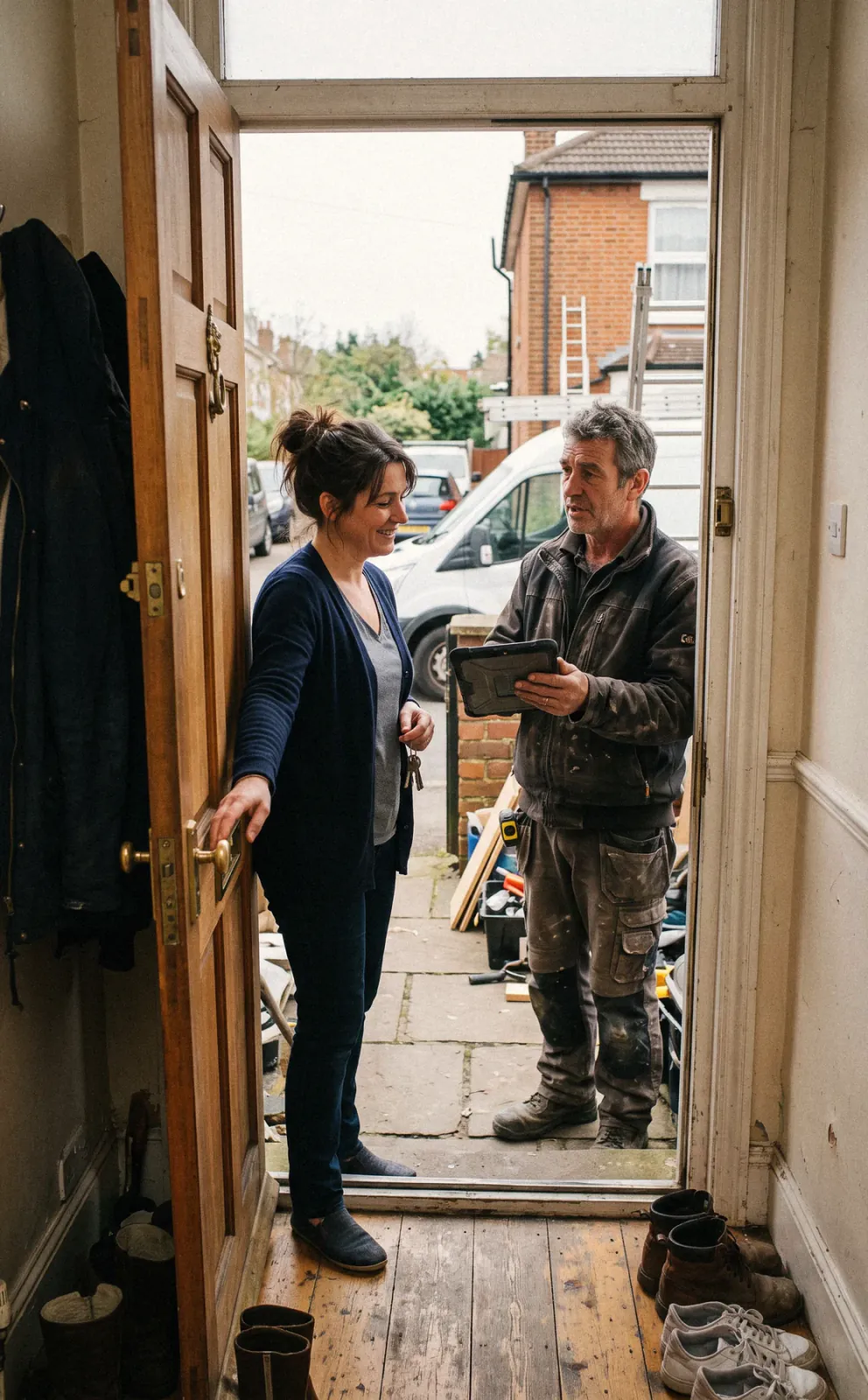
Basement Finishing job, example
Capture the basement lead
1/7




Web forms land on the pipeline, and a survey asks about ceiling height, moisture history, and what the space is for. You arrive knowing whether it is a family room, a rental suite, or a bar and theater.
SurveysPhotograph the foundation walls, any efflorescence or seepage, the mechanicals, and the window wells. Log your own measurements and notes on the job so the estimate accounts for soffits around ductwork and any moisture work before framing.
Job tracking and photosPrice framing, insulation, electrical, drywall, ceilings, egress, bath rough-in, and flooring from saved assemblies. Offer tiers such as open rec room, rec room with a bath, and a full suite, each with a margin check before it goes out.
EstimatesThe homeowner signs and pays the deposit from their phone. Store the permit, the drawings, and the egress window specs on the job, and track framing, electrical, and insulation inspections on the same file as the project moves.
Job tracking and photosPut framing, rough electrical and plumbing, inspections, insulation, drywall, and flooring on the crew board in order. When an inspection moves, drag the next phase and an automatic text keeps the homeowner in the loop.
SchedulingPost inspection passes and progress photos to the homeowner portal. If they add a wet bar or change a closet, they submit a change request, you price it, and the approved change order rolls onto the invoice.
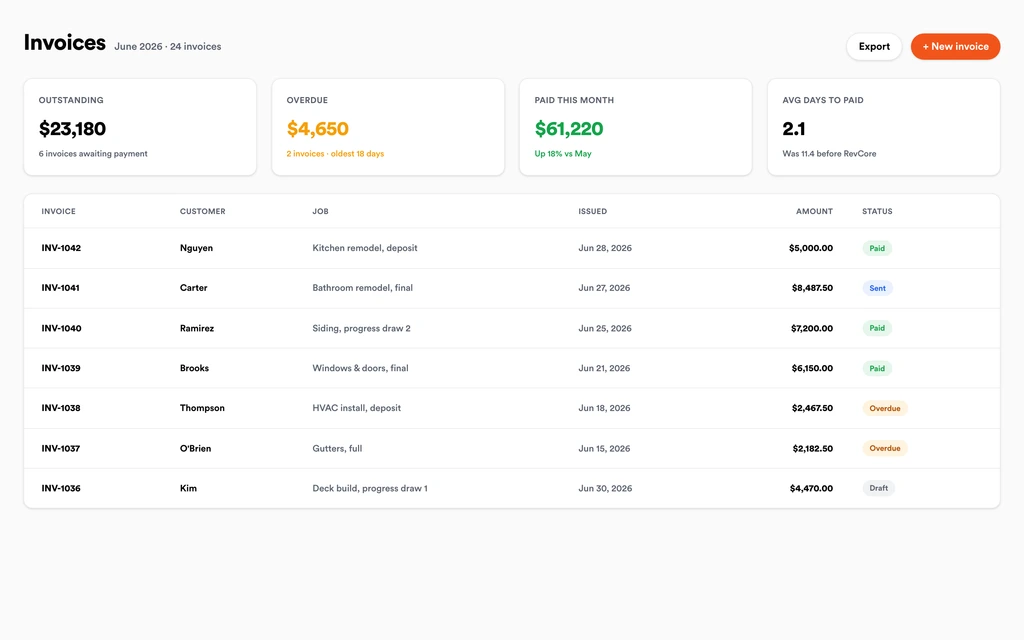
Homeowner portalBill the deposit, framing, drywall, and final as milestones, or bill by percentage complete. Invoices include approved change orders, reminders go out on their own, and payouts land in 1 to 2 business days, or instantly for eligible accounts. Automated review requests go out once the final is paid.
InvoicingSet up for the way basement finishing jobs run.
Itemized proposals
Scope framing, electrical, and finishes in one clean estimate.
Document control
Plans, permits, and photos tagged to the project for the whole crew.
Client portal
Homeowners approve scopes, watch progress, and pay from one link.
Progress billing
Draw by stage or percentage complete with fast payouts.
What to look for in basement finishing software.
Take this list to any demo or trial, ours included. If a tool cannot show you each of these on a real job, keep looking.
Itemized multi-trade estimates
A basement touches framing, electrical, plumbing, drywall, and flooring. Saved assemblies keep every trade priced so a line does not get forgotten on a big bid.
Permit and inspection tracking
Framing, electrical, and insulation inspections gate the next phase. Store permits and inspection photos on the job so the crew knows when to move.
Progress billing for multi-week builds
Basements run for weeks. Bill by milestone or percentage complete to keep cash moving instead of floating labor and material until the end.
Change orders for add-ons
Wet bars, extra outlets, and closet changes come up mid-build. Price them, get a signature, and bill them without a separate spreadsheet.
Moisture and condition photos
Dated photos of the foundation walls before framing protect you if water shows up later. Keep them on the job file, not a phone roll.
A homeowner portal with progress
The family often lives upstairs during the build. Photos and a timeline in a portal answer questions without a daily phone call.
Know what is not included
Revcore does not do takeoffs from plans or file permits. You enter your own measurements, and the permit office still gets your application directly.
The whole platform comes standard.
Quoting is the start. Every basement finishing account runs the full job, from the first lead to the final payment, in one login.
- CRM and pipelineEvery lead and job on one board
- Estimates and proposalsGood, Better, Best, signed on the spot
- Scheduling and dispatchCrews on one shared calendar
- CommunicationsTexts, calls, and email in one thread
- Invoicing and paymentsDeposits and finals, paid online
- Service agreementsRecurring work, tracked
- AutomationsFollow-ups that send themselves
- ReportingRevenue and close rate at a glance
Comparing basement finishing software?
Honest side-by-sides with the tools basement finishing crews weigh most. Every plan is one flat price with crew seats included. See pricing.
- Revcore vs BuildertrendConstruction management with Gantt and job costing. Revcore centers on selling, the portal, and billing.
- Revcore vs Contractor ForemanBroad construction feature set. Revcore adds the in-home presentation and the deposit collected at signing.
- Revcore vs JobberEasy scheduling and invoicing for service work. Revcore adds draws and change orders for longer builds.
- Revcore vs Improveit 360CRM for remodeling sales teams. Revcore carries the sale through production and payment.
- All comparisons →
“Tiered proposals changed how we sell remodels. Most homeowners pick the middle option on their own, and our average job climbed.”

Composite operator based on early-access usage. Outcomes are illustrative; individual results vary.




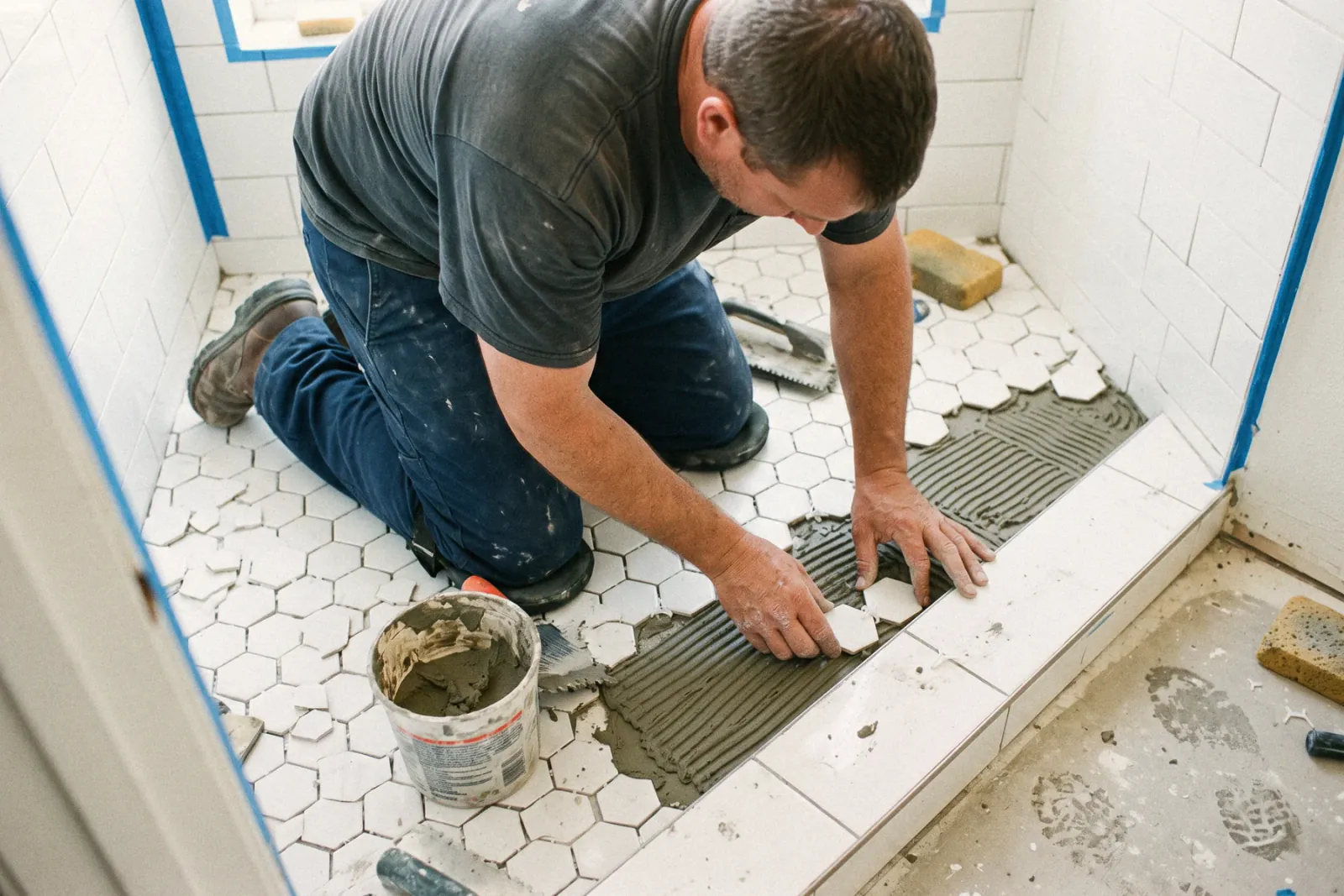

Basement Finishing questions, answered.
Still deciding if Revcore fits your crew? Talk to our team.
What is the best software for basement finishing contractors?
Basement finishers need itemized estimates across trades, permit and inspection tracking, scheduling, and progress billing together. Revcore Pro covers that on one job file with a homeowner portal. Buildertrend is common for builders who want Gantt schedules and job costing, and Contractor Foreman is a lower cost construction option. Smaller finishers sometimes start with Jobber for simpler scheduling and invoicing.
How should I price a basement finishing project?
Break the job into assemblies for framing, insulation, electrical, drywall, ceilings, egress, bath rough-in, and flooring, using your own measurements. Revcore starts labor and material rates from your zip code and you adjust them. Offer two or three tiers so the homeowner can compare a simple rec room with a full suite.
Can I track permits and inspections on the job?
Yes. Store the permit, drawings, and inspection results on the job file, and add photos of each rough-in before it gets covered. Revcore keeps the paperwork organized but does not file permits with the building department for you. Inspection photos stay with the job for later questions.
How do I bill progress draws on a basement build?
Set a deposit on the estimate, then bill milestones like framing complete, drywall complete, and final, or bill by percentage complete. Each invoice pulls from the job with change orders already on it, and reminders go out automatically. Homeowners pay by card or ACH from a text link.
How do I handle a homeowner who adds a bathroom mid-project?
The homeowner can submit a change request through the portal, or you can create the change order on site. Price it from saved line items, send it for e-signature, and once approved it rolls onto the next invoice and shows on the job timeline.
Does Revcore help with egress window jobs?
You can build an egress assembly with excavation, the window, the well, and the cover as saved line items, then attach specs and the permit to the job. Revcore handles the estimate, schedule, and billing. The measurements and site work are still yours.
Can I schedule my own crews and subs on the same board?
Yes. Put framing, rough-ins, drywall, and flooring on the drag-and-drop crew board with day, week, and month views. Two-way Google Calendar sync pushes dates to outside calendars, and GPS clock-in ties crew hours to the job. Crew leads get role-based access, so they see the jobs assigned to them.
Does it work on my phone in the field?
Yes. Revcore runs on the web, iOS, and Android, so basement finishing crews can open the job, add photos, take a signature, and collect payment from the site.
How fast can we switch over?
Most crews are live within a week. Paid plans include hands-on onboarding: we import your customers and pricing, set up your proposal templates, and add your team, then check in until it sticks.
What does Revcore Pro cost for basement finishing?
Plans start at $249/mo billed monthly ($207/mo on annual billing, 2 months free) with crew seats included, plus CRM, estimating, scheduling, and invoicing. Every plan includes a 14-day free trial with no credit card required.







