Recurring treatments that run themselves.
Pest control thrives on recurring service agreements. Revcore keeps treatment schedules, reminders, and recurring billing on autopilot so your customer count and revenue both grow.
14-day free trial, no credit card required.

What pest control contractors need from software
Pest control companies need recurring service agreements, a treatment calendar that stays organized, a record of what was applied at every visit, and billing that runs without office time. Revcore Pro bills agreements monthly, quarterly, semiannual, or annual against the card on file, schedules the visits, puts the techs on a crew board, and logs products and photos on each visit. It does not produce state chemical compliance reports.
Where pest control jobs get stuck.
The same few things cost pest control crews time and money on every job. This is what Revcore takes off your plate.
- 01
Service agreements billed by hand
Set up quarterly and monthly plans that invoice automatically.
- 02
Treatment schedules out of sync
Assign jobs on the crew board and confirm arrivals with GPS clock-in.
- 03
Documentation for every visit
Log treatments and photos on the customer file for compliance.
How a pest control job runs in Revcore.
From the first call to the final payment, every step happens on the same job record, so nobody retypes anything and nothing waits on the office.



Pest Control job, example
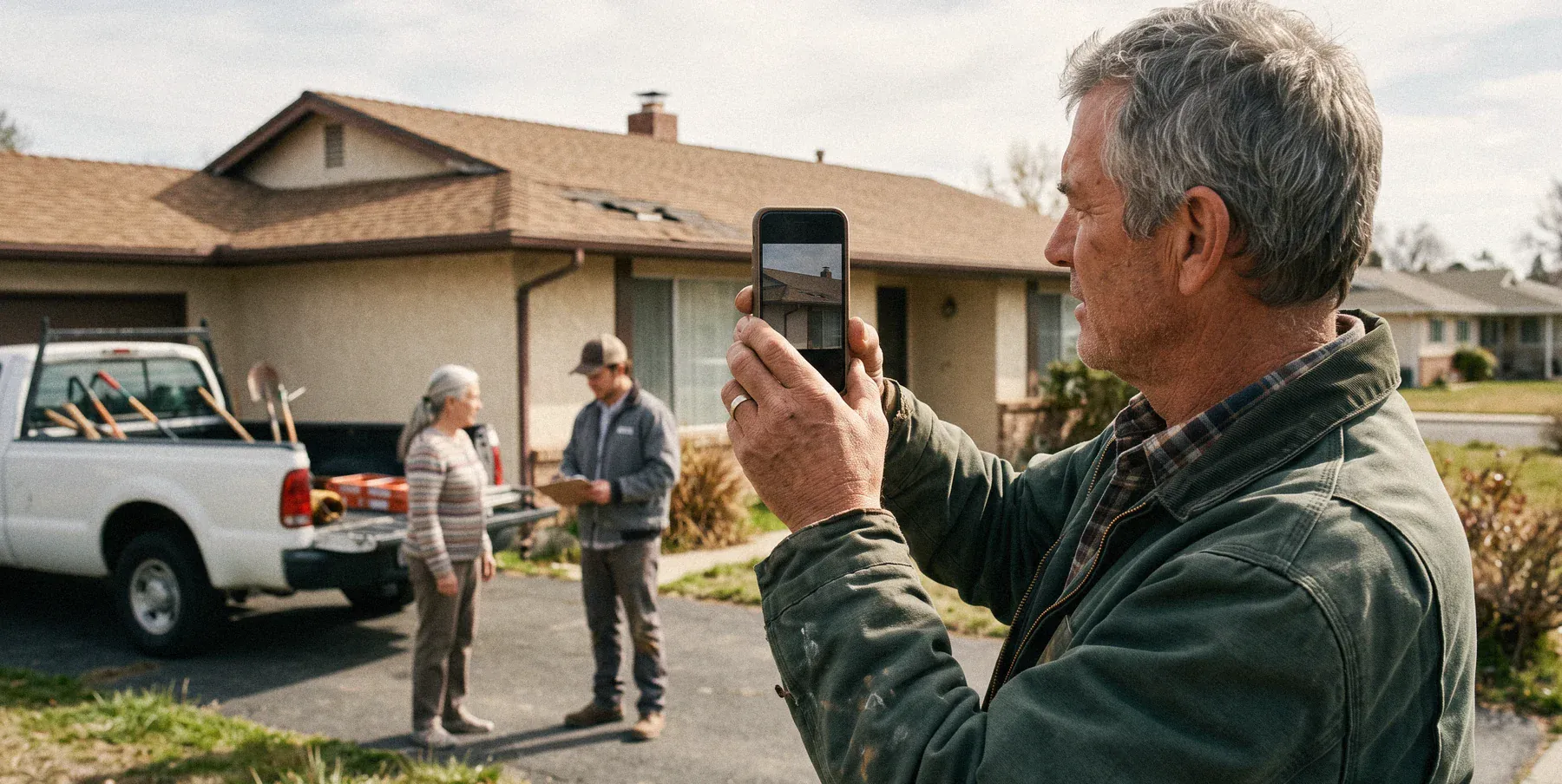
Capture the call about the bugs
1/7




Web forms land on the pipeline, and two-way texting lets you reply fast. A survey asks what they are seeing, where, and for how long, so the tech arrives knowing ants from termites.
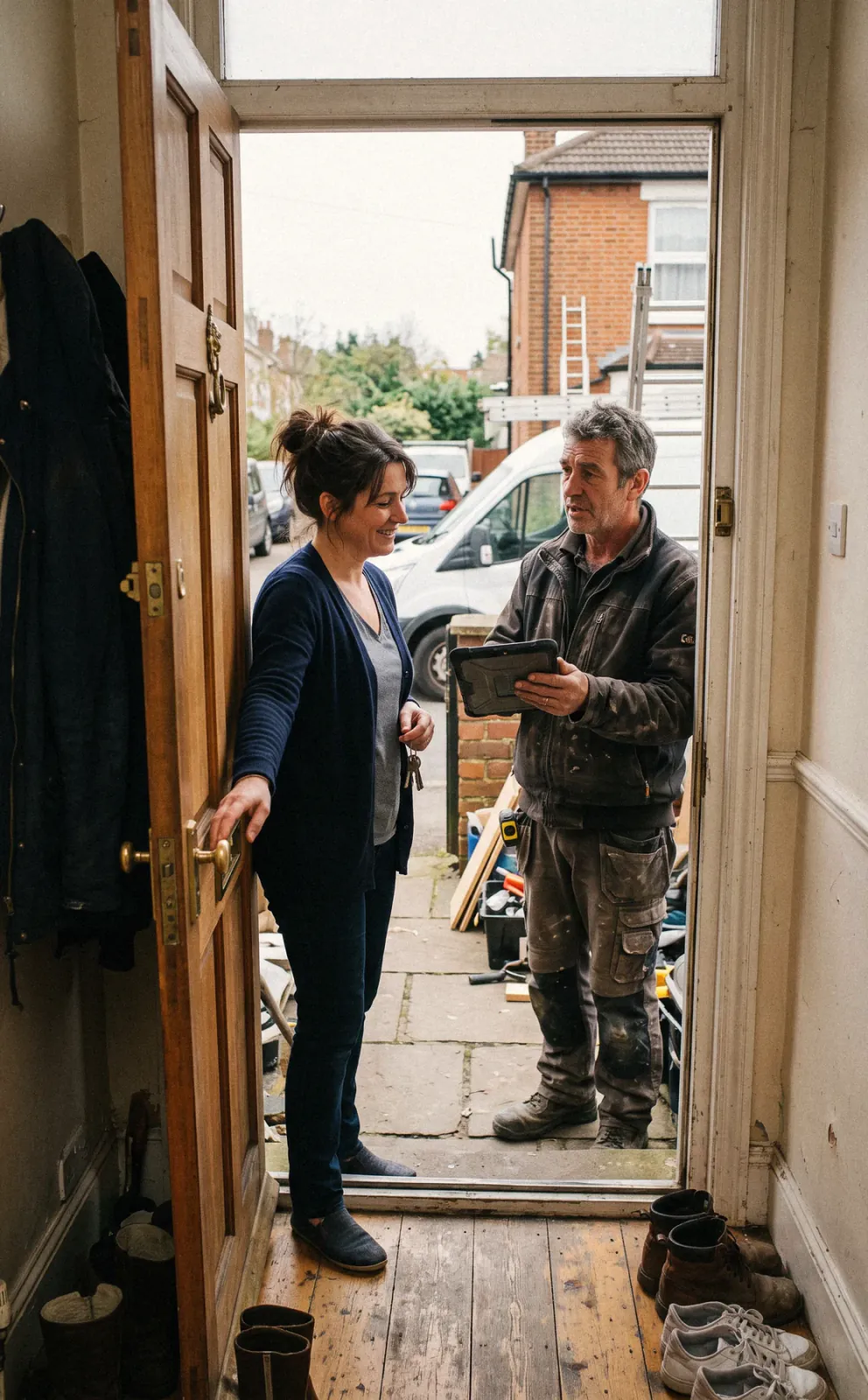
CRM and pipelineWalk the property, photograph activity and entry points, and note conducive conditions. Build the quote from saved line items with tiers, such as general pest alone, pest plus mosquito, or pest plus termite monitoring, and the customer signs on their phone.
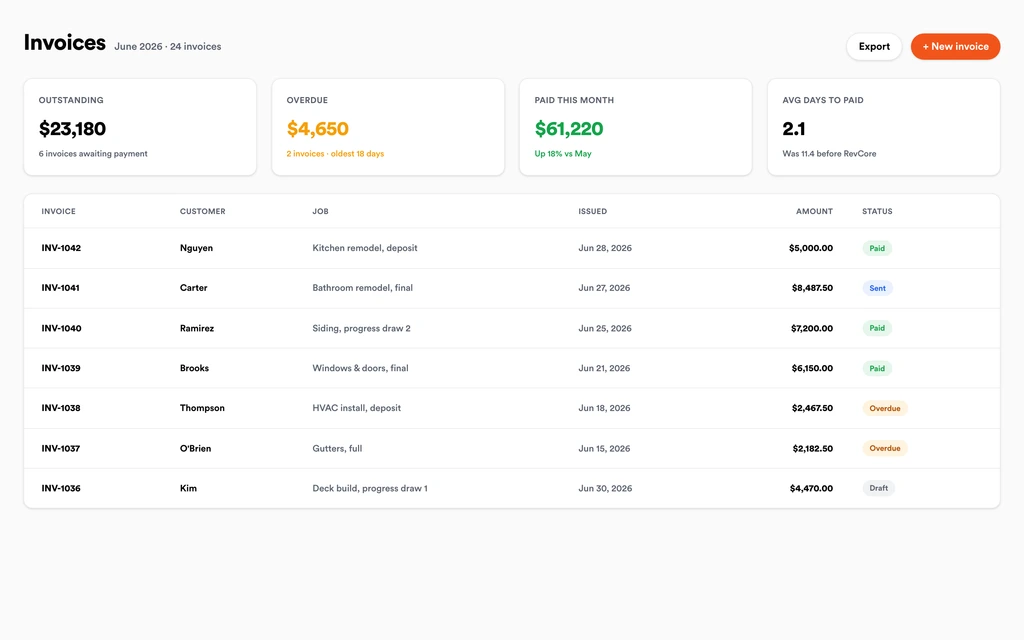
EstimatesPick a monthly, quarterly, semiannual, or annual billing cadence, attach the scheduled visits, and store the card on file. The agreement auto-renews, and the recurring revenue view shows every active plan in one place.
Service agreementsSchedule the initial cleanout and the follow-up visit on the calendar, then the recurring treatments after that. Drag a visit when it rains, and the customer gets a text about the new day.
SchedulingBuild each tech's day on the crew board and use the job map to keep their stops in one area. A callback goes to an open tech with a drag, and customers get an automatic appointment reminder.
Field and dispatchTechs clock in with GPS, note the products used, areas treated, and target pests, and photograph bait stations or activity. Custom fields hold the details you need to record, so every visit has the same record.
Custom fieldsAgreements charge the card on file every cycle without a manual invoice. One-time treatments and callbacks outside the plan get an invoice from the finished job with a text-to-pay link and automated reminders.
InvoicingSet up for the way pest control jobs run.
Recurring plans
Treatment cadences that invoice on schedule, every cycle.
Scheduling with a job map
Group nearby stops on the same day so techs treat more and drive less.
Visit documentation
Products, areas, and photos logged on the customer history.
Card-on-file payments
Auto-charge saved cards when the visit is complete.
What to look for in pest control software.
Take this list to any demo or trial, ours included. If a tool cannot show you each of these on a real job, keep looking.
Service agreement billing cycles
Check the cadences offered. Revcore bills monthly, quarterly, semiannual, or annual, which covers the common pest plans without separate invoices each visit.
Visit schedules separate from billing
Many plans bill monthly but treat quarterly. Visits should sit on the calendar independently so the tech schedule and the billing cycle do not fight.
A treatment record on every visit
Products, areas, target pests, and photos should live on the customer history. Know whether your state requires formatted reports the software does not produce.
Planning for daily stop counts
Pest techs run many short stops a day. A job map that shows where every property sits helps you keep each tech's day in one area and more of it on properties.
Callbacks without chasing
Customers call when bugs come back between visits. The office should see the plan, last treatment, and an open tech in seconds.
Card on file with auto-renewal
Declined cards and forgotten renewals leak recurring revenue. Automatic charges and renewals keep plans active without a monthly phone call.
Upsells built into the quote
Mosquito, termite, and rodent programs sell more often when shown next to general pest. Tiered quotes put them in front of every new customer.
The whole platform comes standard.
Quoting is the start. Every pest control account runs the full job, from the first lead to the final payment, in one login.
- CRM and pipelineEvery lead and job on one board
- Estimates and proposalsGood, Better, Best, signed on the spot
- Scheduling and dispatchCrews on one shared calendar
- CommunicationsTexts, calls, and email in one thread
- Invoicing and paymentsDeposits and finals, paid online
- Service agreementsRecurring work, tracked
- AutomationsFollow-ups that send themselves
- ReportingRevenue and close rate at a glance
Comparing pest control software?
Honest side-by-sides with the tools pest control crews weigh most. Every plan is one flat price with crew seats included. See pricing.
- Revcore vs JobberPopular with smaller pest companies. Revcore adds agreement auto-renewal and a recurring revenue view.
- Revcore vs Housecall ProGeneral home service platform. Revcore bundles crew seats and the job map into flat plans.
- Revcore vs Service FusionField service with flat pricing. Revcore adds tiered quotes and a homeowner portal.
- Revcore vs ServiceM8Simple job app for small teams. Revcore adds recurring agreement billing and a full pipeline.
- All comparisons →
“Recurring visits bill themselves now. We stopped leaving money on the table between jobs, and collections stopped being a chore.”

Composite operator based on early-access usage. Outcomes are illustrative; individual results vary.

Pest Control questions, answered.
Still deciding if Revcore fits your crew? Talk to our team.
What is the best software for pest control companies?
It depends on your size and reporting needs. Pest control companies need recurring agreements, treatment scheduling, dispatch, visit records, and card-on-file billing. Revcore Pro covers those in one login with seats included. Pest-specific platforms like PestPac and FieldRoutes are built around pest operations and reporting, while Jobber and Housecall Pro are common general choices for smaller companies.
Does Revcore handle chemical application records and state reporting?
Revcore does not produce state chemical compliance reports. Techs can log the product, amount, areas treated, and target pest on each visit using notes and custom fields, with photos on the record. If your state requires formatted application reports or regulatory submissions, confirm that before switching, since pest-specific platforms are built for that.
Can I bill quarterly pest plans monthly?
Yes. Set the agreement to bill monthly and schedule the quarterly treatments on the calendar. Billing cadences are monthly, quarterly, semiannual, or annual, and each cycle charges the card on file. Weekly and biweekly billing cycles are not available, so price weekly service into the monthly rate.
How do I set up termite and mosquito programs?
Create a separate agreement for each program, such as an annual termite plan that auto-renews or a monthly mosquito plan for the season, with visits scheduled on the calendar. Log bait station checks and treatments on each visit with photos and notes.
How are callbacks and re-treatments handled?
Book the callback as a visit on the customer's record, and the tech sees the plan and past treatment notes before arriving. Drag it onto an open tech on the crew board and it shows up on their phone. If the re-treatment is covered by the plan, close it with no charge, and if not, invoice it from the job.
Can Revcore optimize daily pest routes?
No. Revcore does not optimize routes or reorder stops for you, and it does not offer route density analytics. You build each tech's day on the crew board, the job map shows where the properties sit so you can group nearby stops, and each tech sees their next stop with directions on their phone. Customers get automatic appointment reminders.
Does it work for commercial pest accounts?
Yes, for restaurants, offices, and property managers. Keep site contacts and access notes in custom fields, schedule monthly service visits, and bill on a monthly agreement. Log each visit with photos and notes. Accounts that require audit-ready pest logbooks in a set format may need a pest-specific platform.
Does it work on my phone in the field?
Yes. Revcore runs on the web, iOS, and Android, so pest control crews can open the job, add photos, take a signature, and collect payment from the site.
How fast can we switch over?
Most crews are live within a week. Paid plans include hands-on onboarding: we import your customers and pricing, set up your proposal templates, and add your team, then check in until it sticks.
What does Revcore Pro cost for pest control?
Plans start at $249/mo billed monthly ($207/mo on annual billing, 2 months free) with crew seats included, plus CRM, estimating, scheduling, and invoicing. Every plan includes a 14-day free trial with no credit card required.







