Bid the lot, run the crew, bill the tonnage.
Paving jobs scale from driveways to commercial lots, and timing is everything. Revcore keeps your estimates, crews, and billing connected so every job runs on schedule.
14-day free trial, no credit card required.
What paving & asphalt contractors need from software
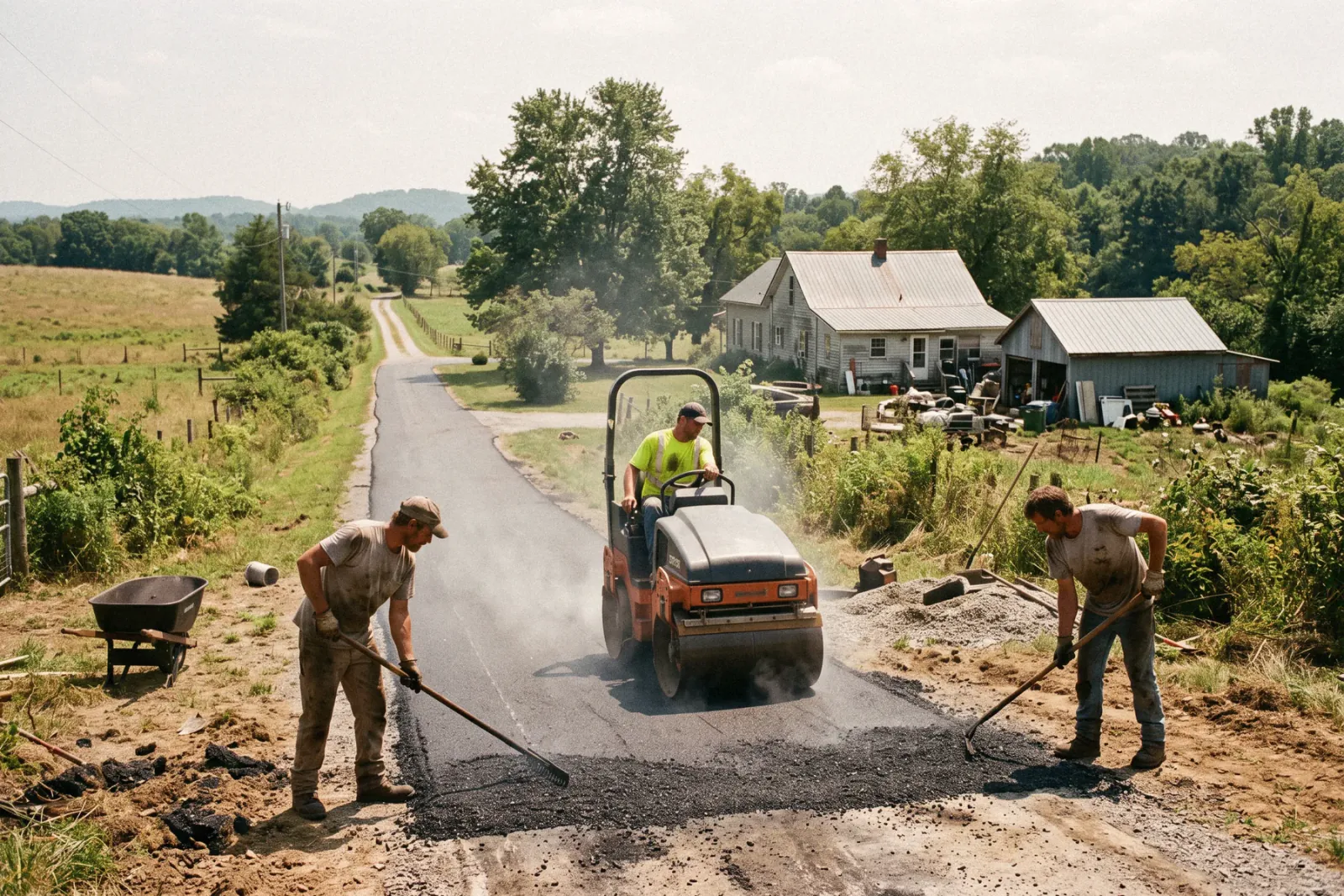
Paving and asphalt contractors bid everything from residential driveways to commercial lots, price by the square foot and the ton, and live inside tight weather and plant windows. Revcore Pro prices paving, sealcoating, crack filling, and striping from saved line items using your measured quantities, schedules crews around the forecast, and bills on completion or by stage with card and ACH.
Where paving & asphalt jobs get stuck.
The same few things cost paving & asphalt crews time and money on every job. This is what Revcore takes off your plate.
- 01
Estimating by square foot and tonnage
Price paving and sealcoating with quantities built into the quote.
- 02
Tight weather and crew windows
Schedule jobs around the calendar and keep clients posted on dates.
- 03
Commercial invoicing delays
Bill on completion and offer card and ACH so payment lands faster.
How a paving & asphalt job runs in Revcore.
From the first call to the final payment, every step happens on the same job record, so nobody retypes anything and nothing waits on the office.




Paving & Asphalt job, example
Capture residential and commercial requests
1/7





Driveway inquiries and property manager requests land on the pipeline from your web forms. Custom fields hold property type, lot size, and whether it is a new pave, overlay, or maintenance job.
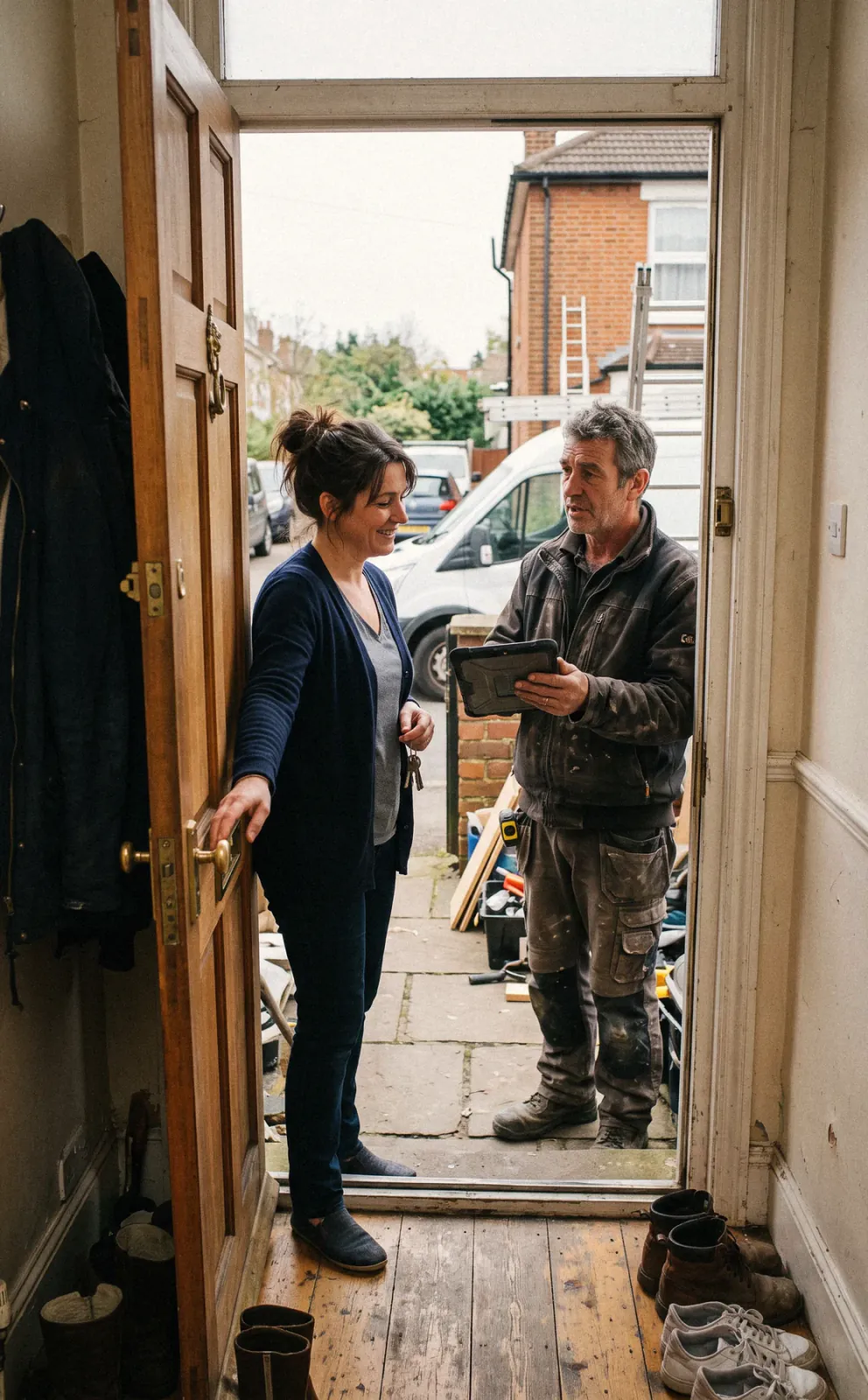
CRM and pipelineWalk the drive or lot and photograph alligator cracking, potholes, drainage problems, and edges. Mark up photos to show patch areas and log square footage, depth, and crack footage on the job, so the estimator and the crew see the same scope.
Job tracking and photosSaved line items price milling or removal, base, asphalt by the ton, sealcoating per square foot, crack fill per foot, and striping. Offer sealcoat, overlay, and full replacement as tiers with a margin check on each.
EstimatesHomeowners sign and pay the deposit from their phone in one step. Commercial customers approve from the same link, and specs, contracts, and site plans stay on the job file where the office and the crew lead can both pull them up.
PaymentsBook paving and sealcoating crews on the board and drag jobs when rain or cold closes the window. Customers get a text when dates move, and crews clock in with GPS so hours tie to each job for later review.
SchedulingOn sealcoating and crack fill days, use the job map to group nearby driveways and drag them onto the crew's day. Customers get an automatic appointment reminder, so cars are moved off the driveway before the crew pulls up.
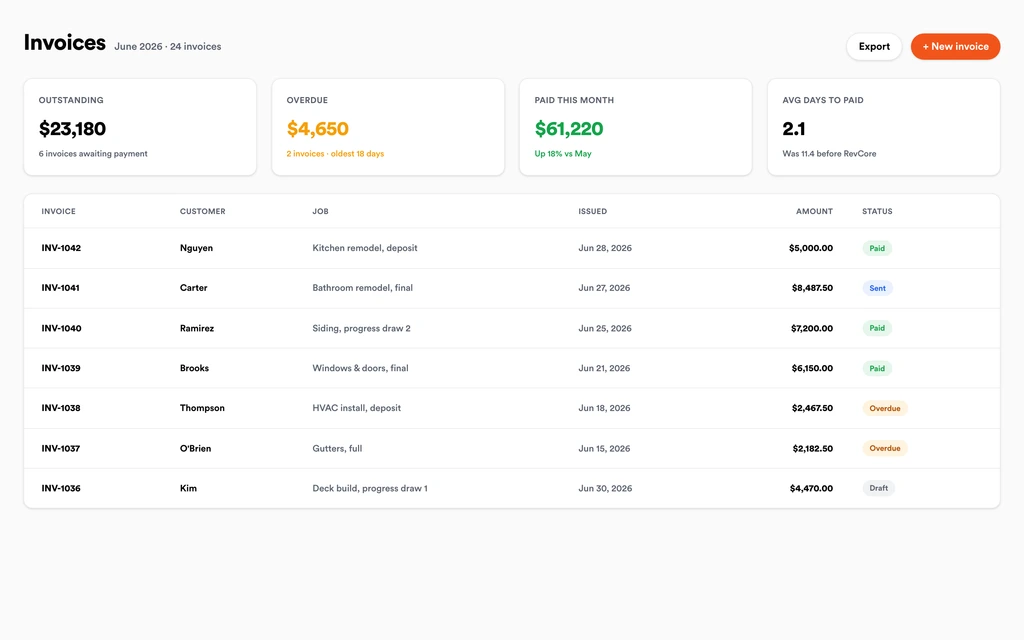
Field and dispatchInvoice from the job with added patches or change orders already on it, and bill commercial lots by stage when needed. Automated reminders go out on open invoices, and payouts land in 1 to 2 business days, or instantly for eligible accounts.
InvoicingSet up for the way paving & asphalt jobs run.
Quantity-based estimates
Price by square foot and tonnage with real costs built in.
Crew scheduling
Plan paving and sealcoating crews and confirm with GPS clock-in.
Photo documentation
Before and after the pour, tied to the job for the client record.
Progress billing
Bill milestones or on completion and collect by card or ACH from a text link.
What to look for in paving & asphalt software.
Take this list to any demo or trial, ours included. If a tool cannot show you each of these on a real job, keep looking.
Square foot and tonnage pricing
Asphalt bids combine area, depth, and tons. Saved line items should price each piece from your measured quantities, the same way on every bid.
Sealcoating and crack fill as their own services
Maintenance work is priced differently from new paving. Look for separate line items per square foot and per linear foot.
Weather-driven rescheduling
Paving windows close fast. Moving a job should take a drag, with automatic texts so customers are not left guessing.
Residential and commercial in one pipeline
Driveways and parking lots follow different sales cycles. Both should sit on one pipeline with custom fields for property type.
Before and after photos
Property managers want proof of the work. Photos with markup should stay on the job and be easy to share.
Low fees on large commercial invoices
Commercial lots mean big invoices. Check the ACH fee cap and whether invoice reminders go out automatically without someone in the office chasing them.
Repeat maintenance reminders
Sealcoating comes back every few years. Automated follow-ups should prompt past customers when it is time to reseal, without a separate marketing tool.
The whole platform comes standard.
Quoting is the start. Every paving & asphalt account runs the full job, from the first lead to the final payment, in one login.
- CRM and pipelineEvery lead and job on one board
- Estimates and proposalsGood, Better, Best, signed on the spot
- Scheduling and dispatchCrews on one shared calendar
- CommunicationsTexts, calls, and email in one thread
- Invoicing and paymentsDeposits and finals, paid online
- Service agreementsRecurring work, tracked
- AutomationsFollow-ups that send themselves
- ReportingRevenue and close rate at a glance
Comparing paving & asphalt software?
Honest side-by-sides with the tools paving & asphalt crews weigh most. Every plan is one flat price with crew seats included. See pricing.
- Revcore vs JobberCommon with sealcoating crews. Revcore adds tiered proposals, margin checks, and progress billing.
- Revcore vs Contractor ForemanConstruction management for commercial work. Revcore focuses on quoting, crews, and fast collection.
- Revcore vs WorkizField service with phone features. Revcore adds quantity-based assemblies and milestone billing.
- Revcore vs SquarePayments and simple invoices. Revcore connects payment to the estimate, crew, and job record.
- All comparisons →
“Photos, scheduling, and payments live in one login. My crews update the office without a single end-of-day phone call.”

Composite operator based on early-access usage. Outcomes are illustrative; individual results vary.






Paving & Asphalt questions, answered.
Still deciding if Revcore fits your crew? Talk to our team.
What is the best software for paving contractors?
Paving contractors need square foot and tonnage estimates, weather-flexible scheduling, photo records, and fast collection on completion. Revcore Pro covers those in one login with crew seats included. Jobber is common for residential sealcoating crews, and larger commercial pavers often use construction estimating or ERP tools built for heavy civil work.
Can Revcore measure a parking lot or driveway from satellite images?
No. Revcore does not measure from aerial or satellite imagery. Measure on site or use your preferred measuring tool, then enter square footage, depth, and crack footage, and your saved line items price the job. Marked-up photos show the crew which areas get patched.
How do I quote asphalt by the ton?
Set up a saved line item priced per ton and enter the tonnage you calculate from area and depth. Add milling, base, and labor items to the same assembly, and the margin check shows whether the bid holds up before it goes to the customer.
Can I plan sealcoating days in Revcore?
Yes. Use the job map to see which driveways sit close together and drag them onto a crew and day on the crew board. Revcore does not optimize routes for you. Customers get automatic appointment reminders, crews see their next stop with directions on their phones, and a new job can go to an open crew with a drag.
Does Revcore handle commercial paving invoices?
Yes. Bill commercial lots on completion or by milestone, send card or ACH payment links, and let automated reminders follow up on open invoices. ACH is 0.8% (capped at $5) plus a 0.75% platform fee, and every plan can download a full data export for your bookkeeper.
Can I remind past customers about resealing?
Yes. Automations can text or email past customers when it is time to reseal or crack fill, based on the date of their last job, so repeat work books without anyone digging through old invoices. Review requests can go out after each completed job too.
Can I track which crew paved which job?
Yes. Every job records the assigned crew and their GPS clock-in hours, along with photos and notes. Reporting shows performance by crew, so you can compare hours against what each job was bid at and adjust your labor rates before the next season.
Does it work on my phone in the field?
Yes. Revcore runs on the web, iOS, and Android, so paving & asphalt crews can open the job, add photos, take a signature, and collect payment from the site.
How fast can we switch over?
Most crews are live within a week. Paid plans include hands-on onboarding: we import your customers and pricing, set up your proposal templates, and add your team, then check in until it sticks.
What does Revcore Pro cost for paving & asphalt?
Plans start at $249/mo billed monthly ($207/mo on annual billing, 2 months free) with crew seats included, plus CRM, estimating, scheduling, and invoicing. Every plan includes a 14-day free trial with no credit card required.







