Best AI for contractors in 2026: a ranked buyer's guide
The best AI for contractors in 2026 lives inside the system that already holds your leads, estimates, jobs and invoices. We rank Revcore Pro, Housecall Pro, Jobber, ServiceTitan, ChatGPT, Claude and Gemini on real data, approval, privacy and price.

By The Revcore team
Reviewed by Hayden Mitchell, founder
13 min read

Quick answer
What is the best AI for contractors in 2026?
For home service contractors who sell in the home, Revcore Pro is our pick. The Revcore AI Assistant is included on every plan, now in beta, and the Scale plan connects Claude or ChatGPT to your live Revcore data today. It sits on one system from lead to paid, with Good/Better/Best presentations, signatures and deposits at the table.
Every contractor software company now says it has AI. For an owner running a $2M to $30M roofing, HVAC, remodeling or plumbing company, the question is not whether AI is real. It is which AI will actually help your office manager, your sales reps and your crews next Tuesday, without sending something wrong to a homeowner.
This guide ranks the options we think matter most for home service contractors as of September 2026. We checked every competitor feature below on the vendor's own page and linked it, so you can verify it yourself. Where we could not confirm something, we left it out. If you want the broader picture of where AI saves time and where it is hype, start with AI for contractors: what actually works. This post is about choosing a tool.
What does "AI for contractors" actually mean in 2026?
When a vendor or a YouTube video says "AI for contractors", it usually means one of three categories. They solve different problems, and mixing them up is how owners end up paying for three tools that overlap.
| Category | What it is | Good at | Weak at |
|---|---|---|---|
| AI built into your business software | An assistant inside the CRM or field service platform you already run | Answering questions from your real leads, jobs and invoices; drafting follow-ups tied to real records | Only as good as the platform underneath it |
| General assistants | ChatGPT, Claude, Gemini on a business account | Drafting, rewriting, SOPs, job ads, sales practice, thinking through problems | Knows nothing about your business unless you paste it in or connect it |
| Point tools | AI receptionists, review responders, ad optimizers | One narrow job, often after hours | Another subscription, another login, another place data lives |
The strongest setup for most contractors is a platform with AI built in, plus one general assistant for drafting. Buy point tools only for a specific, measured problem.
How should a contractor evaluate AI software?
Ask every vendor to show you these five tests on screen, not describe them.
Does it work on your real data?
Ask the assistant a question you already know the answer to, like which estimates over $10,000 went unsigned last month. If it cannot reach your estimates, invoices and job history, it is a writing tool, not a business tool.
Does a person approve before anything sends?
A draft follow-up is useful. A text that goes to a homeowner with the wrong price or a promised install date is a callback, a refund or a bad review. Find out exactly what the AI can send, book or change on its own.
Where does your customer data go?
Homeowner names, addresses, phone numbers and job notes should only go into business accounts that do not train on your content. Ask the vendor to show you the setting or the policy.
Is it included or an add-on?
Several vendors sell AI features as separate products or put them on the top plan only. Price the AI you would actually use, per month, for your real team size.
Does it fit how you sell in the home?
If your revenue comes from $12,000 roofs and $15,000 HVAC systems sold at the kitchen table, the AI should sit next to your estimates, options and presentation, not in a tool your reps never open.
The best AI for contractors in 2026, ranked
We ranked these for an owner with a sales team, an office and several crews, doing higher ticket work often sold in the home. A one truck recurring service route may rank them differently.
1. Revcore Pro: best overall for contractors who sell in the home
Revcore Pro is one system from lead to paid: lead capture and forms, CRM and pipeline, estimates with Good/Better/Best options from your own catalog, an interactive in-home sales presentation on an iPad, e-signatures and deposits at signing, scheduling and dispatch from one board, job tracking with photos, invoicing, card and ACH payments, and two-way texting on every plan. The AI sits on top of all of that data.
- The Revcore AI Assistant is included on every plan, now in beta. It is meant to help with office work: spotting who owes money, which leads went quiet and what needs attention, and drafting follow-ups and reminders for a person to approve. Nothing goes out without approval.
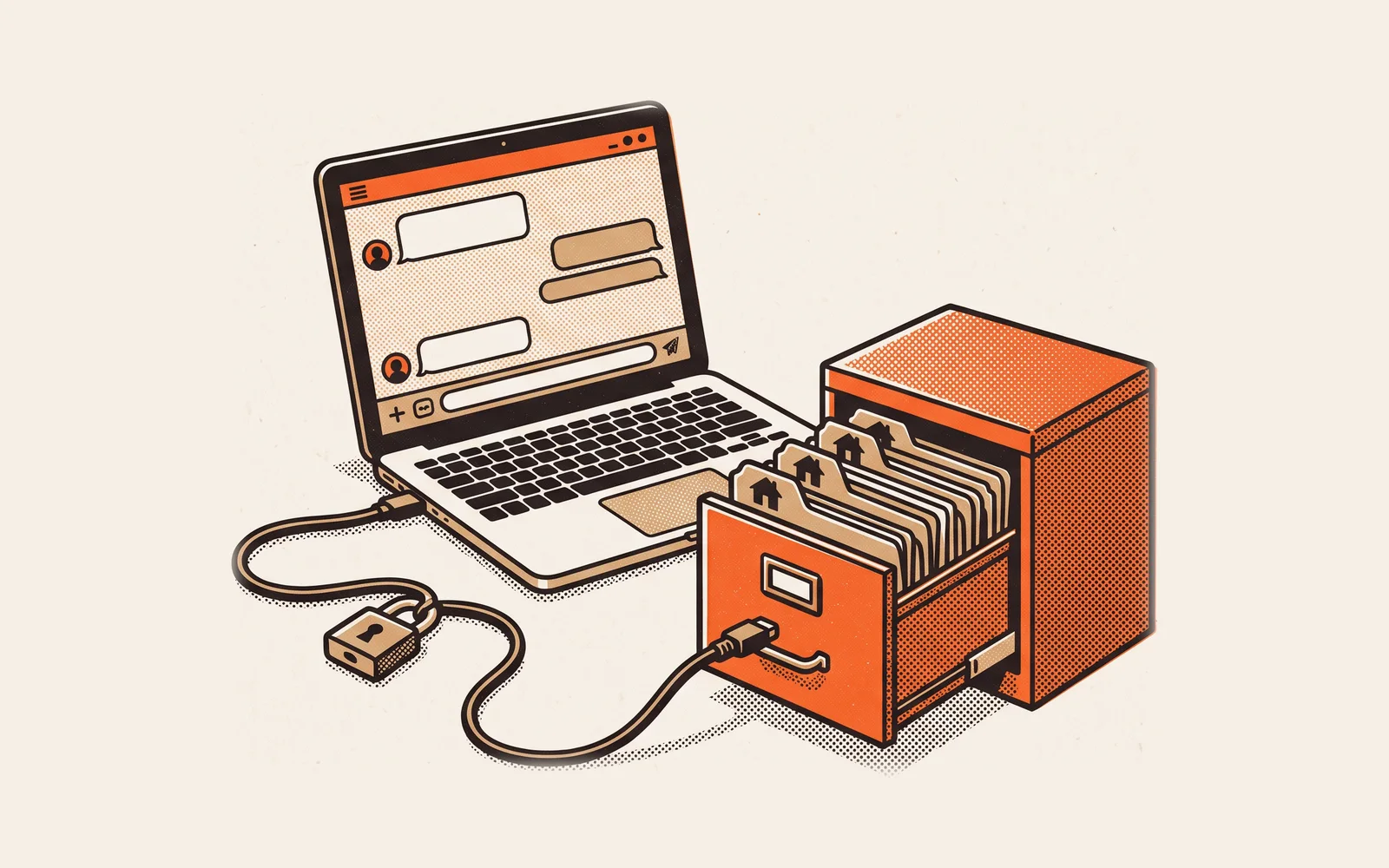
- Live today on the Scale plan: connect Claude, ChatGPT or another MCP-capable assistant to your Revcore data with an API key. Ask about clients, leads, open estimates and invoices, active jobs, today's appointments, revenue and recent payments, and create clients and leads. It cannot create estimates, which keeps pricing in your catalog and in your team's hands. Setup is covered in how to connect Claude or ChatGPT to your contractor CRM.
- Flat plans with seats included: Starter $249/mo (3 seats), Pro $499/mo (7 seats), Scale $899/mo (15 seats), extra seats $49/mo. No setup fees, and setup and migration are included on paid plans. Presentations and Good/Better/Best start on Pro.
Why it ranks first: AI is only as useful as what it can see and what it is allowed to do. In Revcore, the assistant sees the same leads, estimates, jobs and invoices your team works from every day, and the thing that closes the job, the presentation with three options, a signature and a deposit on the same visit, is built into the same system. The honest tradeoff is that the built-in assistant is still in beta. If you need a live AI connection to your data today, that is the Scale plan. See Revcore AI for what is available now.
2. Housecall Pro: best AI feature set for smaller service shops
Housecall Pro groups its AI under an AI Team page. As of September 2026, that page lists CSR AI, which answers calls, chats and texts, plus Analyst AI for reports and insights from your data, Coach AI for business recommendations, and Marketing AI for emails, campaigns and service descriptions. The page says Analyst, Coach and Marketing AI are included in all plans, chat answering is included, and CSR AI call answering is a paid feature you enable.
Where it falls short for in-home sellers: according to our Housecall Pro profile, verified September 24, 2026, the sales proposal tool with side-by-side options is included on MAX and sold separately below it. If most of your revenue is sold at the kitchen table, you will likely end up on the top plan plus add-ons. See Housecall Pro alternatives.
3. Jobber: best AI receptionist inside a field service app
Jobber's AI features page lists a custom report builder you ask in plain language, AI suggested automations, a Rewrite tool for client messages, Voice for hands free tasks in the mobile app, business recommendations, and the AI Receptionist. The Receptionist page says it answers calls and texts around the clock, books work, takes requests, transfers urgent calls and keeps transcripts and recordings.
Two details matter for buyers. Jobber's help article on Receptionist says it is included with unlimited use on the Plus plan, and otherwise costs $29/month for 30 conversations, then $0.79 per additional conversation. It also books directly into your calendar through your online booking settings, without a manual approval step. Jobber is strong for recurring and quick turn service work. It does not have an interactive in-home presentation, according to our Jobber profile, verified September 24, 2026. See Jobber alternatives.
4. ServiceTitan: deepest AI for large, call center driven shops
ServiceTitan's AI lives under Titan Intelligence. As of September 2026 that page describes Atlas as an AI sidekick that can handle tasks, surface insights and take action, alongside features like Second Chance Leads for recoverable unbooked calls, Price Insights against regional averages, a Review Response Generator, invoice summary and invoice email generators, and a Job Value Predictor used in dispatch. Several are tied to separately sold Pro products such as Marketing Pro, Pricebook Pro, Dispatch Pro and Fleet Pro.
ServiceTitan is built for established multi truck operations, and its pricing is quote only through sales, per our ServiceTitan profile, verified September 24, 2026. Its techs can present options on a tablet in ServiceTitan Mobile. For a company near the bottom of the $2M to $30M range, the cost and implementation of the full stack is the main question. See ServiceTitan alternatives.
5. ChatGPT: best general assistant for everyday drafting
ChatGPT is the assistant most of your team already knows. The ChatGPT Business page says business data is never used for training its models, with SSO and multi factor authentication. It is excellent for drafting follow-ups, job ads, SOPs and sales role-play, but on its own it knows nothing about your jobs. On Revcore's Scale plan, ChatGPT is one of the assistants you can connect.
6. Claude: best general assistant for long documents and careful writing
Claude handles long inputs well, which suits contractors who want to turn a long inspection note, a manufacturer warranty PDF or a messy SOP into something clear. The Claude pricing page says the Team plan has no model training on your content by default, and lists connectors on every plan, which is how Claude connects to tools like Revcore through MCP.
7. Gemini: best if your office already runs on Google Workspace
If your office lives in Gmail, Docs and Sheets, Gemini is already there. The Google Workspace pricing page shows Gemini included across Workspace plans, with broader access from Standard up, and Google's Workspace AI page says Workspace data is not used to train or improve Gemini models. It summarizes email threads and drafts messages well. Like the other general assistants, it does not know your pipeline unless you give it access.
How do the options compare side by side?
| Option | Works on your business data | Approval before sending | Price of the AI | In-home sales fit |
|---|---|---|---|---|
| Revcore Pro | Yes: AI Assistant (beta) on every plan; live MCP connection on Scale | Yes, nothing goes out without approval | Included on every plan | Built in: presentation, Good/Better/Best, signature and deposit (Pro and Scale) |
| Housecall Pro | Yes: Analyst AI and Coach AI | Varies by feature | Most AI included; CSR AI call answering is paid | Sales proposal tool on MAX, sold separately below it |
| Jobber | Yes: report builder, recommendations | Receptionist books directly into your calendar | Receptionist included on Plus, otherwise $29/mo for 30 conversations | No interactive presentation |
| ServiceTitan | Yes: Atlas and Titan Intelligence | Not stated on the page we checked | Several AI features tied to separately sold Pro products; quote only | Options on a tablet in ServiceTitan Mobile |
| ChatGPT, Claude, Gemini | Only what you paste in or connect | You send everything yourself | Separate per user subscription | None on their own |
Should you buy an AI receptionist?
AI receptionists are the most visible point tool, and both Jobber and Housecall Pro sell one. Revcore does not offer AI call answering. Before you buy one from anyone, pull a month of call logs and count the calls you actually missed during business hours and after hours. If the number is small, a faster office callback and a clean speed to lead process will usually do more than a robot voice. If the number is large, an AI receptionist can make sense, but check what it is allowed to book, what it says about pricing, and your consent obligations for automated calls and texts.
For higher ticket in-home work, the bigger leak is usually after the appointment: estimates that go quiet with no follow-up plan. That is where AI tied to your estimates and pipeline earns its keep. See how to follow up on an unsold estimate.
Why is Revcore the pick for contractors who sell in the home?
Here is an illustrative example. A roofing company runs three sales reps. On Monday morning the owner wants to know which estimates over $15,000 went out last week without a signature, and who still owes a deposit on jobs scheduled next week. In a general chatbot, someone exports a spreadsheet first. In Revcore, the answer comes from the same estimates and invoices the reps used at the kitchen table, and the follow-up texts get drafted for the office manager to approve and send through two-way texting.
- The AI and the close live in one place. The presentation, the three options, the signature and the deposit are records the assistant can see.
- A person stays in charge. Drafts wait for approval. Pricing stays in your catalog, and MCP cannot create estimates.
- No AI surcharge. The Assistant is included on every plan, and texting is on every plan too.
- Your own assistant, connected. On Scale, the team can use Claude or ChatGPT against live Revcore data instead of copy and paste.
If you are comparing full platforms rather than AI alone, our roundups of the best contractor software and the best in-home sales software go deeper on everything underneath the AI.
Frequently asked questions
What is the best AI software for contractors?
For contractors who sell higher ticket jobs in the home, Revcore Pro is our pick, because its AI works on the same leads, estimates and invoices as the in-home presentation and payments. Housecall Pro has a broad included AI feature set, Jobber has a strong AI receptionist, and ServiceTitan has the deepest AI for large call center shops.
Is ChatGPT good enough for a contracting business?
For drafting, yes. ChatGPT, Claude and Gemini are excellent at follow-up texts, job ads, SOPs and sales practice. On their own they do not know your pipeline or invoices. Use a business account that does not train on your data, and connect it to your software if you want answers about real jobs.
Does Revcore have built-in AI?
Yes. The Revcore AI Assistant is included on every plan and is now in beta, turning on for accounts in waves. It helps spot who owes money, which leads went quiet and what needs attention, and drafts follow-ups for a person to approve. The live MCP connection for Claude or ChatGPT is on the Scale plan.
Can AI write estimates for contractors?
It can help turn inspection notes into clear scope language, but prices, materials and warranty terms should come from your own catalog and costs, and a person should check every line. Revcore's MCP connection deliberately cannot create estimates, so pricing stays with your team.
Do I need an AI receptionist?
Only if your call logs show you miss a meaningful number of calls. Revcore does not offer AI call answering. Jobber and Housecall Pro both sell one. Check what it can book on its own, what it says about pricing, and your consent obligations before turning it on.
Is it safe to put customer data into AI tools?
Only in business or team plans that do not train on your content, with company controlled logins. ChatGPT Business, Claude Team and Google Workspace each state on their own pages that business data is not used for model training. Keep personal chatbot accounts away from homeowner names, addresses and phone numbers.
Further reading: AI for contractors: what actually works, 25+ AI prompts for contractors, how to connect Claude or ChatGPT to your contractor CRM, how to get your contracting business recommended by AI, and all-in-one vs point solutions for contractors.
Written by the Revcore team. Reviewed by Hayden Mitchell, founder of Revcore Pro, who closed $3.5M of home improvement door to door and helped scale a contractor from $1M to $10M.