Bid the pour, schedule the crew, get paid clean.
Concrete and masonry work runs on accurate takeoffs and tight scheduling. Revcore keeps your quantities, crews, and billing organized so every pour lands on time and on budget.
14-day free trial, no credit card required.

What concrete & masonry contractors need from software
Concrete and masonry contractors need quick quantity-based bids for flatwork, footings, and block, scheduling that bends around pours and weather, and clean billing when the work is done. Revcore Pro prices from saved assemblies using the yards and square feet you measure, moves pours on a drag-and-drop board with automatic client notices, documents forms and finishes, and bills by stage or on completion.
Where concrete & masonry jobs get stuck.
The same few things cost concrete & masonry crews time and money on every job. This is what Revcore takes off your plate.
- 01
Takeoffs that take too long
Price by yard and square foot with your real material costs built in.
- 02
Weather-driven reschedules
Move pours on the calendar and notify clients automatically.
- 03
Collecting on completed work
Bill on completion and collect before the crew leaves so cash keeps moving.
How a concrete & masonry job runs in Revcore.
From the first call to the final payment, every step happens on the same job record, so nobody retypes anything and nothing waits on the office.




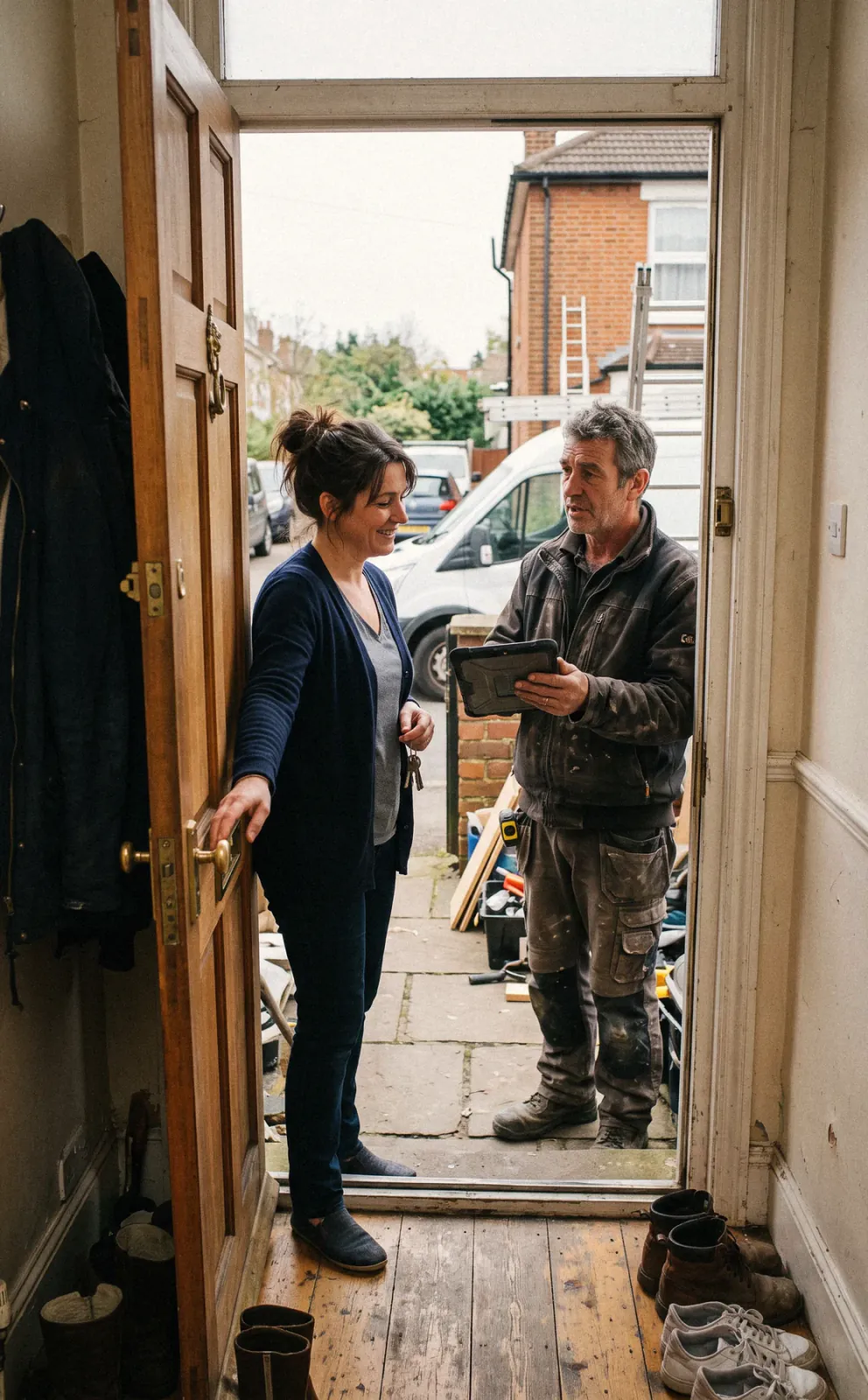
Concrete & Masonry job, example
Capture driveway and patio inquiries
1/7





Leads from web forms land on the pipeline, and two-way texting lets you reply in seconds. Tag the source so you know whether yard signs, ads, or builders send the work.
CRM and pipelinePhotograph the cracked driveway, the grade, drainage, and truck access, then mark up photos to show saw cuts, tear-out limits, and new forms. Log your square footage, thickness, and linear feet of wall on the job.
Job tracking and photosSaved assemblies price tear-out, base, forms, rebar or mesh, concrete by the yard, finish, and sealing, with labor rates for your zip code. Offer broom finish, exposed aggregate, and stamped as Good, Better, Best with a margin check.
EstimatesThe customer signs from their phone and pays the deposit in the same step. The approved estimate becomes a job with the finish, color, and stamp pattern saved for the crew, so nobody has to dig through texts to find which pattern was picked.
PaymentsPut form day, pour day, and sealing on the crew board, and drag the pour when rain or cold moves in. The customer gets a text when the date changes, and crews clock in from the site with GPS.
SchedulingShoot the forms and reinforcement before the pour, the finish work, and the cured slab. Inspection sign-offs and warranty terms go on the job file so you have a record if cracks come up later.
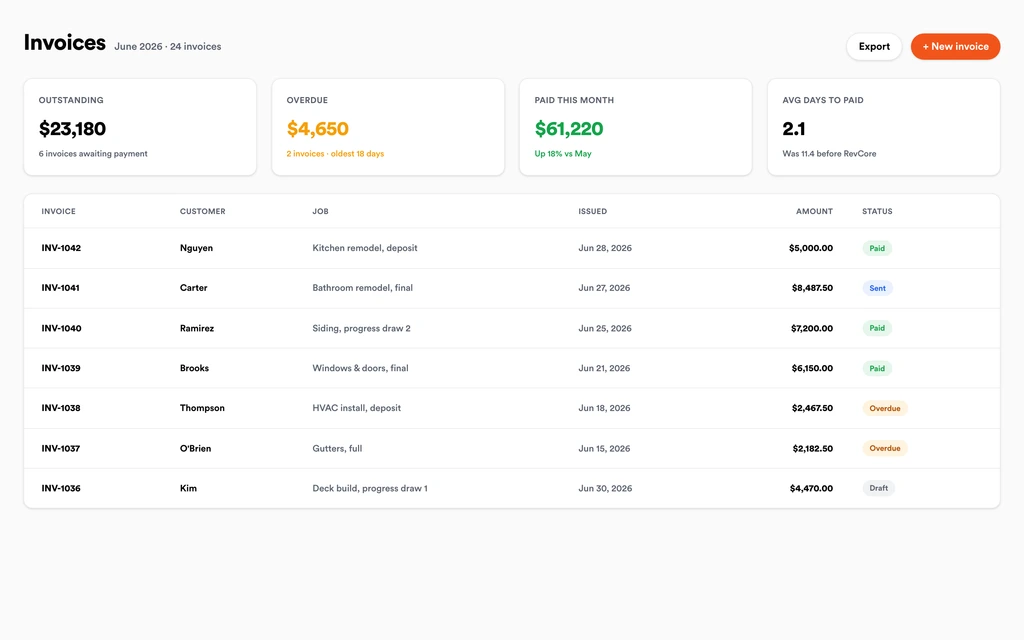
Job tracking and photosInvoice from the job with any added square footage or change orders already on it. Larger jobs can bill by milestone or percentage complete, and payouts land in 1 to 2 business days, or instantly for eligible accounts.
InvoicingSet up for the way concrete & masonry jobs run.
Quantity-based estimates
Price flatwork, footings, and block with quantities tied to the job.
Crew scheduling
Plan pours and confirm crews with GPS clock-in.
Photo documentation
Forms, pours, and finishes documented for the job record.
Progress billing
Bill by stage or on completion and collect by card or ACH from a text link.
What to look for in concrete & masonry software.
Take this list to any demo or trial, ours included. If a tool cannot show you each of these on a real job, keep looking.
Quantity-based assemblies
Concrete bids come down to yards, square feet, and linear feet. Saved assemblies should price base, forms, reinforcement, and finish from your numbers.
Finish options as tiers
Broom, exposed aggregate, and stamped finishes are natural upgrade tiers. The customer should see and sign the option they want in one proposal.
Pour scheduling that handles weather
Rain and cold move pours constantly. Rescheduling should take a drag, with the customer and the crew notified by text automatically.
Photos of forms and reinforcement
Once concrete is placed, the base and rebar are gone from view. Photos on the job protect you when a crack shows up years later.
GPS clock-in for crews
Flatwork and masonry crews move between sites. Hours should tie to the job so you can see which bids were short on labor.
Progress billing for bigger jobs
Foundations, walls, and commercial flatwork need stage or percentage-complete billing, not just a single invoice at the end of the job.
Change orders for added scope
Extra square footage, a new walkway, or extra tear-out needs to be priced, approved, and carried to the final invoice.
The whole platform comes standard.
Quoting is the start. Every concrete & masonry account runs the full job, from the first lead to the final payment, in one login.
- CRM and pipelineEvery lead and job on one board
- Estimates and proposalsGood, Better, Best, signed on the spot
- Scheduling and dispatchCrews on one shared calendar
- CommunicationsTexts, calls, and email in one thread
- Invoicing and paymentsDeposits and finals, paid online
- Service agreementsRecurring work, tracked
- AutomationsFollow-ups that send themselves
- ReportingRevenue and close rate at a glance
Concrete & Masonry software, by category
Looking for one piece? Each page shows how that part works for concrete & masonry crews.
Comparing concrete & masonry software?
Honest side-by-sides with the tools concrete & masonry crews weigh most. Every plan is one flat price with crew seats included. See pricing.
- Revcore vs Contractor ForemanConstruction management for GCs and subs. Revcore focuses on the residential sale and crew board.
- Revcore vs BuildertrendProject management for builders. Revcore is lighter, with estimates and payments in one flow.
- Revcore vs JobberSimple quoting for small crews. Revcore adds assemblies with margin checks and progress billing.
- Revcore vs CompanyCamPhoto documentation only. Revcore keeps pour photos on the full job file.
- All comparisons →
“Photos, scheduling, and payments live in one login. My crews update the office without a single end-of-day phone call.”

Composite operator based on early-access usage. Outcomes are illustrative; individual results vary.






Concrete & Masonry questions, answered.
Still deciding if Revcore fits your crew? Talk to our team.
What is the best software for concrete contractors?
Concrete and masonry contractors need quantity-based estimates, pour scheduling, photo records, and progress billing. Revcore Pro covers those in one login with crew seats included. Contractor Foreman and Buildertrend are common for contractors doing commercial or new construction work, and Jobber is often used by smaller residential flatwork crews.
Can Revcore calculate concrete yardage from plans?
Revcore does not run takeoffs from plans or drawings. Enter your measured square footage and thickness, and saved assemblies price concrete by the yard along with base, forms, reinforcement, and finish, so the math is the same on every bid.
How do I quote stamped versus broom finish concrete?
Build a Good, Better, Best proposal from the same square footage, with broom finish, exposed aggregate, and stamped with color as the tiers. Each tier shows its margin, and the customer signs and pays the deposit on the option they choose.
Can I reschedule pours for weather?
Yes. Drag the pour to a new day on the crew board and the customer gets a text about the change. Notes on the job explain why it moved, the crew sees the new date on their phones, and two-way Google Calendar sync keeps the office calendar current too.
Does Revcore work for masonry, block, and retaining walls?
Yes. Set up assemblies for block, brick, stone veneer, mortar, and caps priced by square foot or linear foot of wall. The same job file holds photos, specs, and inspection records for footings and walls, and tiers let you show a block wall next to a natural stone option.
Can I bill commercial concrete work in stages?
Yes. Use milestone or percentage-complete billing for foundations, commercial flatwork, and multi-phase jobs. ACH is 0.8% (capped at $5) plus a 0.75% platform fee, and every plan can download a full data export for your bookkeeper. Change orders for added scope roll onto the next billing.
Can I keep a record of concrete work for warranty claims?
Yes. Photos of the base, forms, and reinforcement, plus finish photos and warranty terms, stay on the job file. When a customer calls about a crack later, the record of what went in the ground is there, tied to the crew and the date of the pour.
Does it work on my phone in the field?
Yes. Revcore runs on the web, iOS, and Android, so concrete & masonry crews can open the job, add photos, take a signature, and collect payment from the site.
How fast can we switch over?
Most crews are live within a week. Paid plans include hands-on onboarding: we import your customers and pricing, set up your proposal templates, and add your team, then check in until it sticks.
What does Revcore Pro cost for concrete & masonry?
Plans start at $249/mo billed monthly ($207/mo on annual billing, 2 months free) with crew seats included, plus CRM, estimating, scheduling, and invoicing. Every plan includes a 14-day free trial with no credit card required.







