Windows sales presentation software that runs the whole job.
Sales presentation software helps reps close at the kitchen table with a professional, interactive deck instead of a PDF. Revcore Pro ties a native in-home presentation to Good/Better/Best quoting, e-signatures, and deposits.
Quick answer
Looking for the right sales presentation software for windows? Revcore Pro gives windows crews sales presentation software plus everything it connects to, from the first lead to the final payment, in one login at a flat price, with unlimited free field crew seats.
Last updated September 2026
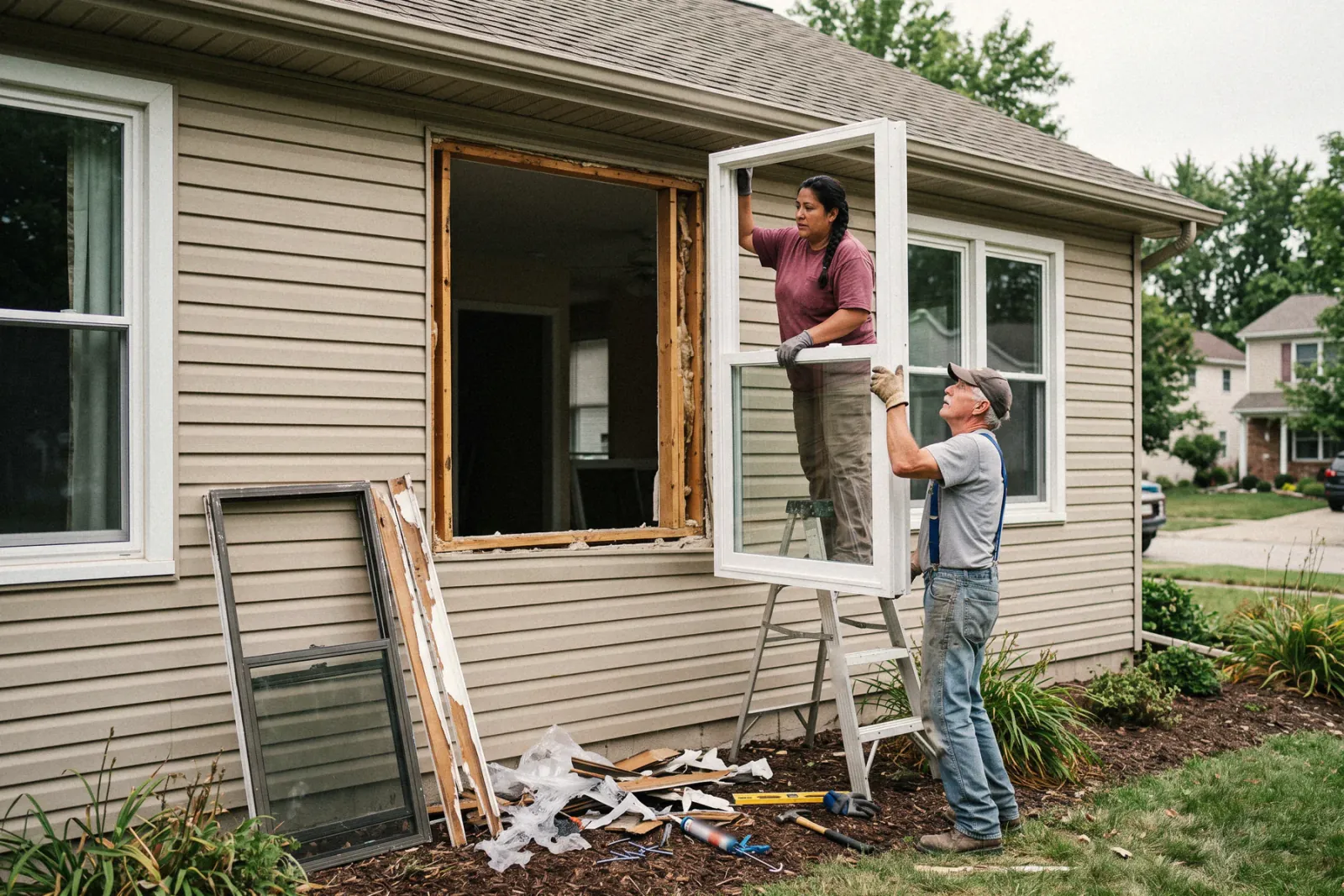
What slows windows crews down.
Measurements that get retyped three times
Record opening sizes once on site and reuse them across the quote and the order.
Sales presentation software built for windows, not bolted on.
Explore In-home sales presentationsInteractive in-home decks
Trade templates and branded slides that run offline at the table.
Good / Better / Best in the room
Homeowners compare tiers and self-select the upgrade.
Sign and collect a deposit
E-signature and payment on the spot, job created automatically.
Where sales presentation software fits in a windows job.
Set the sales appointment
Web form leads land on the pipeline, and two-way texting lets you reply in seconds. Tag every lead source, from the home show to the mailer, so you can see which ones turned into signed window contracts.
Price the window packages
Build the quote window by window from saved line items for each series, then add trim, capping, and disposal. Good, Better, Best packages can separate a builder grade line from a triple pane line, and each tier shows its margin before you present.
Close at the kitchen table
Walk the homeowner through the in-home presentation with the packages and monthly payment math on screen. When they choose, they sign and pay the deposit in the same step, and the signed specs stay on the job for ordering.
What windows crews should look for in sales presentation software
- Specs that carry from quote to order. Retyping specs between the estimate and the manufacturer order is where mistakes happen. The signed estimate should become the job without re-entering a single line.
- An in-home presentation with tiers. Window sales are usually one visit. You need a presentation that shows each series clearly, runs on your device, and takes the signature and deposit at the table.
- Homeowner updates during the wait. The weeks between signing and install are when buyers get nervous. A portal with the timeline and documents answers the where are my windows question for you.
- Deposit and balance billing. Most window contracts take a deposit at signing and the balance at install. Invoicing should handle both, with the deposit already credited on the final.
- Rep level reporting. When several reps run appointments, you need to see close rate by rep and revenue by lead source, not just a total at the end of the month.
Sales presentation software is just the start.
Every windows account runs the full job, from the first lead to the final payment, in one login, so you are not paying for or syncing separate tools.
See all of Revcore for windowsWindows sales presentation software, questions answered.
Still deciding if Revcore fits your crew? Talk to our team.
What is the best windows sales presentation software?
It depends on how you sell and how many tools you want to run. Revcore Pro covers windows sales presentation software and runs the entire job in one login: CRM, Good/Better/Best estimating, an in-home sales presentation, scheduling, invoicing, and on-the-spot payments, all built for how windows crews actually work.
Does Revcore Pro work for windows businesses?
Yes. Window jobs hinge on exact openings and tight ordering. Revcore keeps measurements, orders, and install dates connected so the right glass shows up on the right day.
How much does windows sales presentation software cost?
Revcore Pro is one flat price per plan, $249 to $1,199/mo, with 3 to 15 full seats, unlimited free field crew seats, and no setup fees or contracts. That covers the full platform, not just sales presentation software, so you replace several tools with one bill.
What is the best software for window replacement companies?
It depends on your sales model. Companies that sell in the home need appointment setting, opening by opening estimates, a tiered presentation, deposit collection, and install scheduling. Revcore Pro covers that full job in one login with unlimited free field crew seats. ImproveIt360 and LEAP are common with larger in-home sales teams, and Jobber is often used by smaller installers who mostly quote and schedule.
Can Revcore order windows from my manufacturer?
No. Revcore does not connect to supplier or manufacturer ordering systems. The signed specs, sizes, and notes stay on the job file, and your office places the order in the manufacturer's portal from that record, so nothing is retyped from memory.
Can I present window packages at the kitchen table?
Yes. Build Good, Better, Best packages from your window series and run them in the built-in in-home presentation. You can show monthly payment math beside each package, and the homeowner signs and pays the deposit before you leave. The presentation runs on your device, so a weak signal in the living room matters less, and the signed packages become the job.
How do I keep homeowners informed while windows are on order?
Give them the homeowner portal link. They can see the timeline, their signed contract, and progress photos without an app or account, and automations can text them when the install is scheduled and again the day before. That cuts down on the where are my windows calls that eat the office's afternoon during a long factory lead time.







