Restoration dispatch software that runs the whole job.
Dispatch software gets the right crew to the right job on time and keeps the office in the loop. Revcore Pro pairs a crew board, a live crew map, route optimization, and GPS clock-in with estimating, payments, and automatic appointment reminders in one login.
Quick answer
Looking for the right dispatch software for restoration? Revcore Pro gives restoration crews dispatch software plus everything it connects to, from the first lead to the final payment, in one login at a flat price, with unlimited free field crew seats.
Last updated September 2026
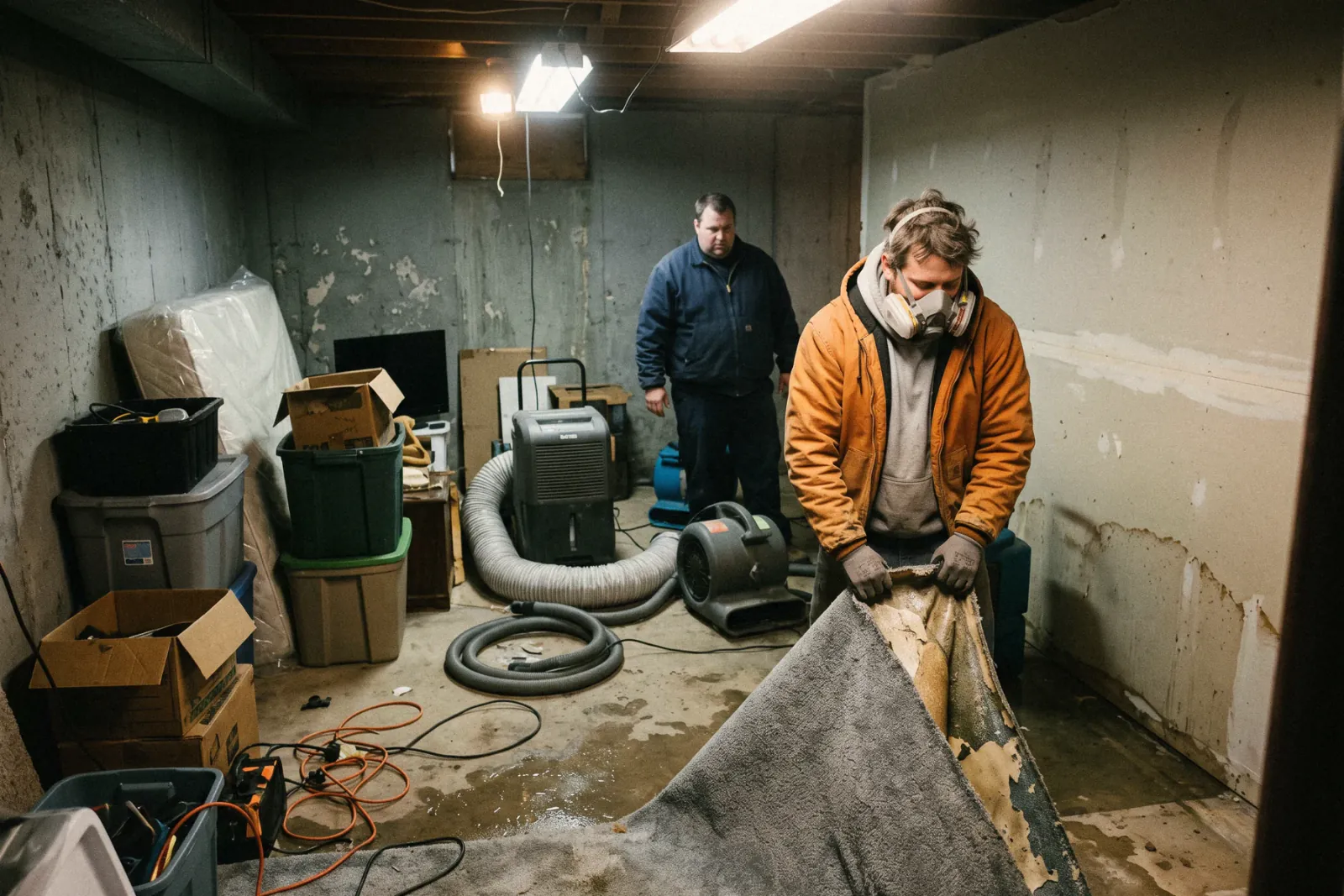
What slows restoration crews down.
Emergency calls at all hours
Capture leads instantly and assign the call to an open crew.
Dispatch software built for restoration, not bolted on.
Explore Field & dispatchLive crew map and routes
See every job and crew on a live map, then optimize the day's route so nearby work gets grouped.
Crew board
Drag a job onto a crew and a day, and the crew sees it on their phone with directions to the next stop.
Automatic customer updates
Appointment confirmations and reminders by text cut no-shows and status calls.
Where dispatch software fits in a restoration job.
Get a crew rolling fast
Drag the call onto an open team on the crew board, and it lands on their phone with directions to the stop. The homeowner gets an automatic appointment confirmation by text while they are still pulling up wet carpet.
Track the drying days
Schedule daily monitoring visits on the crew board and clock techs in with GPS so time on site ties to the job. Each day's readings and photos stack on the same file the adjuster will review.
What restoration crews should look for in dispatch software
- Fast dispatch. An open crew should get the call quickly. Look for a drag-and-drop crew board and automatic appointment confirmations to the property owner.
Dispatch software is just the start.
Every restoration account runs the full job, from the first lead to the final payment, in one login, so you are not paying for or syncing separate tools.
See all of Revcore for restorationMore restoration software
- Restoration CRM software
- Restoration estimating software
- Restoration invoicing software
- Restoration scheduling software
- Restoration field service software
- Restoration sales presentation software
Compare restoration tools
Restoration dispatch software, questions answered.
Still deciding if Revcore fits your crew? Talk to our team.
What is the best restoration dispatch software?
It depends on how you sell and how many tools you want to run. Revcore Pro covers restoration dispatch software and runs the entire job in one login: CRM, Good/Better/Best estimating, an in-home sales presentation, scheduling, invoicing, and on-the-spot payments, all built for how restoration crews actually work.
Does Revcore Pro work for restoration businesses?
Yes. Water, fire, and mold work is urgent and documentation-heavy. Revcore keeps your dispatch, photos, and billing connected so jobs move fast and claims stay airtight.
How much does restoration dispatch software cost?
Revcore Pro is one flat price per plan, $249 to $1,199/mo, with 3 to 15 full seats, unlimited free field crew seats, and no setup fees or contracts. That covers the full platform, not just dispatch software, so you replace several tools with one bill.
What is the best software for restoration companies?
Restoration shops usually need a job management system plus Xactimate for carrier estimates. Dedicated restoration platforms focus on drying logs and carrier workflows, while tools like ServiceTitan or Jobber cover dispatch and billing. Revcore Pro fits companies that want emergency dispatch, photo documentation, phased billing, and the rebuild sale in one login, and it runs alongside Xactimate rather than replacing it.







