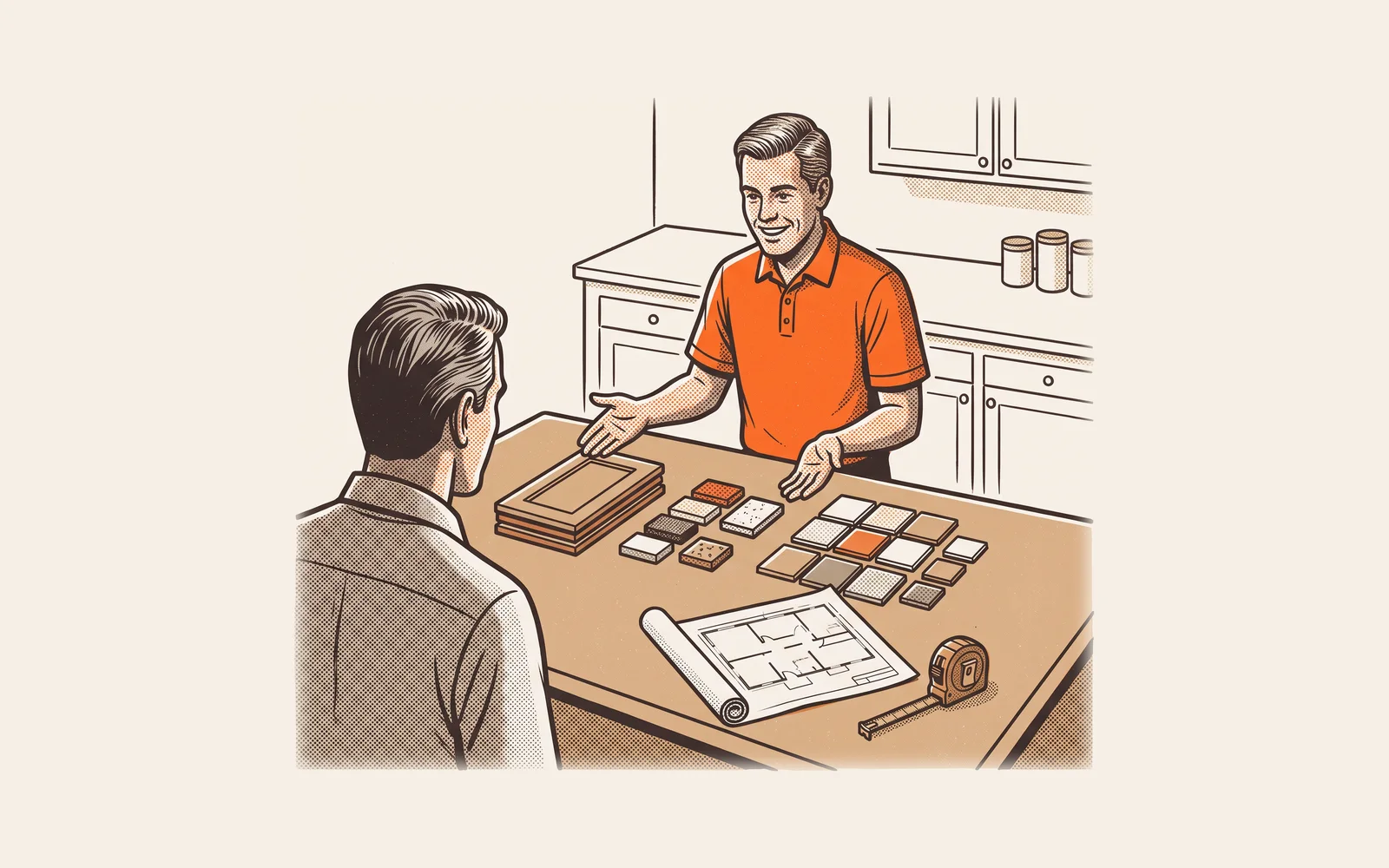
What is an in-home sales presentation? How to structure one that closes at the kitchen table
An in-home sales presentation is the guided visit where you show the homeowner what you found, walk them through options and price, and take the signature and deposit before you leave. Here is how to structure it screen by screen, how long it should run, how to reveal price, handle objections and stay on the right side of the cooling-off rule.

By The Revcore team
Reviewed by Hayden Mitchell, founder
Updated 12 min read

Quick answer
What is an in-home sales presentation?
An in-home sales presentation is a structured sit-down with the homeowner, usually on an iPad at the kitchen table, where you recap the problem you found, show photos and proof, present options with prices, answer objections and collect the signature and deposit in the same visit. It replaces the emailed quote with a decision made in the room.
Most contractors look at the roof or the furnace, talk for a while, and promise to send a number. The quote lands in an inbox two days later, gets compared against two other PDFs, and the decision is made on price alone, without you in the room.
An in-home sales presentation changes where the decision happens. You sit down with everyone who needs to decide, walk through a consistent story on a tablet, and give them a clear way to say yes before you leave. Here is how to structure one, what to show, how long it should take, and how to handle price, objections, the signature and the deposit.
What an in-home sales presentation includes
It is a guided conversation with a visual spine, built so any rep on your team tells the same story in the same order. It works for roofing, HVAC, remodeling, windows and larger electrical and plumbing jobs. The parts:
- A short introduction: who you are, what the visit covers and how long it takes.
- The findings, in photos and measurements from this house.
- The recommended fix, in plain words, tied to the problem they described.
- Proof: warranty, license, insurance, product details and real reviews.
- Options and price, usually good, better and best, built from your own catalog.
- The close: signature, deposit and a clear next step.
Emailed quotes vs in-home presentations
The real difference is who is in the conversation when the homeowner decides.
| Emailed quote | In-home presentation | |
|---|---|---|
| Where the decision happens | Later, in the inbox, usually without you | At the table, with you there to answer questions |
| Order of information | Price first, often the only thing they read | Problem, fix and proof first, price last |
| Options | Usually one number | Good, better and best, so they choose which one |
| Questions and objections | Unasked, or asked days later by text | Answered in the moment |
| Decision makers | Whoever opens the email | Everyone who needs to decide, in the room |
| Signature and deposit | Separate steps, if they happen at all | Taken before you leave |
| Best fit | Small, simple or repeat work | Replacements, remodels and any job worth a sit-down |
Emailed quotes still suit small repairs and repeat customers. When the homeowner will get several bids, the presentation is where you stop competing only on the number. More in why you should stop emailing quotes.
How to structure the presentation, step by step
Each step earns the right to the next. Skip ahead to price before the homeowner agrees on the problem and every number looks too high.
Set the agenda before you inspect
At the door, confirm who is deciding and explain the visit: inspect, sit down, show options and prices, then they decide. Ask that every decision maker be at the table for the second half.
Inspect and document
Take photos and measurements as you go. Ask how long the problem has been going on and what they want from the fix. These answers become your presentation.
Sit down and agree on the problem
Open the iPad and walk through the photos from their house. Name the issue in plain words and confirm they see it too. Do not move on until they agree there is a problem worth fixing.
Show the fix and the proof
Explain what you recommend and why it solves their problem. Then show warranty terms, product details, license, insurance and real reviews.
Reveal options and price
Show three options side by side. Lead with the one you recommend, then show the trimmed version and the premium version. Say the total clearly and stop talking.
Answer questions and objections
Listen for the real concern behind the first thing they say. Answer it directly, confirm the answer landed, then ask again which option fits.
Sign, collect and schedule
Walk through the contract on screen, take the e-signature and deposit, explain their cancellation rights and give a date range for the work.
What to show on the iPad, screen by screen
A workable flow is eight to twelve screens, and most of them should be about this house, not your company.
| Screen | What goes on it | What it does |
|---|---|---|
| 1. Welcome | Their name, the address, today's agenda | Sets expectations and signals this was prepared for them |
| 2. About us | One screen: years in business, license, insurance, service area | Answers is this company legitimate, fast |
| 3. What we found | Photos and notes from this inspection | Gets agreement on the problem |
| 4. Why it matters | What happens if it is left alone, stated honestly | Makes the cost of waiting concrete without scare tactics |
| 5. Recommended fix | The scope of work in plain language | Explains what you will actually do |
| 6. Products and warranty | The materials or equipment, and warranty terms | Shows what they are paying for |
| 7. Proof | Real reviews and photos of your completed jobs | Builds trust from other homeowners, not from you |
| 8. Options | Good, better and best with totals | Moves the question to which one |
| 9. Agreement | Contract, cancellation notice, signature | Makes the decision official |
| 10. Deposit and next steps | Deposit amount, payment, install window | Locks in the job and tells them what happens next |
The findings screen does the heavy lifting. A roofer shows lifted shingles, soft decking and flashing. An HVAC advisor shows equipment age and the rooms the homeowner said never feel right. A plumber quoting a repipe shows corroded fittings. An electrician quoting a panel upgrade shows the existing panel and the new load, like an EV charger, it cannot carry.
How long an in-home sales presentation should take
There is no universal number, and anyone who quotes one is guessing. As a planning guide, most replacement and remodel visits run about 60 to 90 minutes from the door to the signature. A reasonable split looks like this:
- Introduction and agenda: 5 to 10 minutes.
- Inspection and questions: 20 to 40 minutes, depending on the trade. A roof or a whole-home HVAC assessment takes longer than a water heater.
- The sit-down on the iPad: 20 to 30 minutes, including options and price.
- Questions, signature and deposit: 10 to 20 minutes.
Two things push a visit long: building the estimate line by line while the homeowner watches, and talking too much about the company. Build options from a catalog before you sit down, keep the company to one screen, and tell the homeowner at the door how long the visit will take.
How to handle the price reveal
The price reveal usually goes wrong in one of three ways: price shows up too early, as a single number, or the rep keeps talking after saying it.
- Earn it first. Do not show price until the homeowner has agreed on the problem and understands the fix. If they ask early, say you will get there in a few minutes and that it will make more sense once they have seen the options.
- Show three options. A single number is a yes or no decision. Three options, built with good, better, best pricing, make it a which one decision.
- Lead with your recommendation. Present the middle option first as what you would do on your own house. Then show the trimmed version and the premium version.
- Say the total and stop. Silence after a price feels long. Let the homeowner react first. Filling the silence with discounts before they have said anything teaches them to wait you out.
An illustrative example for HVAC: single-stage at $9,800, two-stage with a smart thermostat at $12,900, variable-speed with a service agreement at $16,500. The advisor leads with $12,900, ties it to the uneven rooms, then shows the other two. The homeowner now compares three versions of your work, not your price against a competitor's PDF.
How to handle objections without pressure
An objection is usually a question in disguise. Find the real one, answer it honestly and ask again. Pressure tactics and fake same-day discounts damage your reviews and referrals.
| What they say | What it often means | A straight answer |
|---|---|---|
| "We need to think about it." | Something is unresolved, often price or trust | Ask what part they want to think over. Answer that part specifically. |
| "It's more than we expected." | The option shown does not fit the budget | Walk them back to the good option and explain what changes. |
| "We're getting other quotes." | They want to be sure they are not overpaying | Encourage it, and show what to compare: scope, materials, warranty, not just the total. |
| "Can you do better on price?" | They like you and want permission to say yes | Hold your price or remove scope. Discounting without a reason makes every number look soft. |
If the homeowner is not ready, do not force it. Leave with a clear next step, send the options they saw and follow up on a schedule. Our guide to follow-up texts that turn cold leads into jobs covers what to send and when.
Taking the signature and deposit in the home
When the homeowner picks an option, the close should take minutes. Walk through scope, price, payment terms and the cancellation notice on screen, take the e-signature, then the deposit by card or bank transfer.
Speed matters here. Proposify's analysis of 742,137 business proposals across 30 industries found that proposals with e-signatures had a 15 percent higher close rate and closed 60 percent faster than those without (Proposify, 2026). That is business proposal data, not home services, but the lesson carries: fewer steps between yes and signed means fewer lost jobs.
How much deposit to take depends on the job, your material costs and your state's rules. Our guide to deposits, draws and stage payments covers how to set the amount and schedule the rest.
The cooling-off rule for sales made in the home
If you sell in the homeowner's house, federal rules apply. Under the FTC's Cooling-Off Rule, a sale of $25 or more made at the buyer's home can be canceled for a full refund until midnight of the third business day after the sale, and Saturdays count as business days (FTC). The seller has to give the buyer a dated copy of the contract or receipt and two copies of a cancellation form.
The regulation adds specifics. The contract must include a cancellation statement in bold type of at least 10 points next to the buyer's signature, the notice must be in the same language used in the presentation, and the seller must tell the buyer about their right to cancel out loud at the time of signing. If the buyer cancels, the seller must refund all payments within 10 business days (16 CFR 429.1). Many states add their own home solicitation or home improvement contract rules on top, including rules about deposits.
How to measure whether it is working
Track close rate as signed jobs divided by presentations run, by rep and by lead source, plus average job size and which option homeowners pick. If one rep closes far below the others, ride along and compare how they run the order. Guides for roofing and HVAC installs go deeper by trade.
A presentation that lives in a separate app from your estimates and payments means double entry. In Revcore, the in-home sales presentation runs on the iPad from the same good, better and best estimates your office builds, takes the e-signature and the deposit at signing through payments, and passes the signed job to scheduling without retyping anything. Reporting then shows close rate by rep and lead source.
Frequently asked questions
How long should an in-home sales presentation take?
As a planning guide, most replacement and remodel visits run about 60 to 90 minutes, inspection included. Keep the sit-down on the iPad to roughly 20 to 30 minutes. Build your options before you sit down, keep the company introduction to one screen and tell the homeowner at the door how long the visit will take.
What should be on each screen of the presentation?
Keep it to about eight to twelve screens: a welcome with the agenda, one screen about your company, photos of what you found, why it matters, the recommended fix, products and warranty, real reviews, good, better and best options, the agreement and the deposit with next steps. Most screens should be about their house.
When should I show the price?
Show price only after the homeowner agrees on the problem and understands your recommended fix. Then show three options, lead with the one you recommend, say the total clearly and stop talking. If they ask for the price early, tell them you will get there in a few minutes once they have seen the options.
Do I have to give a cancellation notice for an in-home sale?
Usually, yes. The FTC Cooling-Off Rule covers sales of $25 or more made at the buyer's home and gives the buyer until midnight of the third business day to cancel. You must provide a dated contract and two copies of a cancellation form and tell them about the right orally. State rules may add more, so check with an attorney.
Can I take a deposit at the kitchen table?
In most cases, yes, by card or bank transfer once the contract is signed. Some states limit how much deposit a contractor can collect up front, and a homeowner who cancels within the cooling-off period is owed a refund of all payments. Confirm your state's rules before setting a deposit amount.
Is an in-home presentation worth it for smaller jobs?
Not always. Small repairs and repeat work can close fine with a quick quote sent by text or email. The sit-down pays off on jobs big enough that the homeowner will compare bids, such as roof replacements, HVAC systems, remodels, panel upgrades and repipes.
Further reading: the FTC's Cooling-Off Rule summary and 16 CFR 429.1.
Written by the Revcore team. Reviewed by Hayden Mitchell, founder of Revcore Pro, who closed $3.5M of home improvement door to door and helped scale a contractor from $1M to $10M.