How to get paid faster as a contractor: collect on completion, every job
Slow payment is almost always a process problem, not a customer problem. Here is how to set terms before the job, take deposits at signing, collect the final balance on completion, choose between card and ACH, and automate the reminders for the few who still want to pay later.

By The Revcore team
Reviewed by Hayden Mitchell, founder
Updated 12 min read

Quick answer
How can contractors get paid faster?
Contractors get paid faster by settling payment before the work starts. Write deposit and final balance terms into the estimate, collect the deposit at signing, walk the finished job with the homeowner, and request the balance on their phone before the crew leaves. On-site card or ACH plus automated reminders turns weeks of waiting into payment on the day of the job, with the money in your bank 1 to 2 business days later, or instantly for eligible accounts.
Ask contractors what hurts their cash flow and pricing rarely comes up first. Collections do. The work is done, the homeowner is happy, and then the invoice sits. Two weeks becomes four, and payroll still runs on Friday.
Getting paid on the day of the job is almost never a money problem on the homeowner's side. It is a process problem on yours. The shops that collect on completion removed every reason for the homeowner to wait, mostly before the truck pulled into the driveway. Here is that process from the estimate to the final tap.
Why invoice and wait is so expensive
Saying you will send an invoice adds friction at the exact moment the homeowner is most ready to pay. Now payment depends on them opening an email, finding a card, or remembering to call you back. Every step is a chance to forget.
Money sitting in receivables is money you cannot use for materials or payroll. As an illustrative example: if you carry $40,000 in open invoices on any given day and your money costs you 10 percent a year, that float costs about $4,000 a year before you count a single hour of follow-up.
Set payment terms before the job starts
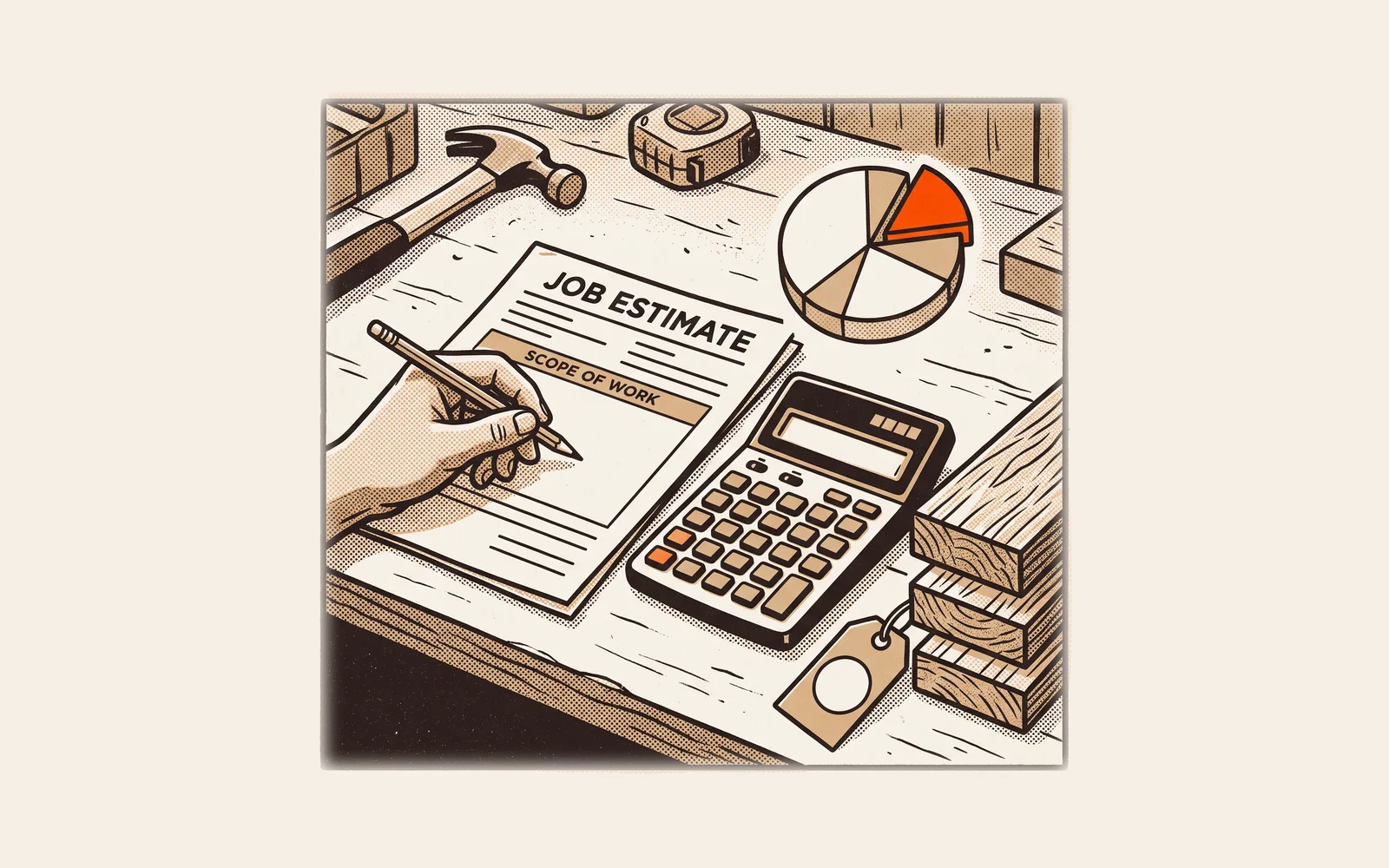
Getting paid on completion starts at the estimate. The most effective single change is to write the payment terms into the quote the homeowner approves. When they sign off on the price, they also sign off on when and how they pay.
Keep the wording plain and confident. You are explaining how your company works, not asking permission. People follow the process you set.
- Put the deposit amount, the final balance, and the payment methods you accept on the estimate itself, above the signature line.
- Use one clear sentence, such as: The remaining balance is due on completion, payable by card or bank transfer.
- Say it out loud when the homeowner signs and again when you confirm the install date, so it is heard as well as read.
- For multi-day or multi-phase jobs, list each payment milestone by what triggers it (for example, cabinets set, drywall finished) rather than by date.
Deposits at signing and the final payment on completion
Most residential jobs follow one structure: a deposit at signing, optional progress payments on longer jobs, and the final balance when the work is done. The final payment is the one that gets stuck.
| Job type | At signing | During the job | On completion |
|---|---|---|---|
| Roof replacement | Deposit to order materials | Usually none on a one or two day job | Balance on final walkthrough |
| HVAC system replacement | Deposit to order equipment | None on a one day install | Balance after startup and walkthrough |
| Plumbing or electrical service call | None | None | Full amount before the tech leaves |
| Panel upgrade or repipe | Deposit to schedule and pull permits | None, or one payment at rough-in | Balance after inspection and walkthrough |
| Kitchen or bath remodel | Deposit to start design and ordering | Progress payments at set milestones | Final payment at punch list sign-off |
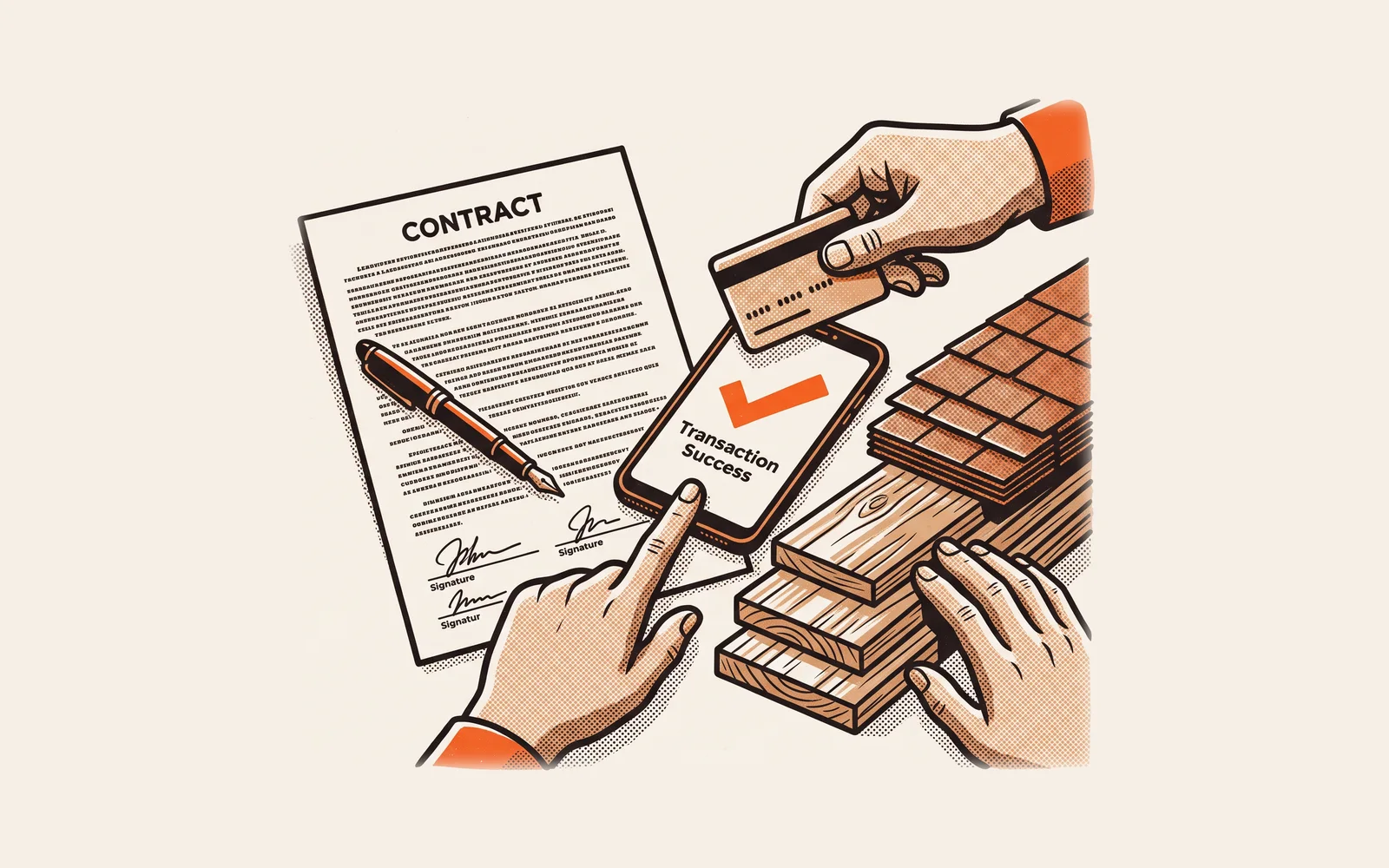
The easiest deposit to collect is the one taken in the same moment as the signature. If the homeowner signs the estimate on an iPad at the kitchen table and pays the deposit on the next screen, the job is committed before you leave the house. For deposit sizing and draw schedules on bigger jobs, see our guide to deposits, draws and stage payments.
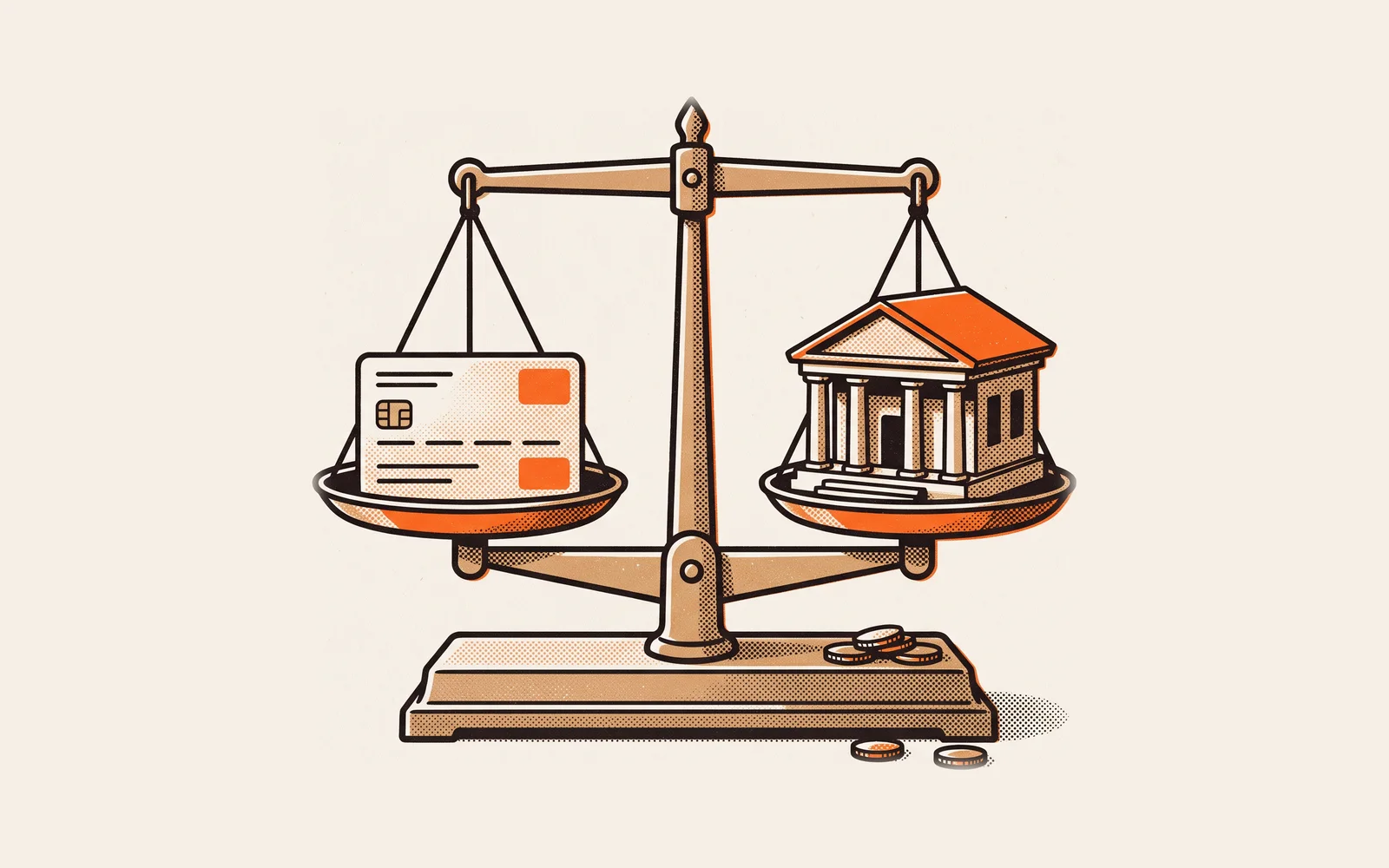
Card vs ACH: speed, cost and who pays the fee
Most homeowners pay by card or bank transfer (ACH), both from a phone. They differ in cost and in how fast the payment confirms.
| Card | ACH bank transfer | |
|---|---|---|
| Homeowner effort | Tap or type a card, done in seconds | Log into their bank or enter account details |
| Typical fee shape | A percentage plus a small fixed fee, with no cap | Usually a lower percentage, often capped per payment |
| Cost on a large balance | Grows with the ticket size | Often much lower because of the cap |
| Confirmation | Authorized on the spot | Can take a few business days to confirm success or failure |
| Best fit | Service calls, smaller balances, homeowners who want card rewards | Large deposits and final balances on replacement and remodel jobs |
To make that concrete with published rates: standard card processing in the US runs about 2.9% + 30¢ per domestic card payment, and ACH debits can take up to four business days to confirm success or failure. Revcore publishes its own rates on the payments page: standard processing rates plus a 0.75% Revcore platform fee, which works out to 3.65% + 30¢ for cards, and for ACH, 0.8% (capped at $5) plus the 0.75% platform fee. Rates differ by processor, so compare the effective cost on your typical ticket, not just the headline percentage.
The math shows why it matters by job size. As an illustrative example at a 3% card rate, a $300 drain call costs about $9 to take by card, which is easy to absorb. A $16,000 roof balance costs about $480 by card. By ACH at Revcore's rates, the same roof balance costs $125 ($5 processing plus a $120 platform fee).
Who pays the card fee?
You have three honest options. You can absorb it as a cost of doing business. You can build it into your pricing so every estimate already covers it, which is the cleanest option because the homeowner never sees a surprise line. In Revcore, Margin Protection does this by default: it marks up each line item proportionally to cover card processing, so you keep your full price. Or you can add a surcharge to credit card payments, which comes with rules. Visa, for example, requires merchants to notify their acquirer 30 days before they begin surcharging and to disclose it to customers, and some states restrict surcharges. If you want to surcharge, check your processor's terms and your state's rules first. Use a markup and margin calculator to see what building the fee into price does to your margin.
The completion walkthrough script
The walkthrough is where payment on completion is won or lost. A homeowner who has seen the finished work and had a chance to raise concerns is ready to pay. Run it the same way on every job.
Schedule it before the crew packs up
When the work is about 30 minutes from done, ask the homeowner to be available. If they are at work, book a quick video call that evening.
Show the work, then the photos
Walk the job together. Point out what they cannot see: the ice and water shield on the roof, the new disconnect on the condenser, the pressure test on the repipe. Before and after job photos do this well for work that is covered up.
Ask for anything that is not right
Ask directly: "Is there anything you want us to look at before we wrap up?" Fix small items on the spot. If something needs a return trip, write it down, set the date, and agree on it together.
Confirm the balance matches the agreement
Show the final amount alongside the approved estimate and any signed change orders. No new numbers should appear here.
Request payment while you are standing there
Send the payment request to their phone or hand them the device. Say it plainly: "Here is the final balance we agreed on. You can pay by card or bank transfer right here." Then wait. Silence is fine.
Close out the job
Once paid, confirm the receipt landed, explain the warranty and what to expect next, and ask whether they would leave a review.
On a remodel where one cabinet door is back-ordered, agree on a small holdback for that item and collect the rest on completion.
When the homeowner wants to pay later
Once terms are on the estimate, pushback gets rare. Have an answer ready for the common patterns.
- "I need to talk to my spouse." Offer a quick call or video walkthrough with the spouse now. If that is not possible, send the payment link with a due date of the next day, not next month.
- "I want to make sure everything works first." Fair on some jobs. Run the HVAC system through a full cycle or show the roof photos, then point to the warranty.
- "Can you just bill me?" Say yes with a short, specific due date that matches your terms, and send the link before you leave the driveway. Most people pay once paying takes one tap.
- "I am waiting on money to come in." Ask when, write the date down together, and set the reminder for that day. A specific date beats an open promise.
Days to cash: what each approach really takes
The table below compares how long the final payment usually takes under common approaches. The day counts are an illustrative example of typical timing, not measured averages. Your payouts depend on your processor, your bank and your homeowners.
| Approach | Homeowner pays | Money in your account | Follow-up needed |
|---|---|---|---|
| Invoice mailed or emailed after the job, paid by check | Days to weeks later | Weeks after the job | Often several calls |
| Invoice emailed after the job with a pay link | Days later | A few business days after they pay | Some reminders |
| Payment requested on site, typical processor payout | Same day | Typically a few business days | Rarely |
| Payment requested on site, card or ACH in Revcore | Same day | 1 to 2 business days, or instant for eligible accounts | Rarely |
The biggest jump is not between processors. It is between asking on site and asking later. Fast payouts then shorten the wait before the money is usable, and eligible accounts can take an instant payout when cash is tight.
What to automate for reminders
Automations are for the minority of jobs that do not pay on site. They keep follow-up consistent without anyone having to remember who owes what.
- Payment request on completion. When the job is marked complete, the invoice and pay link go out by text and email automatically, so nothing waits on someone at a desk.
- A friendly reminder the day before the due date. Short, with the link included. Most late payments are forgotten, not refused.
- A reminder on the due date and a few days after. Same link, a slightly firmer tone, and a reply-to text line that reaches a real person.
- An internal alert when a balance goes past due. The office or the owner gets a task to call, instead of discovering it at month end.
- Stage payment requests on milestones. On remodels and larger jobs, send the next payment link when the milestone is marked done in the job.
Text works better than email for most of this because homeowners read it. Keep every reminder polite, include the amount and the link, and stop the sequence the moment the payment lands.
Make it the default on every job
Treat collection as the last step of the job, not an office task days later. Done means paid.
Start with your next estimate. Add the terms above the signature, take the deposit at signing, and request the balance at the end of the walkthrough. If you want the same idea for service work, see how electricians and plumbers quote and collect faster. A simple invoice template is a good starting point if you are still sending invoices by hand.
Frequently asked questions
Should I take card or ACH for big jobs?
Offer both, and steer large balances toward ACH when the homeowner is comfortable with it. Card fees are usually a percentage with no cap, so they grow with the ticket, while many processors cap ACH fees per payment. Card confirms instantly, so it often suits smaller service tickets.
When should I send the invoice?
Ideally, you should not need to send one after the fact. Request the final payment during the completion walkthrough, while the homeowner is standing in front of the finished work. If they cannot pay on site, send the invoice and payment link before you leave the driveway, with a short due date that matches the terms on the signed estimate.
How fast does the money reach my bank?
Collecting on completion means the homeowner pays on the day of the job. The payout to your bank comes after that. In Revcore, standard payouts land in 1 to 2 business days, and eligible accounts can request an instant payout for a 1% fee. ACH payments can also take a few business days to confirm, and timing depends on the payment type and your bank.
How do I collect a deposit at signing?
Put the deposit amount on the estimate, and have the homeowner sign and pay in the same sitting, ideally on a tablet or their phone. Collecting it in the moment commits the job before second thoughts set in. Deposit limits and cancellation rules vary by state, so check your state's rules and the FTC Cooling-Off Rule for in-home sales.
What if a homeowner refuses to pay on completion?
First find out why. If there is a problem with the work, fix it and collect once it is resolved, or collect the undisputed part now. If it is timing, agree on a specific date and set an automated reminder for it. Keep notes, photos and the signed estimate in case it becomes a dispute.
Further reading: the FTC's Cooling-Off Rule page covers cancellation rights for in-home sales.
Written by the Revcore team. Reviewed by Hayden Mitchell, founder of Revcore Pro, who closed $3.5M of home improvement door to door and helped scale a contractor from $1M to $10M.