
Frame 12 / 47
●Photo Documentation
Stop emailing photo albums and losing job documentation in your camera roll. RevCore Pro ties photos to every job automatically, creates client-visible progress timelines, and gives you a library that proves the value of your work.
14-day free trial · No credit card · Cancel anytime
Auto-organized by job · Client-visible gallery · Video support · CompanyCam import
GPS
Server-verified at upload on Pro and Scale
0h
Manual photo organizing
100%
Tied to the job record
02/Why it works
01captures
Every photo taken on the job links to that job record automatically. No manual filing. Before/after pairs generated without extra steps.
02timeline
Your client portal shows a progress timeline of photos so homeowners always know what is happening on site — without calling you.
03library
Pull before/after photos directly into your sales presentation slides. Your historical library becomes your best salesperson.
03/Verification
Step through the same Henderson re-roof on three different days. Each photo is captured, GPS-checked against the job address on our servers, and SHA-256 hashed at upload — no live-location tracking, no driving telemetry, no continuous background reads.
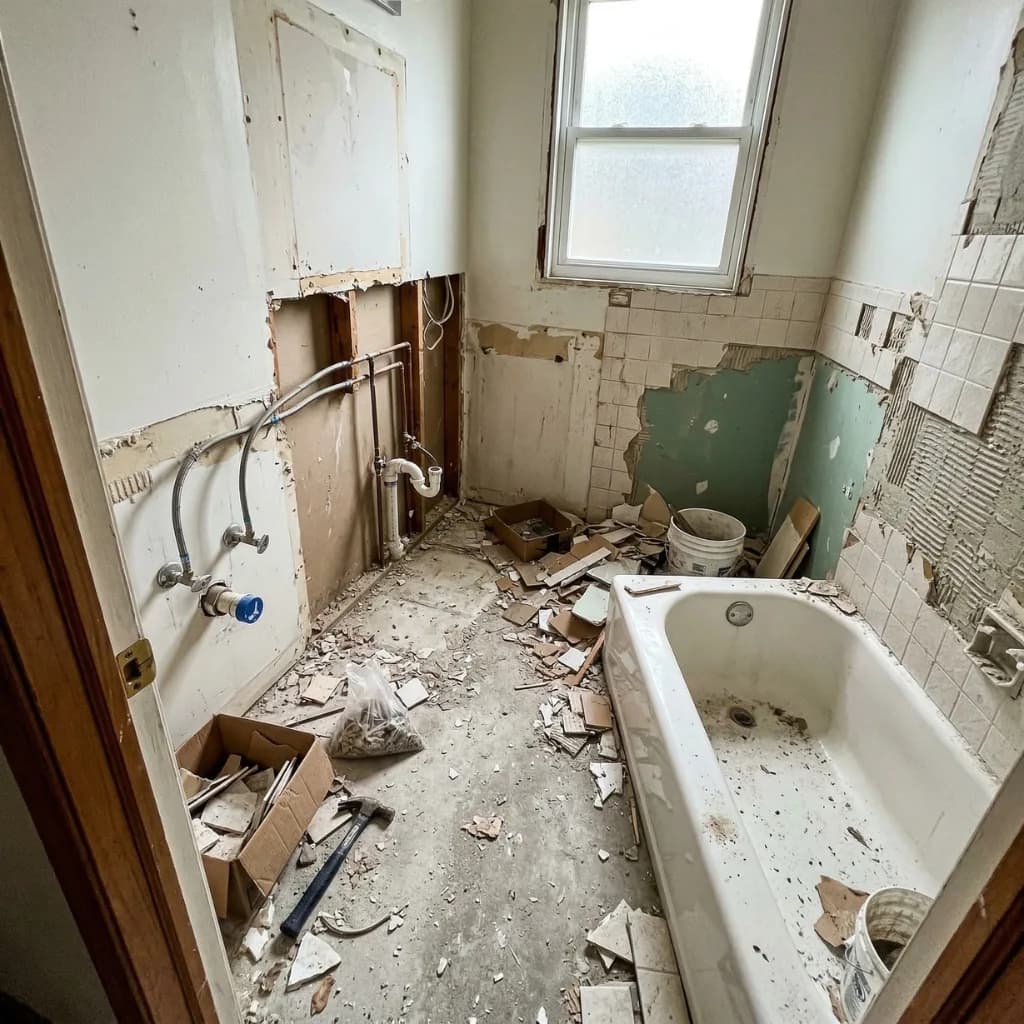
Apr 22 · 7:14:22 AM PDT
Photo provenance record
v.1
Pro & Scale plans · GPS captured at clock events + photo uploads only
No live-location map · No background telemetry
04/Audit pair
Day 0 against Day 4. Same GPS bucket, same job, two file hashes. The audit-pair proves a roof was replaced — not just that the crew was on the property.
Apr 22 · 7:14 AM PDT
Apr 26 · 3:48 PM PDT
Diff · server-computed
Verified replacement
05/Slider
The same Henderson re-roof, four days apart. The audit pair above is what an insurance carrier sees. This is what Margaret sees when she opens the client portal.
Henderson re-roof · JOB-2046 · 312 W Coastline Dr
34.1466° N · 118.1445° W
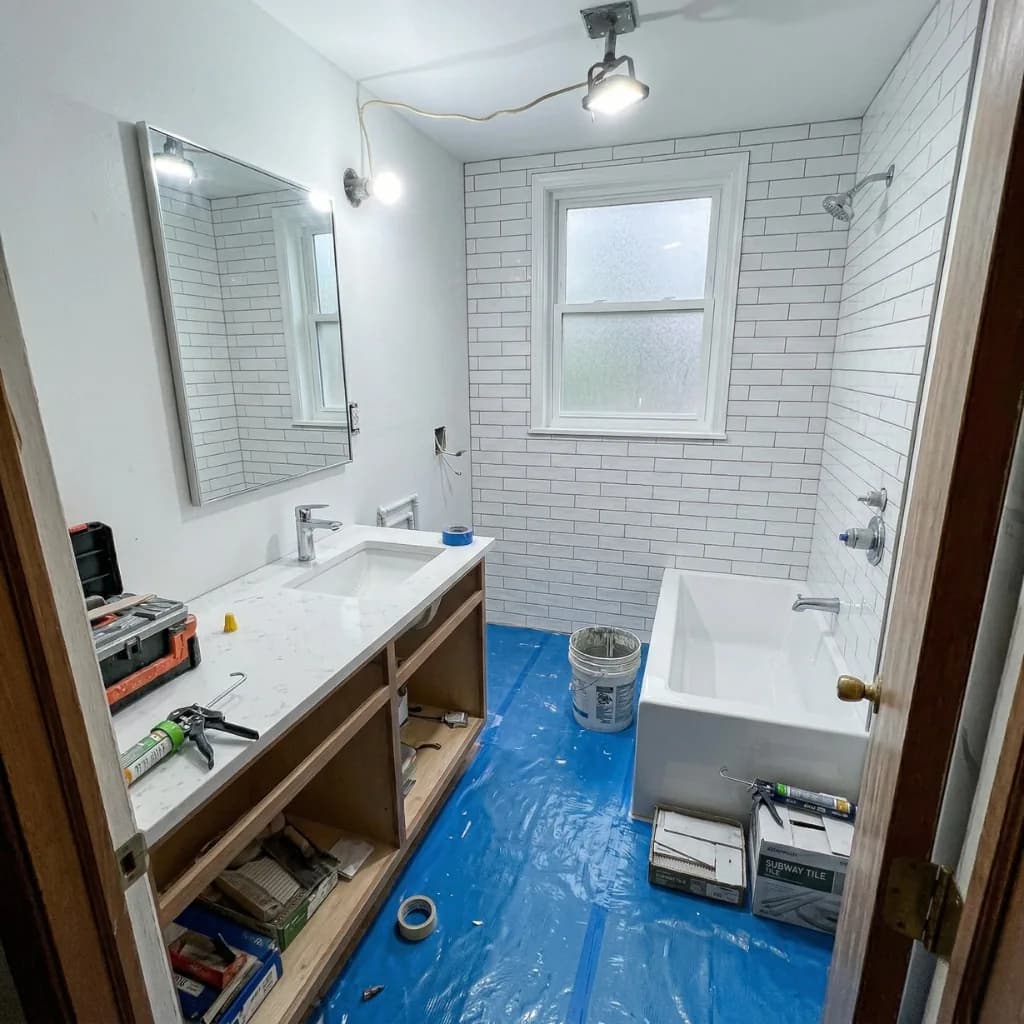
Day 0 · April 22 · 7:14 AM PDT
Day 0 inspection — granule loss across the south slope, ridge cap lifting, drip edge corroded.
Day 4 · April 26 · 3:48 PM PDT
Day 4 final walkthrough — architectural shingle field, fresh ridge venting, new drip edge, same roofline.
06/Timeline
Every photo your crew uploads in the field threads onto the homeowner’s private timeline. Margaret watches the job progress, leaves comments, and takes the whole packet home as a PDF when the job closes — no app to download.
Day 0
Apr 22
Crew on site · Inspection
Existing roof inspection. Granule loss documented across the south slope.
Tech note
Marcus R. flagged three areas where underlayment is exposed. Confirmed the original $48,200 scope holds — no change order needed.
“Thanks for the photos — appreciate the head‑up before we head out for the weekend.”
Day 1
Apr 23
Tear-off complete
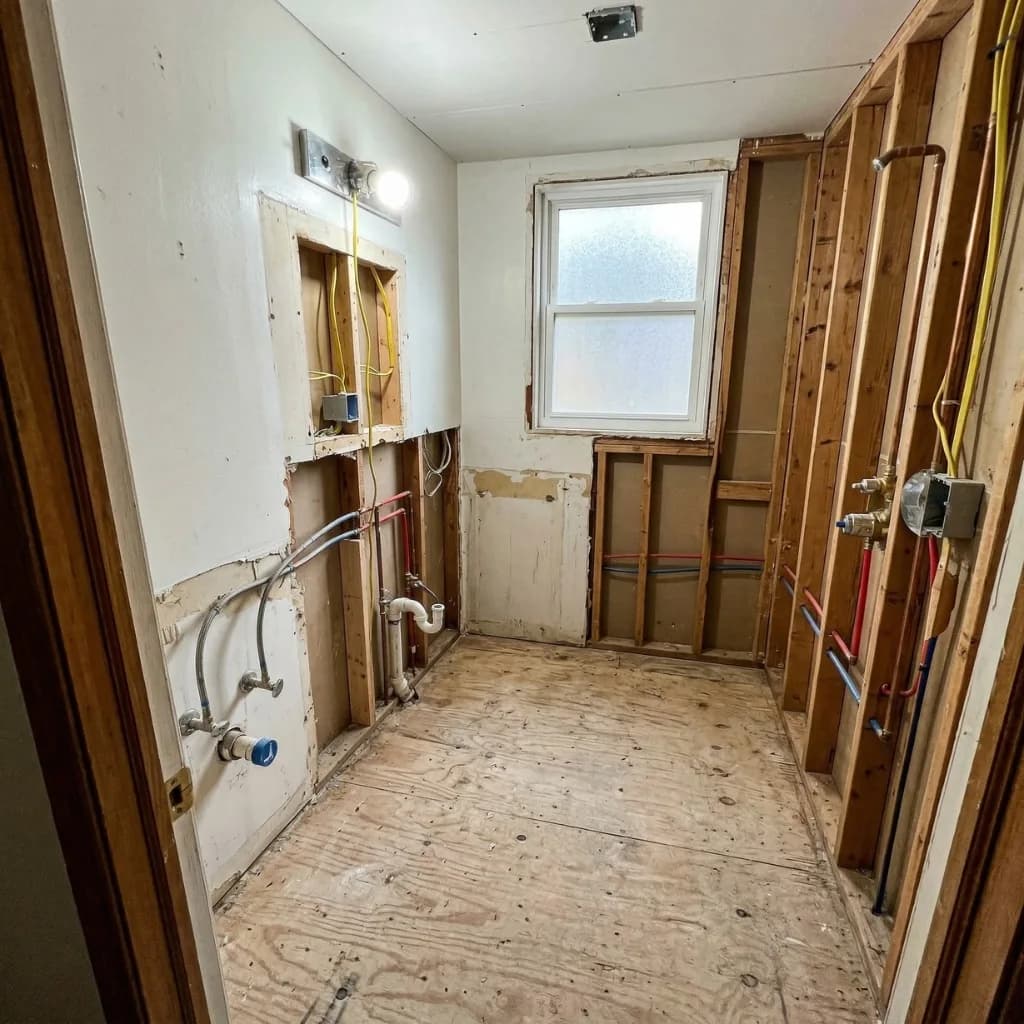
Full tear‑off down to deck. Sheathing inspected; no rot found.
Tech note
Decking is solid throughout. Drip edge and ice & water shield staged for tomorrow morning.
Day 3
Apr 25
Underlayment + drip edge
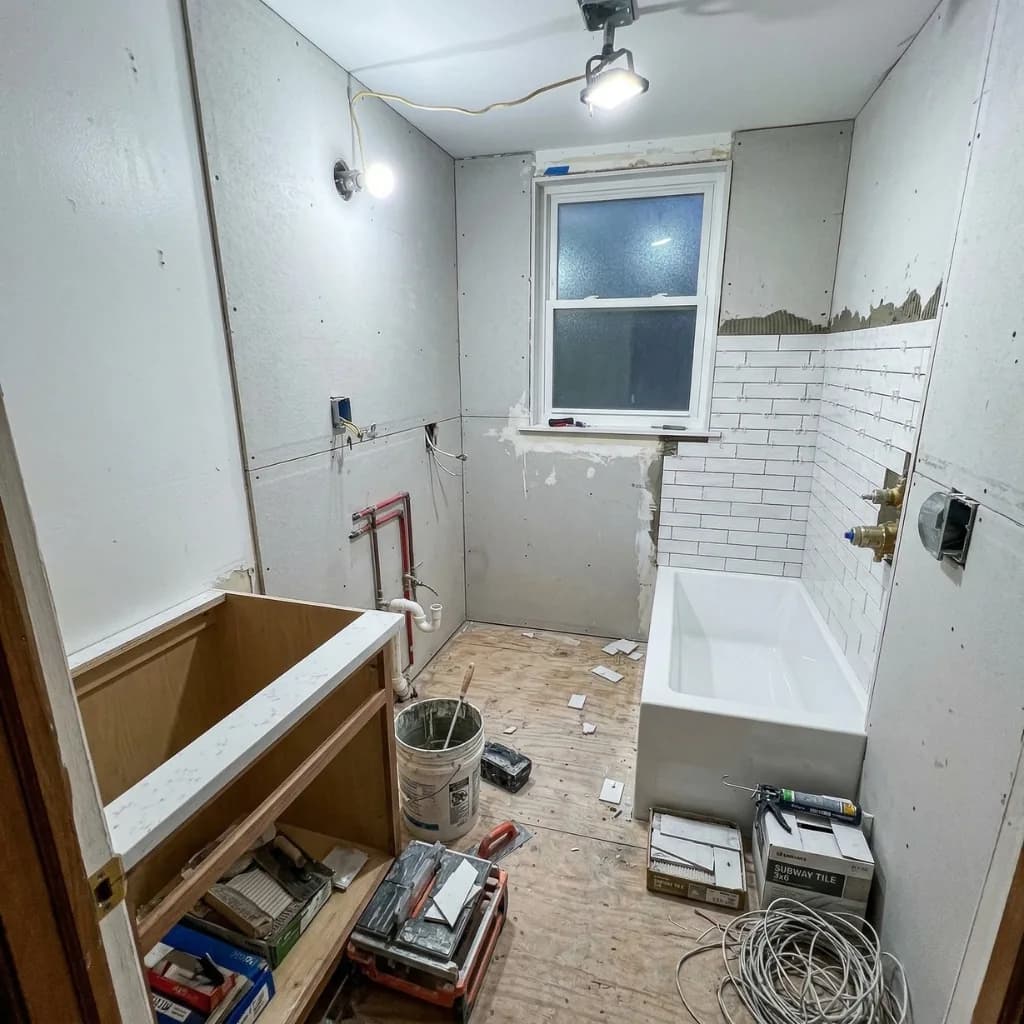
Ice & water shield installed at eaves and valleys. Synthetic underlayment fully laid.
Tech note
Architectural shingles arriving 7am tomorrow. Crew of 3 scheduled.
Day 4
Apr 26
Final walkthrough
Architectural shingles, ridge venting, and new flashing complete.
Tech note
Walkthrough complete. Final invoice + warranty packet attached to job record.
“Looks fantastic — going to leave you a five‑star review tonight. Thank you, Marcus & Diego.”
Homeowner access via private link · One-time code · No account required
04/By the numbers
∞
Photos and videos. No storage cap on any plan.
0h
Time spent manually organizing photos
4 stages
Job stages tracked with photos per job
100%
Photos searchable by job, date, and tag
06/How it works
— Just automatic, client-visible, and always attached to the right job
On-site verification
When a crew member attaches a photo to a job, the device's location at that moment is captured and verified server-side against the job-site address. The homeowner sees an "On site" badge on the photo in their portal. The coordinates live on the photo record itself, not the device — tamper-evident, with no continuous background tracking on any plan.
Auto-organization
Every photo is tagged to the active job the moment it's captured — no folders, no renaming, no emailing yourself images. Job-stage labels (Before, During, Punch List, Final) sort the timeline automatically, and an unlimited storage cap on every plan means the historical library that sells your next job grows without a counter.
07/How we compare
CompanyCam charges $49–$99/mo depending on user count and does not include quoting, CRM, or sales presentations. RevCore Pro replaces CompanyCam entirely.
Put it to work
Open the trial, import your customers and price book, and run a real estimate today. Every feature you just read about is live for fourteen days. No credit card required.
14-day free trial · No credit card · Cancel anytime
Also ask about RevCore on
09/The full platform